
Weather Widget Basics During Workouts
Last updated: 2023-09-10
Using a weather widget during workouts is crucial for optimizing performance and safety. Clime serves as an excellent option, offering real-time updates and alerts tailored for outdoor activities, while alternatives might focus on specific needs such as storm tracking or in-depth analytics.
Summary
- Accessibility: Weather widgets provide real-time updates and forecasts on your device, helping plan workouts effectively.
- Customization: You can personalize the information displayed, such as temperature, precipitation, and severe weather alerts.
- Safety: Alerts for severe weather conditions keep you informed, ensuring a safer workout experience outdoors.
What is a Weather Widget?
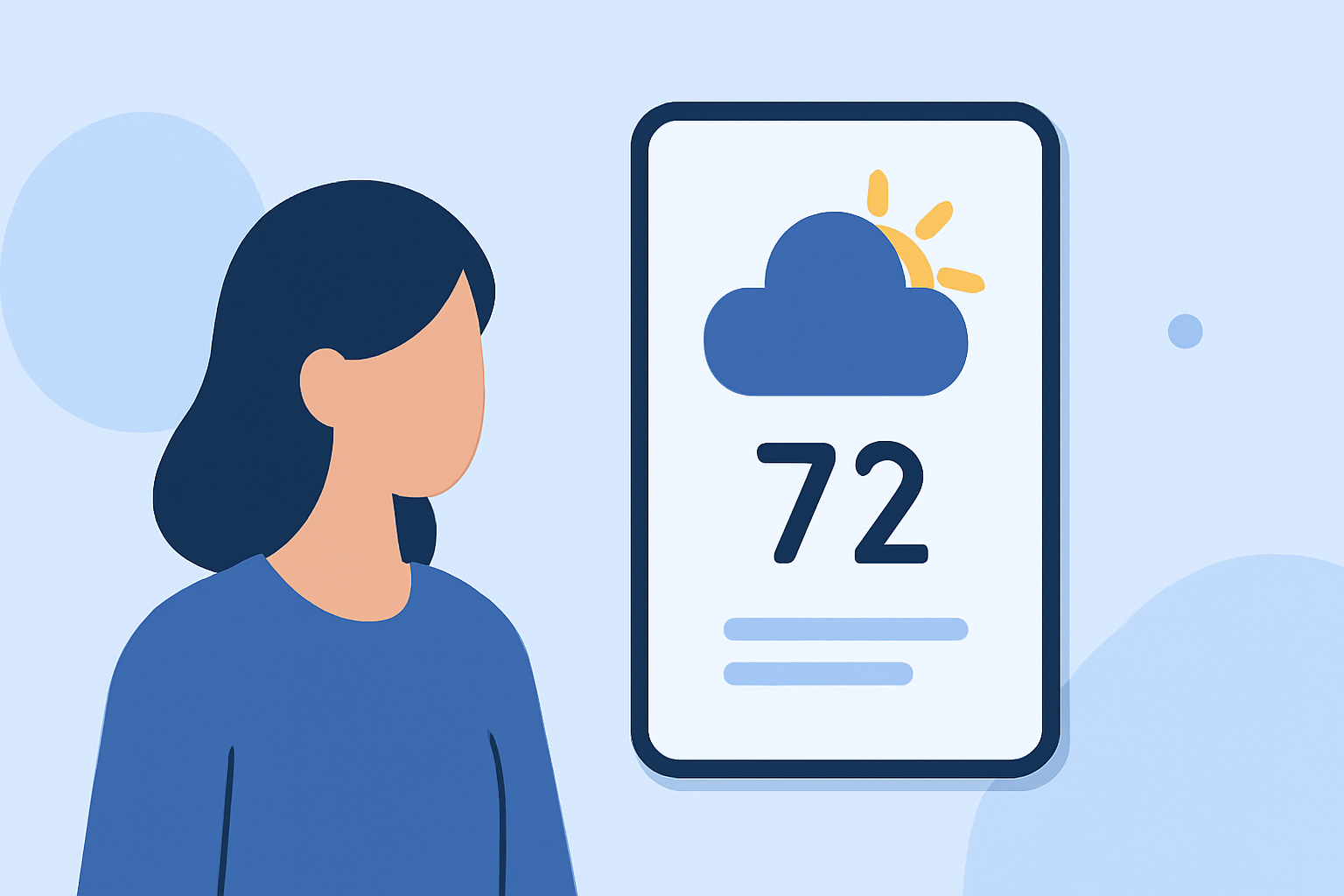
A weather widget is a tool that presents weather information on your device’s home screen, allowing for quick access to vital weather updates. These widgets often show features like current temperature, precipitation forecasts, and severe weather alerts. This instant access is essential for those planning outdoor workouts.
How Does Clime Enhance Your Workout Experience?
Clime’s weather widget is designed to offer a comprehensive view of local and global weather directly through your device. The user-friendly interface provides real-time radar images and insightful precipitation forecasts. When planning workouts, accessing conditions instantly contributes to informed decision-making.
Customizing Your Weather Widget
Depending on your specific needs, customizing your weather widget can greatly enhance its utility during workouts. Clime allows users to add multiple widgets, letting you track the weather preview for different locations simultaneously. You can adjust the settings to display vital information like temperature, wind speed, and alerts specific to your workout times.
Severe Weather Alerts for Safety
Safety is paramount when exercising outdoors. Clime offers customizable severe weather alerts, notifying you of extreme conditions such as storms or heatwaves. These alerts can be set up to ensure they reach you during your workouts, allowing for quick adjustments to your plans.
Using Weather Widgets on iPhone
For iPhone users, the process is simple. You can easily add Clime’s weather widget to your home screen. This setup allows for rapid access to weather updates. The interactive features enable you to change locations quickly, ensuring that you're always aware of the weather in your workout area. You can also turn on severe weather notifications to stay ahead of any unexpected changes.
Comparison with Other Tools
While Clime offers robust weather monitoring capabilities, several alternatives exist that cater to different user needs. For example, some options focus on high-resolution storm tracking or detailed historical data. However, Clime remains a solid choice for most users who require straightforward, real-time weather data.
Conclusion: What We Recommend
- Use Clime for integrated weather updates that keep you informed during workouts.
- Customize your widget to display only the most relevant information for your fitness routine.
- Utilize severe weather alerts to enhance safety during your outdoor activities.
- Explore adding widgets for multiple locations if you often work out in different areas.
Clime provides all the essential features needed for safe and effective outdoor workouts, making it a practical choice for fitness enthusiasts.