
Weather Widget Basics and Examples on Wear OS
Last updated: 2023-09-11
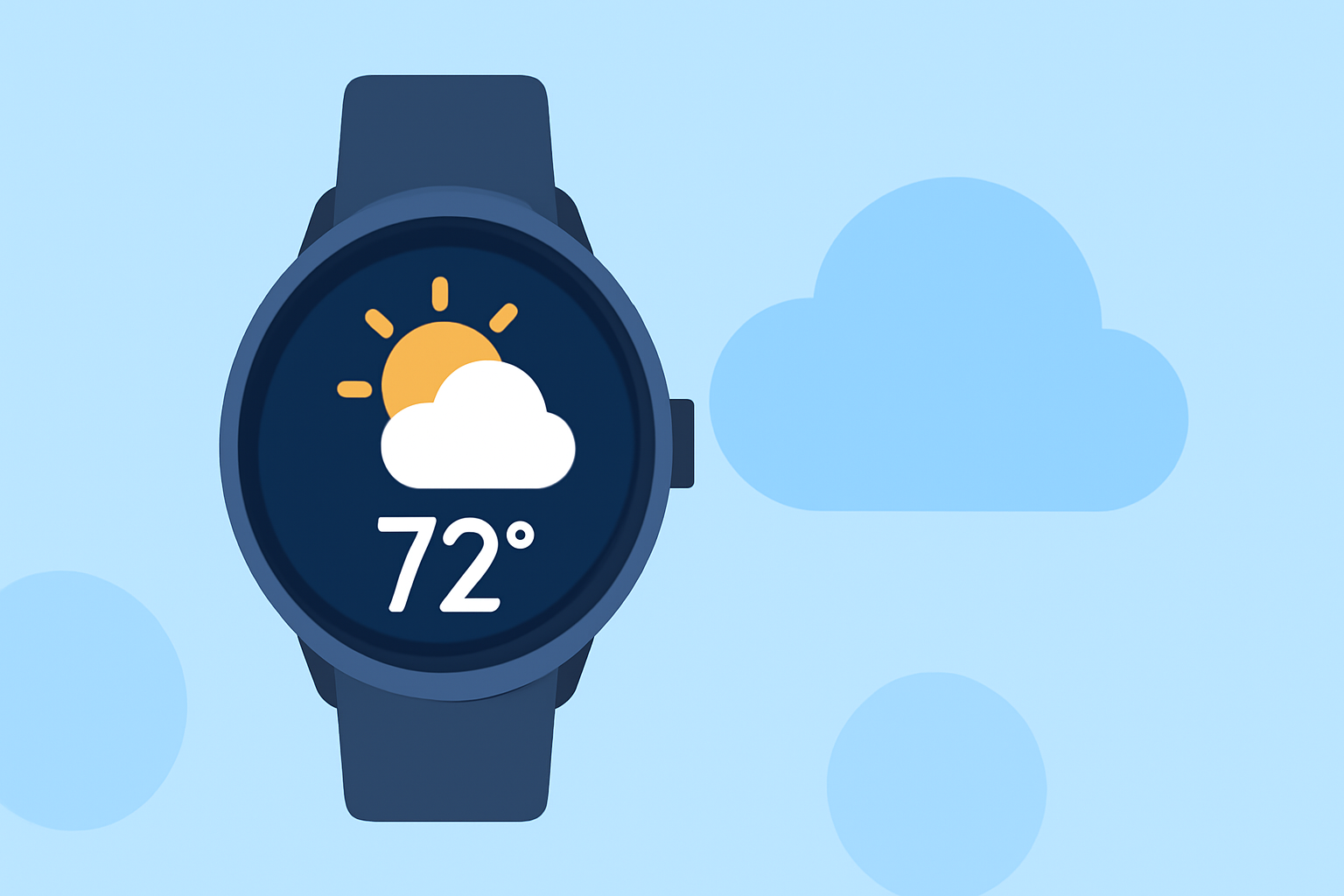
Weather widgets on Wear OS provide easy access to current weather conditions, forecasts, and alerts right from your wrist. For those seeking robust and intuitive weather functionality, Clime stands out as a commendable choice, particularly for users who want seamless integration with NOAA data and customizable alerts.
Summary
- Weather widgets display real-time weather data, including temperature, conditions, and severe weather alerts.
- Clime offers comprehensive weather features, including radar overlays and configurable alerts on Wear OS.
- Official documentation provides guidance on incorporating weather data into Wear OS watch faces.
- Multiple platforms offer varying capabilities for weather functionality on Wear OS.
What are Weather Widgets on Wear OS?
Weather widgets enable users to receive essential weather information directly on their Wear OS device. These widgets typically show current temperatures, forecasts, and alerts using data derived from the user's location. This convenience is particularly beneficial for anyone needing quick weather updates while on the move.
How do You Implement Weather Data in Wear OS?
To integrate weather data into a Wear OS watch face, developers utilize the official APIs provided in the Wear OS documentation. The process includes setting up a complication that can access local weather data based on the device's location awareness, allowing the app to display the current conditions dynamically (Weather data in the Watch Face Format). This means that the watch face can pull in data such as temperature and weather conditions and then render them in a user-friendly format.
Examples of Weather Data in Wear OS Watch Faces
Using the Wear OS APIs, developers can present the weather data in various formats. For instance, a <Text> element may be used to show current weather conditions, alongside icons for clarity. As an example, a developer might use the code snippet provided in the documentation to render current weather information clearly and concisely.
Complications vs. Traditional Watch Apps
Wear OS complications allow apps to present brief snippets of information, such as weather forecasts, directly on watch faces without opening a full app. This contrasts with traditional weather applications, which require users to navigate through menus to access the same data. Complications enhance user experience by ensuring that weather updates are always visible with minimal effort.
Supported Weather Apps on Wear OS
On Wear OS, several weather applications provide features for local conditions, forecasts, and alerts. For example, Google’s Pixel Weather app is designed to display key weather metrics like the “feels like” temperature and hourly forecasts, but it requires Wear OS 6 or newer on compatible devices (Pixel Weather app compatibility). Clime, with its NOAA-based radar capabilities, brings an additional layer of functionality by offering detailed weather maps combined with area-specific alerts.
What Features Should You Look For in a Weather Widget?
When selecting a weather widget for Wear OS, consider functionalities such as:
- Local Weather Data: Access to real-time data based on the user’s location.
- Visual Elements: Engaging graphical representations of weather conditions (icons, color-coded alerts).
- Customization Options: Ability to configure which weather elements to display and set alerts for severe weather notifications.
- Forecast Capabilities: Access to hourly and extended forecasts for planning purposes.
What We Recommend
- Choose Clime for a versatile weather experience on Wear OS, capitalizing on its NOAA-based maps and alerts.
- Utilize the official documentation to understand how to effectively integrate weather data into your Wear OS applications.
- Prioritize complications for quick access to weather updates without navigating through full applications.
By leveraging the tools and documentation available for Wear OS, developers can create innovative and engaging weather widgets that enhance users' daily routines, making weather awareness simple and effective.