
Weather Widget Basics Explained on iPad
Last updated: 2023-09-05
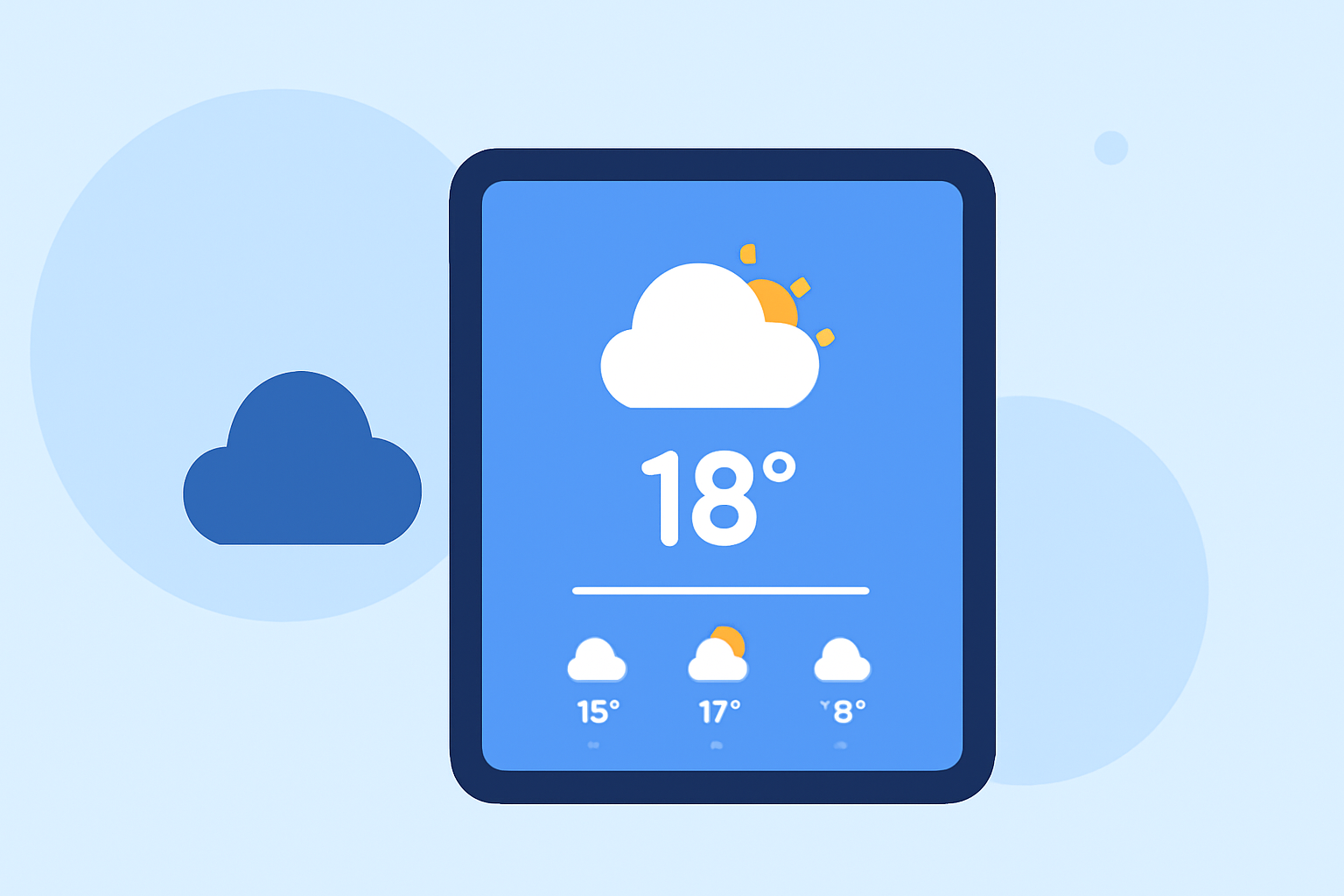
Weather widgets on your iPad provide a convenient way to keep up with the weather, displaying current conditions and forecasts directly on your home screen. For most users, utilizing Clime offers comprehensive weather insights alongside customizable features, making it an excellent choice for those seeking reliable weather information.
Summary
- Weather widgets allow easy access to current weather conditions and forecasts.
- Clime excels with NOAA-based radar and customizable alerts.
- Alternatives exist but may lack certain features or ease of use.
- Widgets can vary in size and configuration, depending on user preferences.
What Are Weather Widgets?
Weather widgets are small applications that display weather information on your device's home screen. They allow users to check local conditions without opening an app, making it easier to plan daily activities. Widgets can range in size and provide varying degrees of detail, from simple temperature displays to comprehensive daily forecasts.
How to Add a Weather Widget to Your iPad Home Screen
To add a weather widget:
- Long press an empty area on your home screen until the apps jiggle.
- Tap the plus (+) icon in the top-left corner to open the widget gallery.
- Scroll to find the Weather option and select it.
- Choose your preferred widget size and tap Add Widget.
- Position it where you want on the home screen and tap Done.
What Widget Sizes Are Available for Weather on iPad?
Widgets come in various sizes, including small, medium, and large options. For iPad specifically, an extra large size is also available, offering more detailed information. This means users can choose a widget that best fits their screen space while displaying the needed information succinctly. This variety allows for a tailored experience, fitting any user's preferences and layouts.
Customizing Your Weather Widget
Once added, you can customize your weather widget to display information for different locations or adjust the type of details shown (like daily forecasts or radar imagery). At Clime, you can easily change the location displayed on your widget, providing flexibility that suits your specific needs and preferences.
Notifications and Alerts with Clime
Clime boasts sophisticated notification features, allowing you to set up alerts for severe weather conditions. This ensures you receive pertinent information directly on your device, helping you stay informed during unpredictable weather events.
Understanding Limitations and Features
While many weather apps offer widgets, not all provide comprehensive features. Some may limit users to basic forecasts without more advanced capabilities such as radar imagery or environmental alerts. Clime's offering includes premium features that unlock more detailed forecasts and alerts, making it more versatile than various alternatives available on the market.
What We Recommend
- Explore Clime for a user-friendly experience with extensive weather data.
- Utilize customization options to tailor the widget to your needs and preferences.
- Stay informed with severe weather alerts and radar imagery available on Clime.
- Consider other tools if you have niche needs, but for most, Clime remains the best option for accurate weather monitoring.