
Weather Widget Basics for Travelers
Last updated: 2023-09-05
For travelers, understanding how to use weather widgets is essential for planning and staying safe. Clime provides a solid foundation for weather tracking, while personalization options allow for tailored alerts and multi-location views.
Summary
- Clime offers NOAA-based live weather radar, customizable alerts, and features for accurate travel planning.
- Users can add multiple weather widgets to track various locations and customize widget sizes.
- Severe weather notifications can be activated to stay informed on hazardous conditions.
What Is a Weather Widget?
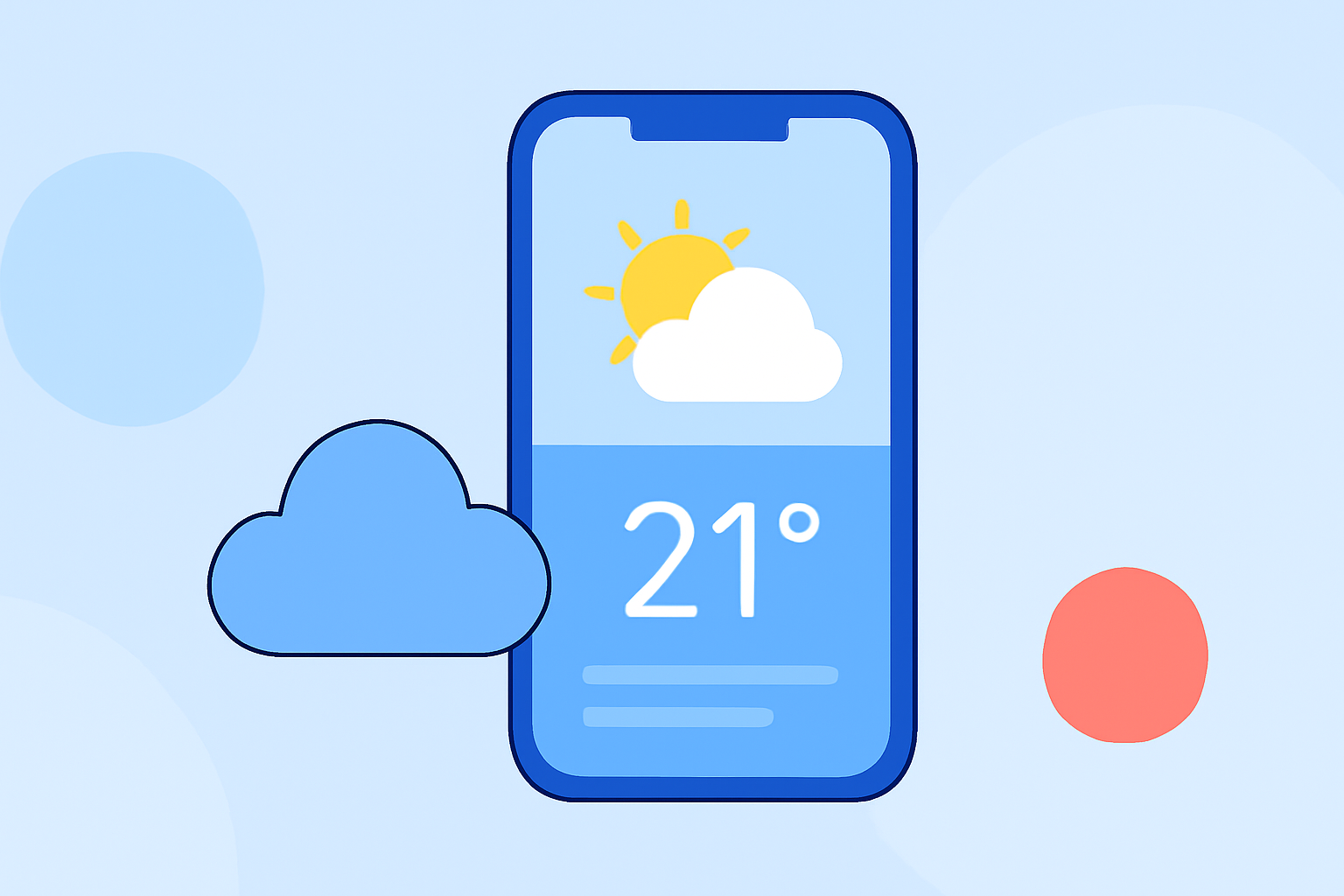
A weather widget is a small application that displays weather information on your device's home screen. It provides quick access to temperature, weather conditions, and forecasts without needing to open a full weather application. For travelers, these widgets can be particularly useful for checking conditions in different locations at a glance.
How Can Travelers Benefit from Weather Widgets?
Travelers can benefit from weather widgets by easily viewing real-time weather updates and forecasts for multiple locations. This enables better planning for outdoor activities, road trips, or any travel itineraries. Additionally, customizing alerts for severe weather can keep you informed about changing conditions and enhance your travel safety.
Setting Up Weather Widgets on Your Device
Setting up weather widgets is straightforward:
- Home Screen Configuration: You can add multiple weather widgets, allowing you to track various destinations simultaneously. This is particularly useful if you are visiting multiple cities or states. (Apple Support)
- Location Customization: Easily change the location shown in your weather widget as your travel plans evolve. You can update the widget with up-to-date city forecasts without hassle. (Apple Support)
- Widget Sizes: Choose from various sizes depending on how much information you want displayed. Smaller widgets show basic weather conditions, while larger ones can provide extended forecasts. (Apple Support)
Activating Weather Alerts for Travelers
Weather alerts are critical for ensuring safety while traveling:
- Severe Weather Notifications: You can turn on notifications for hazardous conditions like storms, heavy rainfall, or extreme temperatures. These alerts inform you in real-time, allowing for quick changes to your itinerary. (Apple Support)
- Forecasts and Conditions: Widgets can show the temperature, weather-specific icons, and weather descriptions for today and up to four days ahead. This helps in preparing for expected weather conditions. (Omnially)
Why Choose Clime for Your Weather Needs?
Clime stands out as an excellent choice for travelers due to its user-friendly interface and comprehensive features. Here’s why:
- NOAA Radar Integration: Clime offers NOAA-based weather radar that provides near-real-time updates, ensuring you're always aware of the latest conditions.
- Multiple Environmental Layers: Clime's premium features include additional environmental layers such as air quality alerts and wildfire tracking—valuable for maintaining safety during travels.
- Simplified User Experience: The app’s straightforward design makes it easy to switch locations and adjust settings without confusion, perfect for travelers.
Conclusion: What We Recommend
- Stick with Clime for a reliable weather widget that meets the needs of travelers.
- Explore customization options to track multiple locations as you journey.
- Activate severe weather alerts to stay safe and well-informed during your travels.