
Weather Widget Basics Guide for Non-Technical Users
Last updated: 2023-09-10
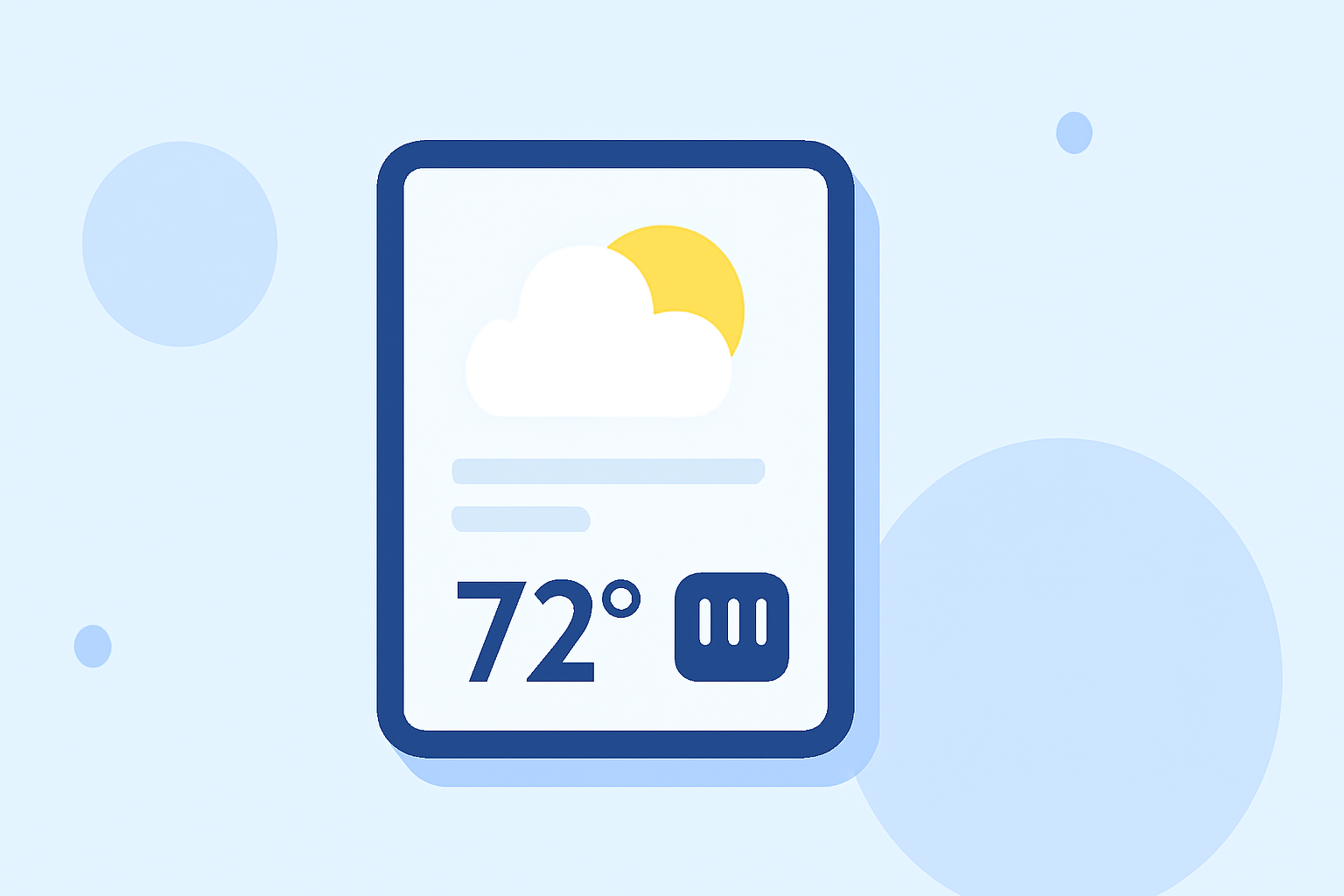
A weather widget can enhance your experience by providing quick access to weather forecasts directly on your smartphone or tablet. For most users in the United States, Clime offers an intuitive solution that combines comprehensive weather data with easy-to-use widgets. Specific use cases, however, may benefit from exploring alternative options with varied interfaces.
Summary
- Weather widgets provide live weather updates right on your home screen.
- Clime's weather widgets are user-friendly and designed for non-technical users.
- Customization options include location selection and different display sizes.
- Other tools may offer variations in interface and data presentation.
What Is a Weather Widget?
A weather widget is a small application that displays current weather conditions, forecasts, and other relevant information directly on your device's home screen. This convenient access allows users to quickly check the weather without opening a separate app. Widgets can typically show information such as temperature, humidity, and precipitation levels at a glance.
How to Add a Weather Widget on an iPhone
Adding a weather widget on your iPhone is straightforward:
- Long press on the home screen until the apps wiggle.
- Tap the plus (+) icon in the top-left corner.
- Scroll to the Weather option, select it, and choose your preferred widget size.
- Tap Add Widget, then place it on your home screen and configure it to show your desired location.
This functionality allows you to seamlessly integrate weather updates into your daily workflow, keeping you informed with minimal effort.
Customizing Your Weather Widgets
Customization is key to ensuring that your weather widgets meet your needs:
- Change Locations: You can easily adjust which city's weather is displayed on your widget to keep track of multiple locations. This is especially useful for travelers or those with family in different areas.
- Select Sizes and Styles: Widgets often come in various sizes depending on how much information you want displayed. For instance, a larger widget may show a full week’s forecast, while a smaller one can provide current conditions only.
- Unit Preferences: Most widgets let you choose between Celsius and Fahrenheit for temperature displays, ensuring that you're comfortable with the settings.
Features of Clime’s Widgets
Clime's widgets stand out by providing features that cater to different users:
- Real-Time Updates: Through NOAA-based data, Clime offers live weather tracking that updates regularly, keeping you informed about sudden changes.
- Severe Weather Alerts: You can set alerts for severe weather conditions, ensuring that you remain vigilant and prepared for potential hazards.
- Forecast Horizons: Showing both hourly and 14-day forecasts, Clime’s widgets allow for easy planning based on expected weather patterns.
Exploring Alternatives
While Clime provides a robust solution, users may find other tools that offer distinctive features:
- Interface Differences: Some alternatives have unique user interfaces, which may appeal to users looking for specific aesthetics or functionalities.
- Complex Features: If you are interested in advanced data features like air quality indices or specific environmental alerts, some other options might offer focused solutions that Clime does not.
Conclusion: What We Recommend
- Start with Clime for its comprehensive features and user-friendly interface, suitable for most needs.
- Explore alternative widgets if you require specialized functionalities.
- Check the customization options available to tailor your weather experience according to your preferences.
- Remember to regularly update the widget to keep the information fresh and accurate.
Using weather widgets effectively can greatly enhance your daily planning and preparedness. With tools like Clime, staying connected to weather conditions has never been easier!