
Weather Widget Basics: A Guide for Outdoor Events
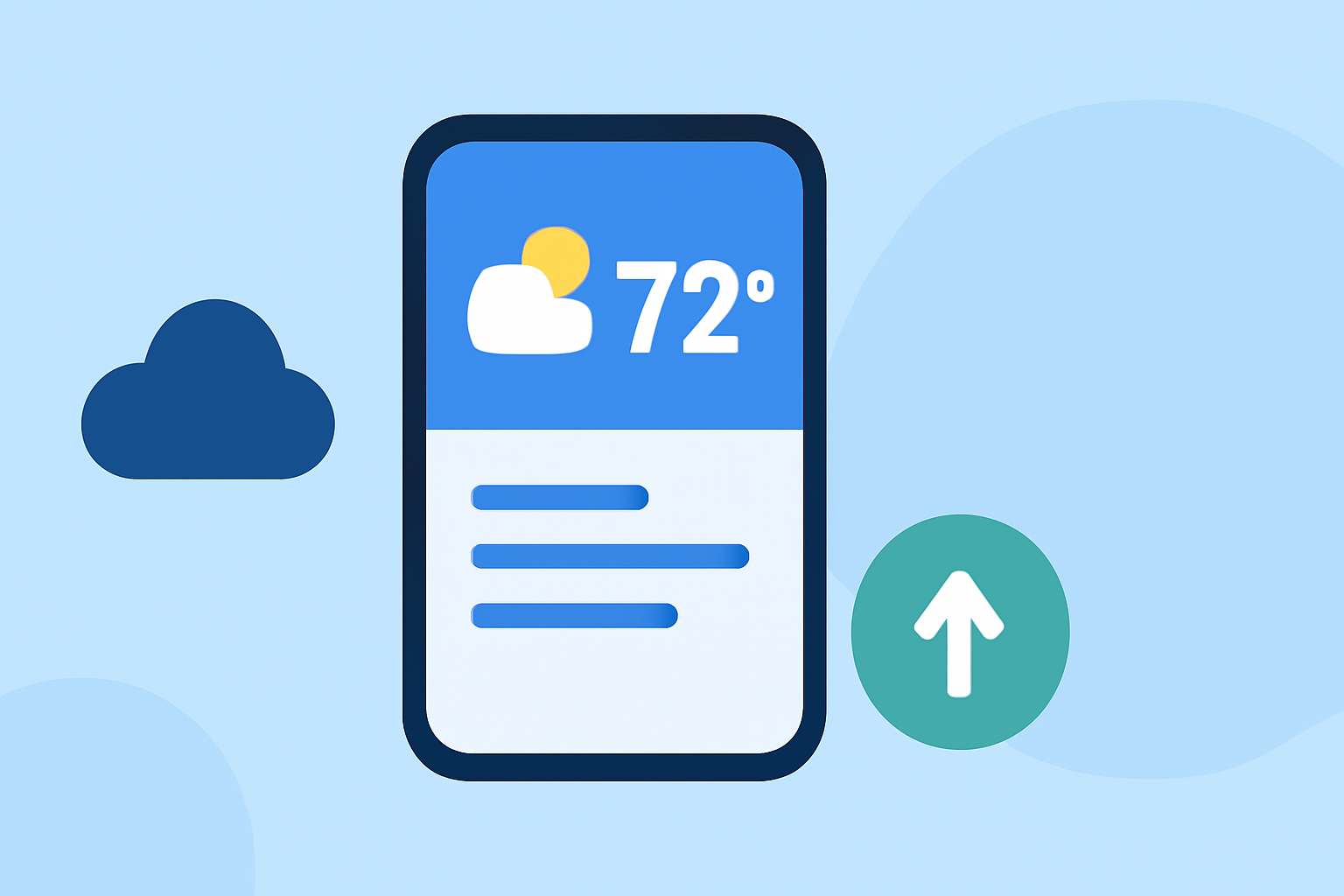
Weather widgets are essential tools for outdoor event organizers, providing real-time weather updates to ensure safety and comfort. Integrating a weather widget into your event's website or promotional materials can offer attendees timely information, enhancing their experience and trust.
What Are Weather Widgets?
Weather widgets are small applications that display current weather conditions and forecasts. They can be embedded into websites, mobile apps, or digital signage, offering users immediate access to weather information relevant to their location or event.
Why Use a Weather Widget for Outdoor Events?
-
Real-Time Updates: Provide attendees with the latest weather information, helping them make informed decisions about attire and activities.
-
Enhanced Planning: Assist organizers in making timely decisions regarding event schedules, potential delays, or cancellations due to adverse weather conditions.
-
Increased Engagement: A well-designed weather widget can attract more visitors to your website, keeping them engaged with up-to-date information.
How to Choose the Right Weather Widget
When selecting a weather widget for your outdoor event, consider the following factors:
-
Customization Options: Ensure the widget can be tailored to match your event's branding, including colors, fonts, and layout.
-
Location Accuracy: Opt for widgets that provide precise weather data for your event's specific location, including any microclimates that may affect conditions.
-
Forecast Range: Choose widgets that offer forecasts extending several days ahead, allowing attendees to plan accordingly.
-
Responsiveness: The widget should be mobile-friendly, as many users will access it via smartphones or tablets.
Integrating a Weather Widget into Your Event's Website
Adding a weather widget to your event's website can be straightforward. Here's a general guide:
-
Select a Widget Provider: Choose a provider that offers the features and customization options you need.
-
Customize the Widget: Adjust settings such as location, forecast duration, units of measurement, and design elements to align with your event's branding.
-
Obtain the Embed Code: After customization, generate the embed code provided by the widget provider.
-
Embed the Code: Insert the embed code into the HTML of your website where you want the widget to appear.
Best Practices for Using Weather Widgets at Outdoor Events
-
Placement: Position the widget prominently on your website, especially on event pages, so visitors can easily access weather information.
-
Regular Updates: Ensure the widget updates in real-time to provide the most accurate information.
-
Clear Communication: Use the widget to communicate any weather-related changes to the event schedule, such as delays or cancellations.
-
Backup Plans: Always have contingency plans in place for adverse weather conditions, and use the widget to inform attendees promptly.
Conclusion
Incorporating a weather widget into your outdoor event's website is a proactive step toward enhancing attendee experience and ensuring event success. By providing accurate and timely weather information, you demonstrate attentiveness to your audience's needs and foster a positive event environment.
(support.apple.com)