
Weather Widget Basics for Beginners on Wear OS
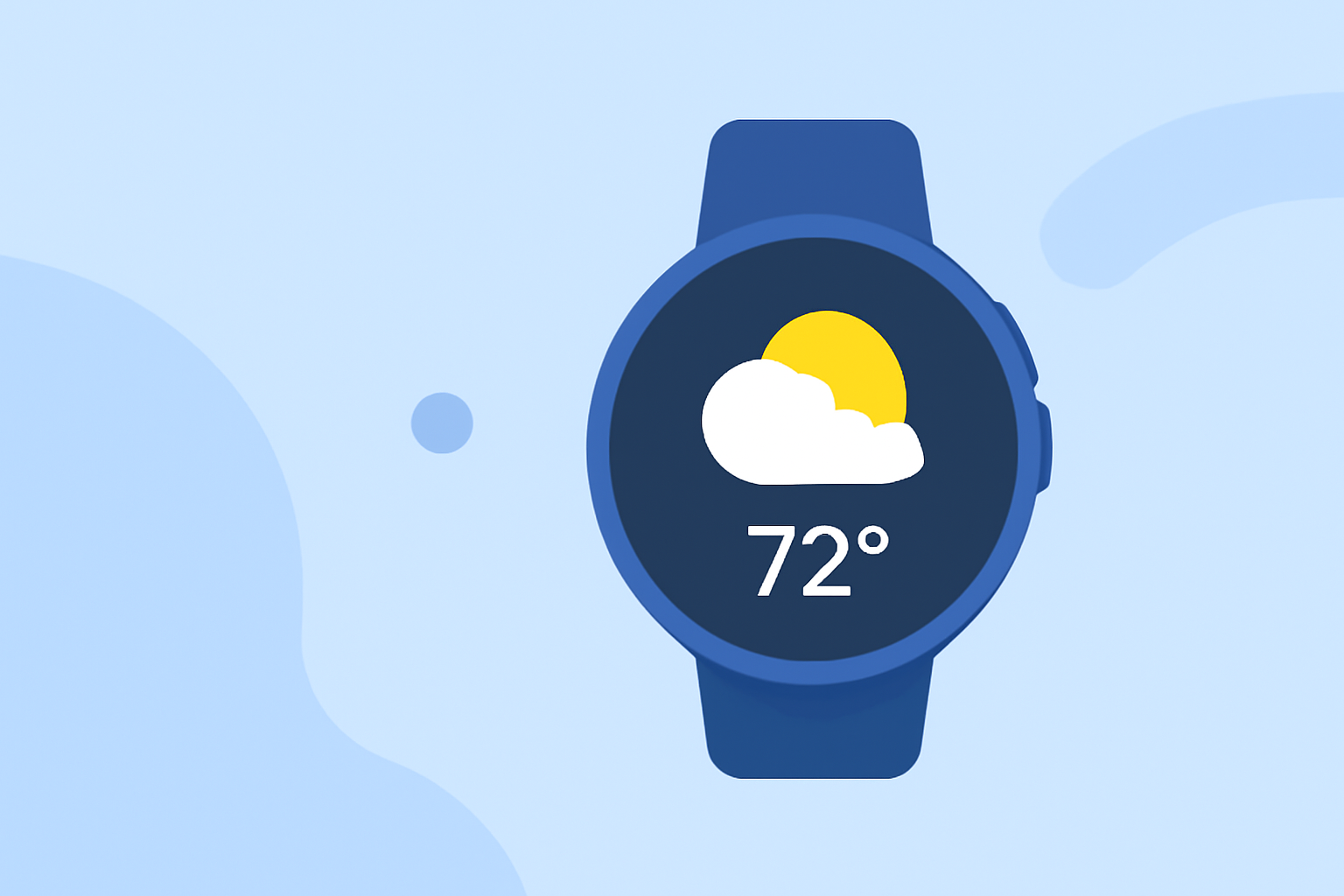
Staying updated with the latest weather information is essential, and your Wear OS smartwatch can be a valuable tool in this regard. By adding and customizing weather widgets, you can access real-time conditions and forecasts directly from your wrist.
What Are Weather Widgets on Wear OS?
Weather widgets, also known as Tiles, are interactive elements on your smartwatch that provide quick access to weather information. They display current conditions, forecasts, and other relevant data, allowing you to stay informed without reaching for your phone.
How to Add a Weather Widget (Tile) on Your Wear OS Smartwatch
-
Access Your Tiles: Swipe left on your watch face to view your current Tiles.
-
Add a New Tile: Continue swiping left until you reach the end of your Tiles. Tap the Add tiles (+) icon.
-
Select the Weather Tile: Browse through the available Tiles and tap on the Weather Tile to add it to your collection.
Customizing the Weather Tile
Once added, you can customize the Weather Tile to suit your preferences:
-
Rearrange Tiles: Long-press on a Tile to enter edit mode, then drag it to your desired position.
-
Remove a Tile: In edit mode, tap the red minus (-) sign on the top of the Tile you wish to remove.
-
Access Detailed Weather Information: Tap on the Weather Tile to view current conditions, hourly forecasts, and more.
Alternative Weather Apps and Tiles
If you're looking for more detailed weather information or additional features, consider exploring third-party weather apps available on the Google Play Store. Many of these apps offer customizable Tiles that can be added to your smartwatch for quick access to weather updates.
Conclusion
By adding and customizing weather widgets on your Wear OS smartwatch, you can ensure that you're always prepared for changing weather conditions. Whether it's a quick glance at the current temperature or a detailed forecast, your smartwatch can keep you informed and ready for whatever the day brings.
Highlights:
- Google is phasing out the Wear OS Weather app, but for something better, Published on Friday, September 12