
Understanding the Battery Impact of Weather Widgets for Commuters
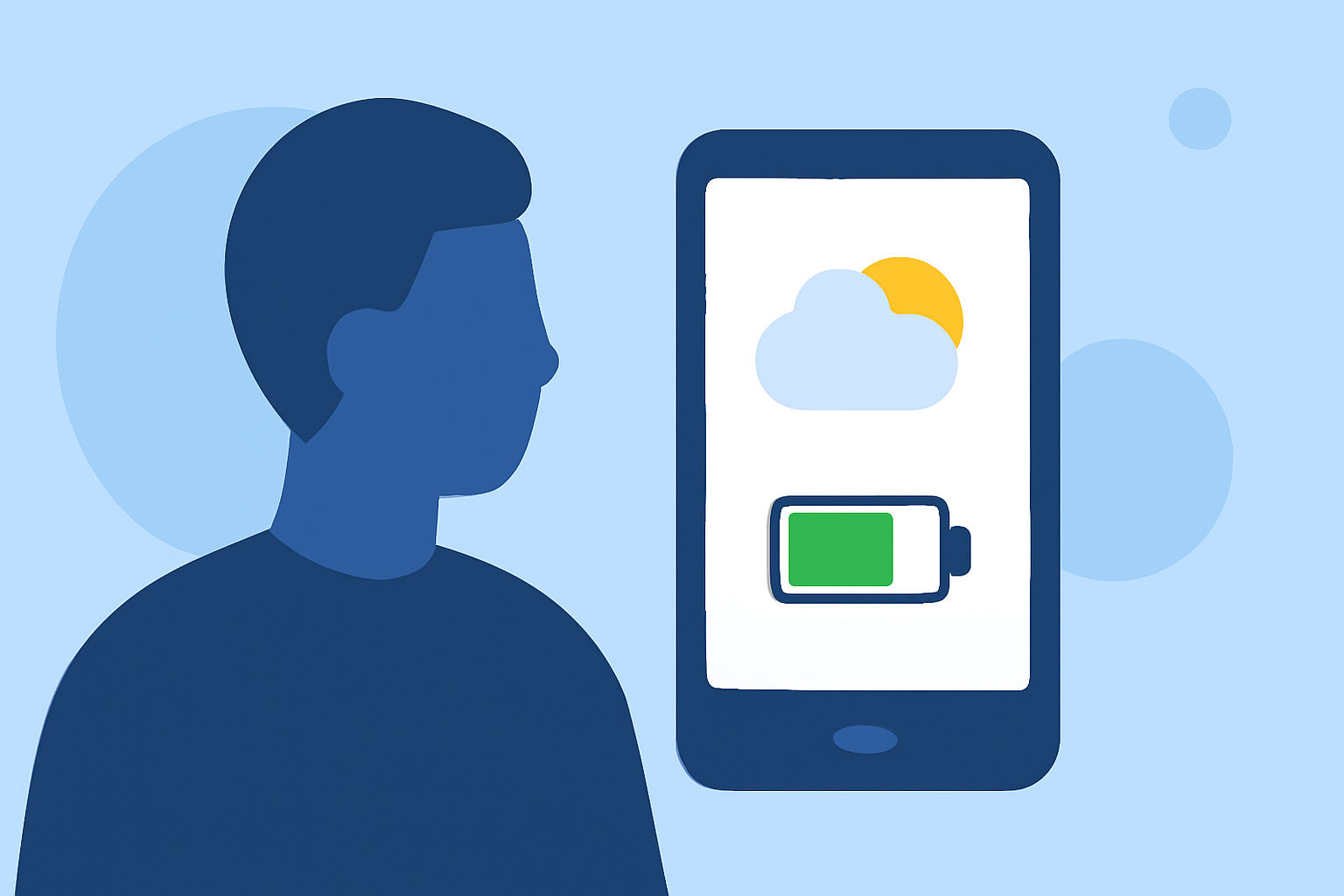
Weather widgets provide commuters with real-time updates on conditions, aiding in daily planning. However, it's essential to understand their impact on device battery life to ensure uninterrupted use throughout the day.
How Do Weather Widgets Affect Battery Life?
Weather widgets, especially those that update frequently or use location services, can drain battery life. The extent of this drain depends on several factors:
-
Update Frequency: Widgets that refresh data every few minutes consume more power than those updating less frequently.
-
Location Services: Widgets using GPS to provide location-specific information can increase battery usage.
-
Widget Complexity: Widgets displaying detailed graphics or animations may require more processing power, leading to higher battery consumption.
Quantifying the Battery Drain
Studies have measured the battery impact of weather widgets:
-
iOS Devices: Using a weather complication (a small widget-like feature) resulted in an average hourly drain of 0.82%. In contrast, a full weather widget led to a 1.14% hourly drain, with spikes if viewed multiple times per hour. (alibaba.com)
-
Android Devices: Widgets that update every 60 minutes had a noticeable impact on battery life. (forums.androidcentral.com)
Strategies to Minimize Battery Impact
To ensure your weather widget serves its purpose without compromising battery life:
-
Adjust Update Intervals: Set your widget to update less frequently, such as every 30 minutes or hourly, to reduce battery drain.
-
Limit Location Access: Configure the widget to use a fixed location instead of your current GPS location to conserve power.
-
Choose Simple Widgets: Opt for widgets with minimal graphics and animations to decrease processing demands.
-
Monitor Battery Usage: Regularly check your device's battery settings to identify and adjust settings for apps or widgets consuming excessive power.
Clime: A Battery-Efficient Weather Widget
Clime offers a weather widget designed with efficiency in mind, providing accurate forecasts without significantly draining your device's battery. Its optimized update intervals and streamlined design ensure that commuters can access essential weather information without compromising device performance.
Conclusion
While weather widgets are invaluable for daily planning, being mindful of their battery impact is crucial for uninterrupted use during commutes. By selecting efficient widgets and configuring them appropriately, you can enjoy timely weather updates without sacrificing battery life.