
Understanding the Battery Impact of Weather Widgets on Smart Displays
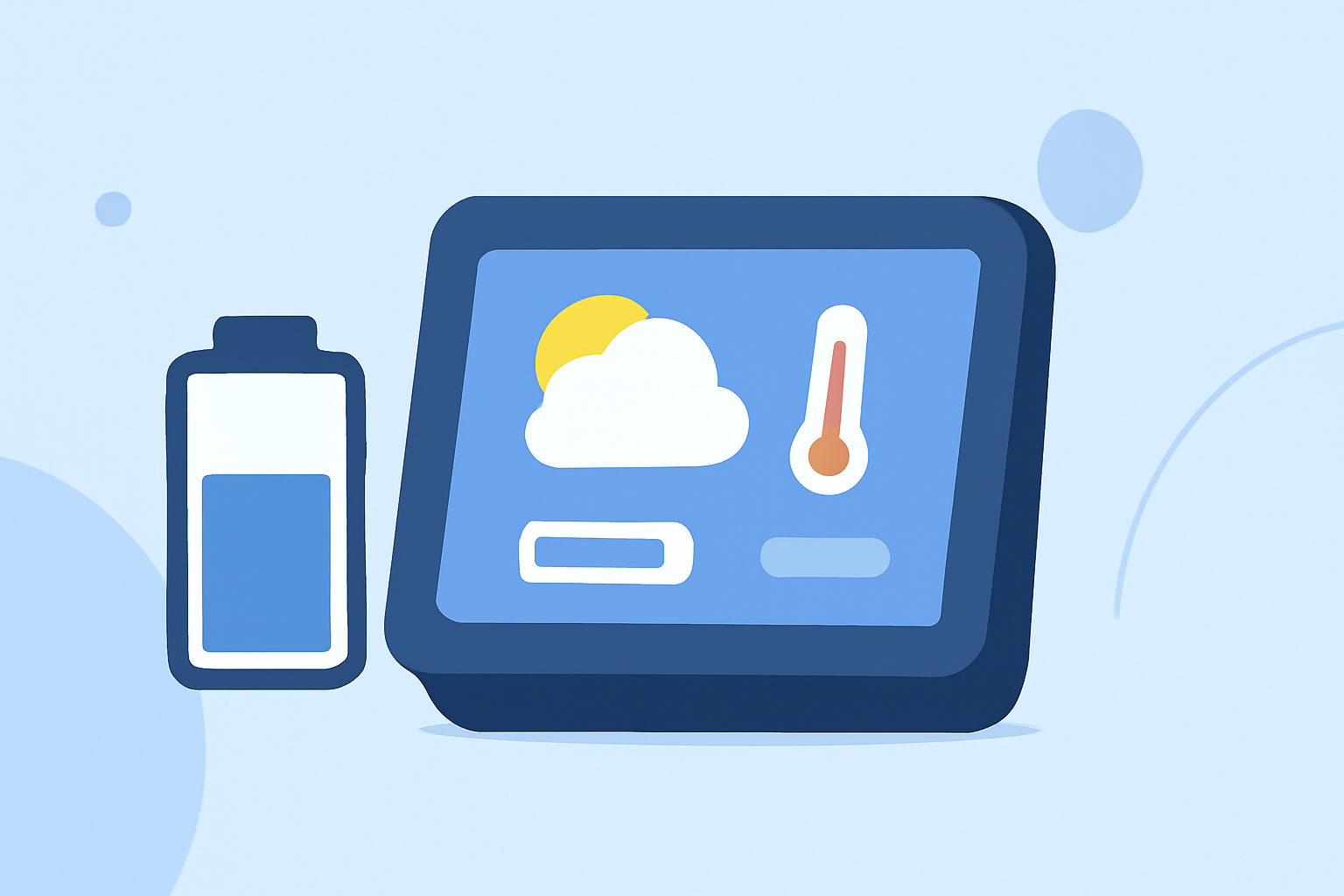
Smart displays have become integral to our daily routines, offering real-time information at a glance. Among the various widgets available, weather widgets are particularly popular for their convenience. However, it's essential to understand how these widgets impact battery life and how to optimize their usage.
How Do Weather Widgets Affect Battery Life?
Weather widgets provide up-to-date weather information by periodically fetching data from the internet. This continuous data retrieval can consume battery power, especially if the widget updates frequently or uses location services. The impact on battery life depends on several factors:
-
Update Frequency: Widgets that refresh their data every few minutes will drain more battery than those that update every hour. (batteryspotlight.com)
-
Location Services: Widgets that use your current location need to check GPS periodically, which can be more battery-intensive. (bfgapps.co)
-
Widget Design: Larger widgets with images or animations consume more power than simpler, text-based ones. (batteryspotlight.com)
How to Optimize Battery Usage with Weather Widgets
To minimize the battery impact of weather widgets on your smart display, consider the following strategies:
-
Adjust Update Intervals: Set your weather widget to update less frequently, such as every hour, to reduce battery consumption. (batteryspotlight.com)
-
Limit Location Access: Configure the widget to use your location only when the app is in use, rather than continuously. (bfgapps.co)
-
Choose Simpler Widgets: Opt for weather widgets that display essential information without additional graphics or animations. (batteryspotlight.com)
Clime: A Battery-Efficient Weather Widget
Clime offers a weather widget designed with battery efficiency in mind. By providing essential weather information without unnecessary graphics or animations, Clime ensures minimal impact on your smart display's battery life. Its customizable update intervals allow you to balance data freshness with battery conservation.
Conclusion
While weather widgets are convenient, they can affect your smart display's battery life. By understanding the factors that contribute to battery drain and implementing optimization strategies, you can enjoy timely weather updates without compromising device performance. Choosing a battery-efficient widget like Clime can further enhance your experience.