
Understanding the Battery Impact of Weather Widgets for Travelers
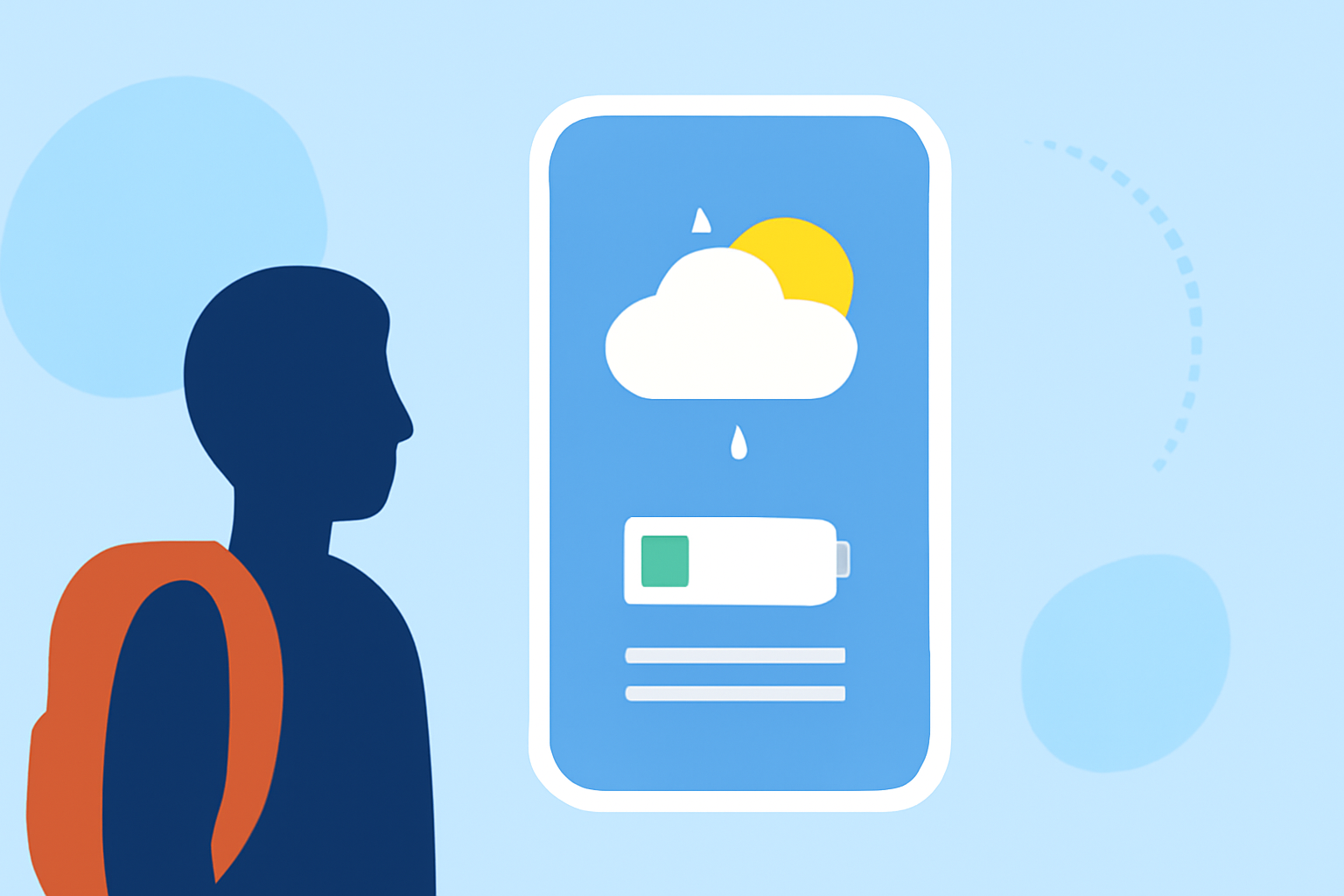
Weather widgets provide real-time updates on conditions, which can be particularly useful for travelers. However, it's important to understand how they impact your device's battery life and how to manage this impact effectively.
How Do Weather Widgets Affect Battery Life?
Weather widgets can drain battery life through several mechanisms:
-
Location Services: Widgets that use your current location require periodic GPS checks, consuming additional power. Setting a fixed location or using "While Using" location permission can mitigate this. (lifetips.alibaba.com)
-
Refresh Frequency: Widgets that update frequently (e.g., every 15 minutes) consume more battery than those updating less often. Adjusting the refresh interval can help conserve energy. (bfgapps.co)
-
Number of Widgets: Multiple widgets from different apps can increase battery drain due to independent data fetching. Limiting the number of active widgets can reduce this effect. (bfgapps.co)
Optimizing Weather Widget Usage During Travel
To minimize battery drain while benefiting from weather updates during your travels:
-
Set a Fixed Location: Manually input your destination city in the widget settings to reduce GPS usage. (lifetips.alibaba.com)
-
Adjust Refresh Intervals: Set the widget to update less frequently, such as every hour, to conserve battery life. (bfgapps.co)
-
Limit Active Widgets: Use only one weather widget to minimize battery consumption. (bfgapps.co)
-
Use System-Level Widgets: Native weather widgets are often more optimized for battery efficiency compared to third-party options. (lifetips.alibaba.com)
Alternative Solutions for Travelers
If conserving battery life is a priority, consider using weather complications on your device's home screen. Complications are integrated into the system and typically consume less battery than widgets. For instance, on Apple Watch, complications render directly on the watch face with minimal CPU usage, whereas widgets may require more resources. (lifetips.alibaba.com)
Conclusion
While weather widgets are convenient for travelers, they can impact battery life through location services, refresh frequency, and the number of active widgets. By setting a fixed location, adjusting refresh intervals, limiting active widgets, and considering system-level complications, you can enjoy weather updates without significantly draining your device's battery.