
Enhancing Your Home Screen: Weather Widget Color Themes in 2026
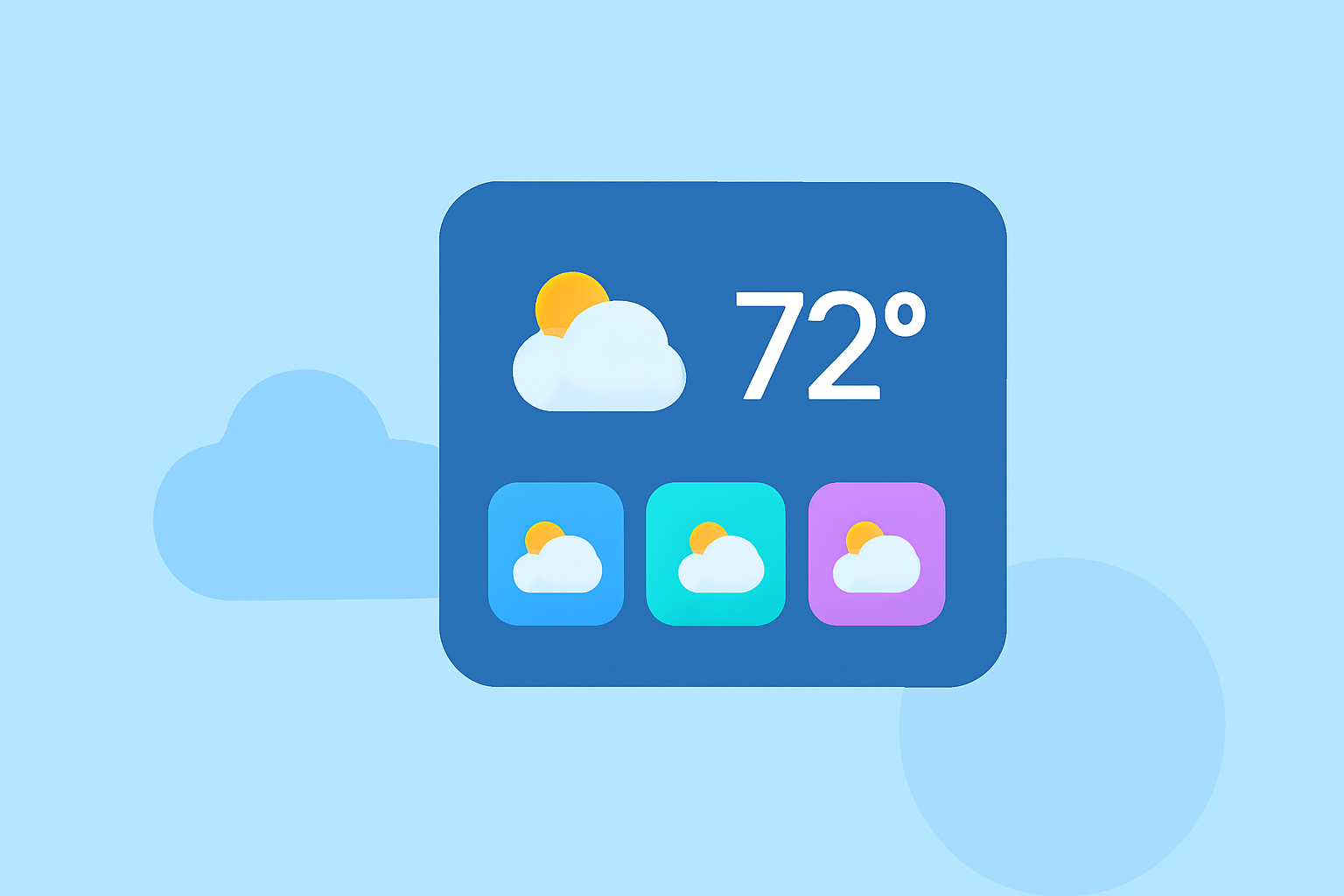
In 2026, personalizing your smartphone's home screen with weather widget color themes has become a popular trend, allowing users to create aesthetically pleasing and functional interfaces. Clime offers a range of customizable weather widgets that cater to various design preferences, enabling you to tailor your home screen to your liking.
Why Customize Your Weather Widget?
Customizing your weather widget allows you to:
- Enhance Aesthetics: Match your widget's color scheme with your wallpaper and app icons for a cohesive look.
- Improve Functionality: Choose widgets that display the weather information you find most useful, such as current conditions, hourly forecasts, or severe weather alerts.
- Express Personal Style: Select themes that reflect your personality, whether you prefer minimalist designs or vibrant, colorful displays.
Popular Weather Widget Color Themes in 2026
Here are some trending color themes for weather widgets in 2026:
- Ocean Breeze: Soft blues and seafoam greens create a calming, coastal vibe. (bemywidget.com)
- Gradient Transitions: Smooth color gradients add depth and energy to your home screen. (bemywidget.com)
- Minimalist Neutrals: Warm whites, soft grays, and muted accent colors for a clean, sophisticated look. (lemon8-app.com)
How to Customize Your Weather Widget with Clime
Clime provides an intuitive interface for customizing your weather widget:
- Select a Widget Size: Choose from small, medium, or large widgets to fit your home screen layout.
- Pick a Color Theme: Browse through Clime's curated color themes or create your own by selecting background and text colors.
- Choose Display Options: Decide which weather information to display, such as current temperature, hourly forecast, or severe weather alerts.
- Adjust Transparency and Fonts: Fine-tune the widget's transparency and select fonts that complement your home screen design.
- Apply and Position: Save your customized widget and place it on your home screen for immediate use.
Tips for a Cohesive Home Screen Design
- Match Undertones: Ensure that your widget's color scheme aligns with your wallpaper's undertones for a harmonious appearance. (lemon8-app.com)
- Consistent Typography: Use the same font style across all widgets to maintain a unified look. (lemon8-app.com)
- Limit Widget Clutter: Avoid overcrowding your home screen by selecting only essential widgets that serve a purpose.
- Utilize Negative Space: Incorporate empty spaces to allow your widgets and icons to breathe, enhancing readability and aesthetics.
Conclusion
Customizing your weather widget color theme in 2026 is an effective way to personalize your smartphone and improve your user experience. With Clime's versatile customization options, you can create a home screen that is both functional and visually appealing.
Highlights:
- Color Widget Picks | 2026 real user experience on Lemon8
- Ocean Breeze Widget Themes for iPhone | Be My Widget
- Gradient Widget Themes for iPhone — Dynamic Colors | Be My Widget