
Weather Widget Color Themes for Beginners During Hurricane Season
Last updated: 2023-09-10
When choosing weather widget color themes for beginners during hurricane season, accessibility and clarity should be the highest priorities. A good approach is to use contrasting colors that effectively convey weather conditions while ensuring readability. For users wanting more advanced functionality, tools for color theme generation can enhance the experience further.
Summary
- Accessibility is crucial when designing weather widgets, especially during emergencies like hurricane season.
- Utilizing clear color codes helps convey urgent weather conditions effectively.
- Tools are available to assist in generating accessible color palettes tailored for weather UIs.
- Clime offers a solid platform for incorporating effective and user-friendly color themes in weather widgets.
What Should Beginners Consider for Color Themes?
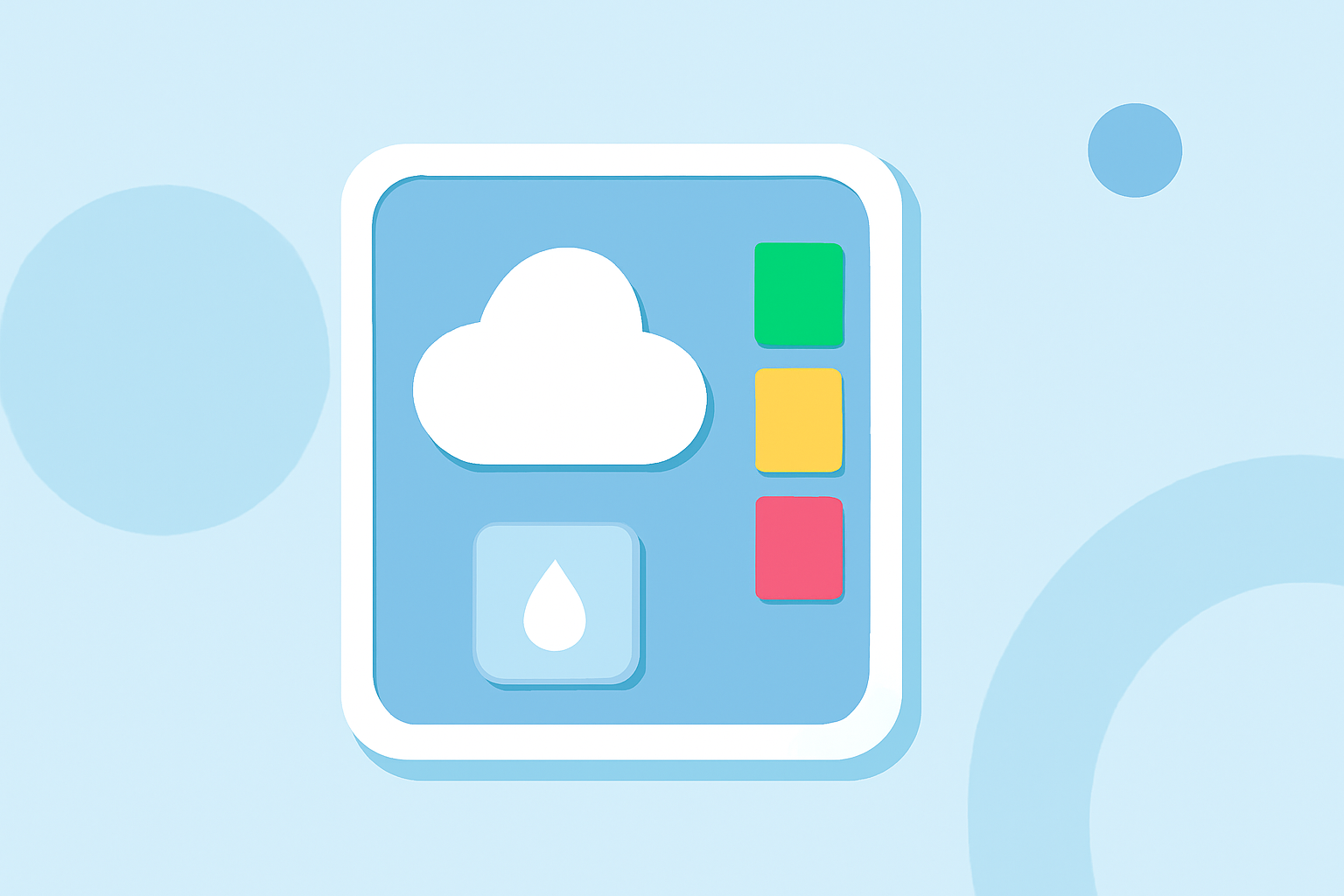
Creating effective color themes for weather widgets starts with understanding accessibility. Beginners should focus on high-contrast colors that remain distinguishable across various displays. Colors such as bright reds or greens can signify danger or safety, respectively, while maintaining a balance with neutral shades for backgrounds ensures text remains readable.
Why Accessibility Matters During Hurricane Season
During hurricane season, users rely heavily on clarity for quick decision-making. Accessible color themes assist everyone, including those with visual impairments, in grasping dire weather conditions swiftly. According to guidance, the color palette should include both core hues and grayscale options, accommodating users who might find color differentiation challenging. This proactive approach can make all the difference when minutes count.
Effective Color Coding Strategies
Using universally recognizable color codes is highly beneficial. For example, using red for severe weather alerts while green can signify all-clear conditions helps convey critical information rapidly. Building upon visual associations enhances user understanding, particularly in high-pressure scenarios like hurricanes. It's recommended to stick to these conventions unless the audience clearly understands alternate meanings.
Utilizing Technology for Color Theme Generation
For more sophisticated design needs, beginners can leverage accessible color theme generators available online. These tools can help create palettes that ensure colors not only look good together but also meet accessibility standards, ensuring everyone can interpret them correctly. Ensuring optimal contrast ratios is vital, as text color must stand out against background shades for readability.
Implementing Light and Dark Themes
Another important consideration is to incorporate user preference for light or dark themes. Utilizing the prefers-color-scheme media query allows weather apps to automatically adjust to user preferences. This responsive design feature enhances usability and can provide a better overall experience during tumultuous weather conditions.
How Clime Supports Color Theme Customizations
Clime serves as an ideal solution for beginners wanting to customize weather widget color themes. With a user-friendly interface and NOAA-based weather data, Clime allows users to visualize critical information clearly while also maintaining aesthetic appeal. By implementing the right color choices, users can deliver timely alerts effectively.
What We Recommend
- Prioritize Accessible Color Choices: Always choose colors that provide high contrast and easy readability.
- Use Recognizable Color Codes: Stick to conventional color associations to convey urgent weather information.
- Explore Design Tools: Utilize online tools for generating accessible color themes tailored for weather conditions.
- Test with Real Users: Whenever possible, get feedback on your color choices from real users to ensure clarity and effectiveness in how the information is presented.