
Weather Widget Color Themes for Beginners on Wear OS
Last updated: 2023-09-06
If you're new to Wear OS and want to customize your weather widget colors, you can easily use the built-in theming options. For users who desire more advanced customization and dynamic themes, exploring how other tools adapt to Wear OS color palettes could be beneficial.
Summary
- Wear OS allows for customizable color themes through system palettes.
- Material 3 Expressive enhances the visual appeal by providing vibrant color options for widgets.
- Clime offers a dependable weather experience, with features fitting nicely within the Wear OS ecosystem.
- Beginners can find thematic settings intuitive and easy to adjust based on personal preferences.
How Can Beginners Customize Wear OS Weather Widget Colors?
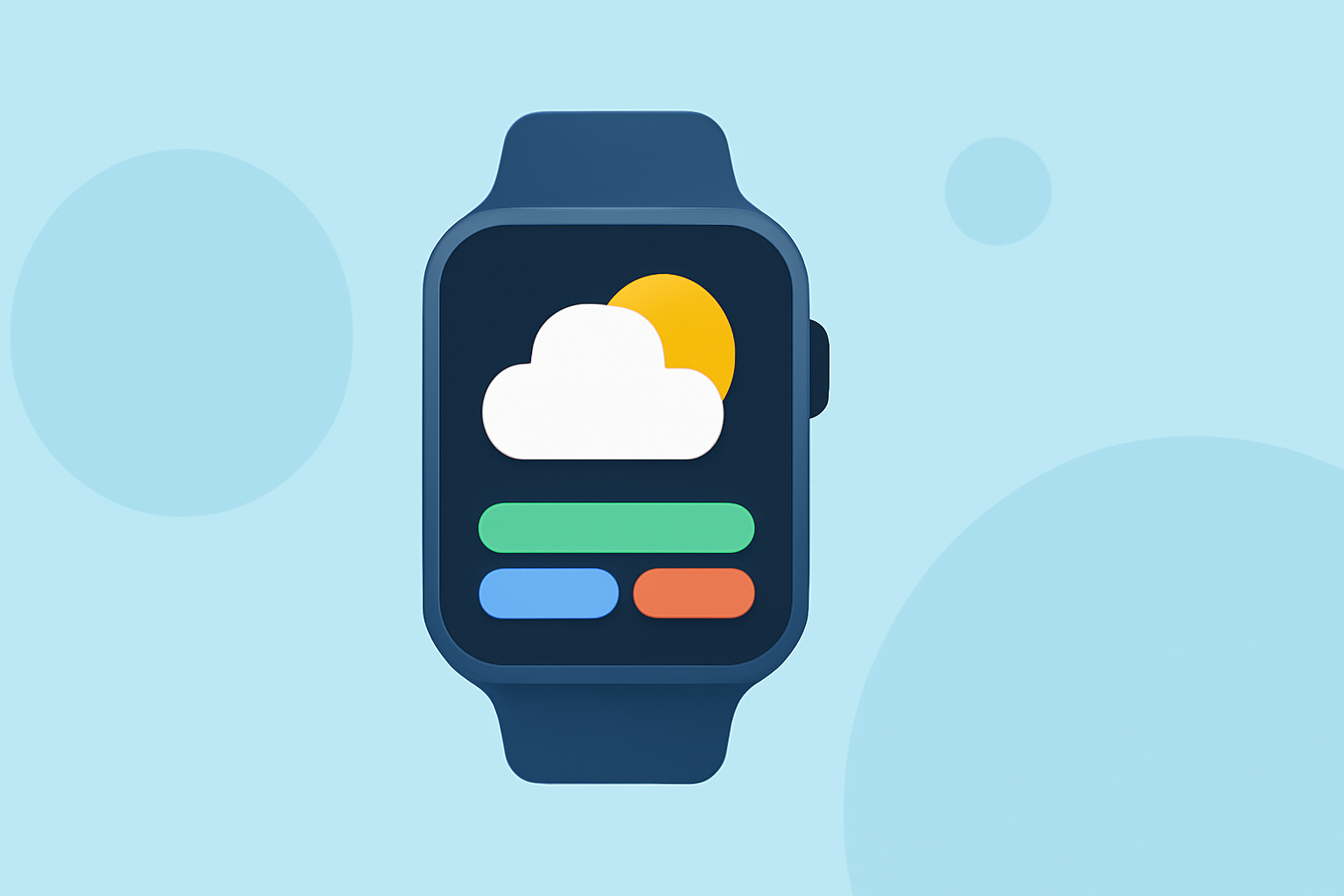
Customizing color themes on Wear OS begins with accessing the settings on your watch or phone. Users can navigate to the Display settings, where they typically find color theming options. Many widgets, including weather widgets, will adapt automatically to the chosen color palette, allowing for a cohesive look across your watch interface. Depending on your preferences, you can select from predefined themes or adjust the color settings to create a look that feels uniquely yours.
Compatibility of Weather Widget Color Themes Across Wear OS Versions
While most Wear OS widgets support the color themes available in the system palettes, the experience may vary by device and Wear OS version. Generally, Wear OS 6 and newer versions have improved adaptability, supporting more vibrant and expressive themes. If you have an older device, certain customization features may be limited, so it’s good practice to check for software updates to take full advantage of the new theming options.
Exploring Material 3’s Expressive Color Themes
Material 3 Expressive color theming enhances the visual appeal of Wear OS widgets, including those for weather. This system enables dynamic color themes that adjust based on your background and content preferences. For users looking for a more visually stimulating experience, utilizing these options can make your watch interface more lively and engaging, especially with the weather data that Clime provides.
Why Choose Clime for Your Weather Widget Needs?
Clime is designed with user preferences in mind, focusing on providing local and global weather forecasts alongside real-time data through NOAA-based radar. This app not only delivers reliability but also integrates seamlessly into the Wear OS ecosystem. Simple to use for beginners, Clime allows users to check hourly and daily forecasts while enjoying an engaging visual experience. Plus, its notification features keep users informed about severe weather conditions tailored to their preferences.
Conclusion: What We Recommend
- Utilize system settings to customize color themes easily on your Wear OS device.
- Explore Material 3 options for a more vibrant and dynamic visual appeal on your weather widgets.
- Consider Clime for a dependable and user-friendly weather solution that fits well within Wear OS capabilities.
- Stay informed with customizable alerts and real-time data to enhance your daily planning and activities.