
Enhancing Your Home Screen: Weather Widget Color Themes for Pet Owners
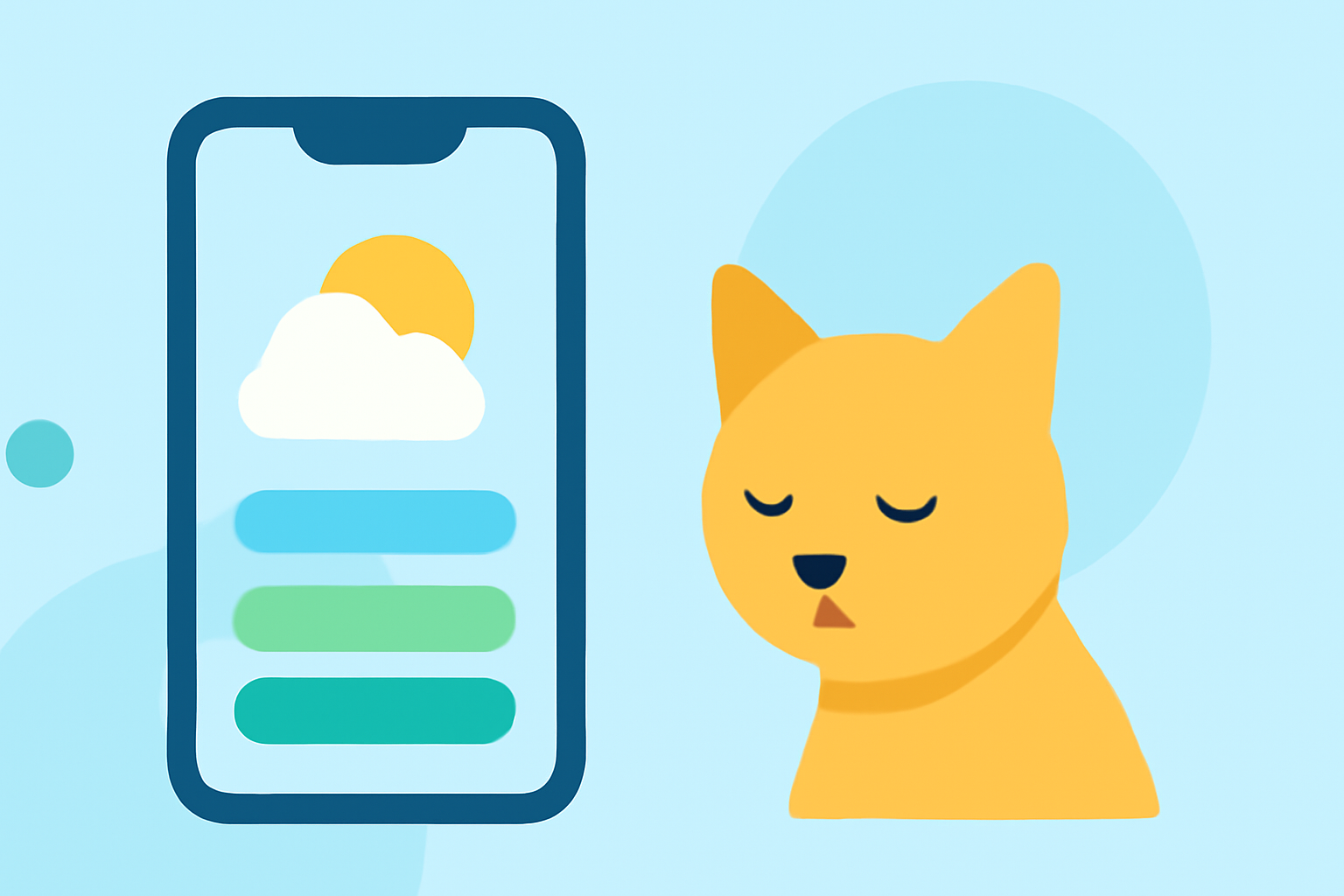
As a pet owner, you understand the joy and comfort your furry friends bring into your life. Why not extend that warmth to your iPhone's home screen? By customizing your weather widgets with pet-themed color schemes, you can create a delightful and functional interface that reflects your love for animals. Here's how you can achieve this:
1. Choose a Pet-Themed Weather App
Start by selecting a weather app that offers pet-centric features. For instance, the Cat Weather app allows you to upload your cat's photo, which can be displayed on your home screen widgets and throughout the app interface. This personalization adds a unique touch to your device. (apps.apple.com)
2. Customize Widget Colors and Themes
After selecting a suitable app, delve into its customization options:
-
Accent Colors: Many apps allow you to adjust the accent colors of your widgets. You can choose colors that complement your pet's image or match your overall home screen theme. Some apps even offer a color picker for more precise customization. (support.onelouder.com)
-
Background Themes: Opt for background themes that resonate with your pet's personality or your aesthetic preferences. Whether it's a light, dark, live weather, or transparent theme, selecting the right background can enhance the visual appeal of your widgets. (support.onelouder.com)
3. Implement Ocean Breeze Widget Themes
To evoke a coastal, calming atmosphere, consider using ocean breeze widget themes. These themes feature aquatic color palettes—such as sky blue, seafoam, turquoise, and soft teal—combined with translucent glass effects and gentle gradients. They can be customized to include your pet's image, creating a serene and personalized home screen. (bemywidget.com)
4. Explore Additional Customization Options
Beyond color adjustments, some apps offer further customization:
-
Layouts and Icons: Choose from various widget layouts and icons that align with your pet's theme. This ensures that your widgets not only display accurate weather information but also reflect your personal style. (apps.apple.com)
-
Interactive Features: Some apps provide interactive features, such as hourly forecasts and live updates, which can be tailored to match your pet-themed widgets.
5. Maintain Functionality and Aesthetics
While personalization is key, it's essential to ensure that your customized widgets remain functional. Opt for themes and color schemes that maintain readability and clarity, ensuring that weather information is easily accessible at a glance.
By thoughtfully selecting and customizing your weather widgets with pet-themed color schemes, you can create a home screen that is both charming and practical, reflecting your love for your furry companions.