
Understanding Weather Widget Color Themes During Heat Waves
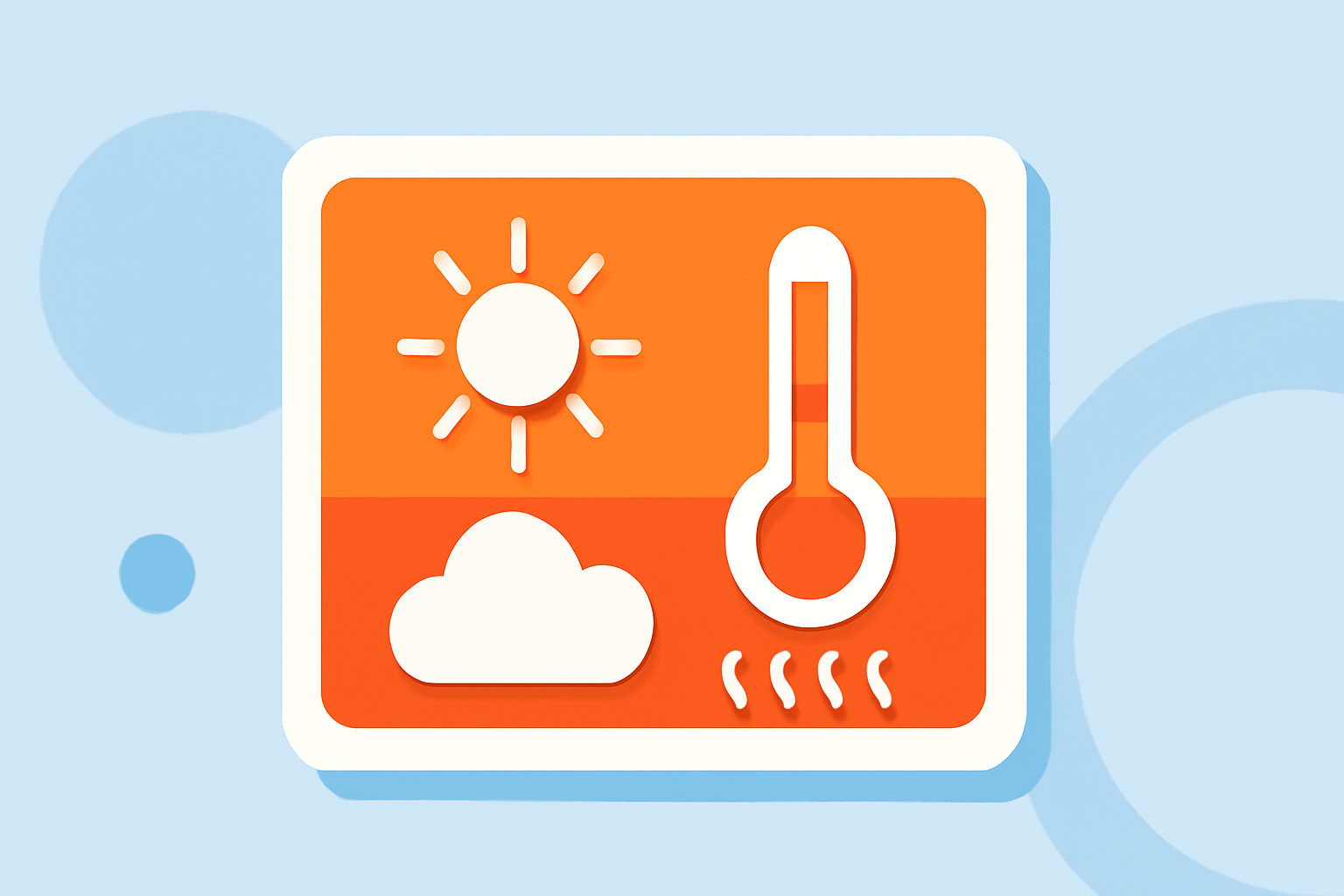
Weather widgets are essential tools for monitoring current conditions and forecasts. During heat waves, these widgets often adjust their color themes to convey critical information effectively.
Why Do Weather Widgets Change Colors During Heat Waves?
Color changes in weather widgets during heat waves serve several purposes:
-
Immediate Recognition: Altering colors helps users quickly identify extreme conditions, prompting timely actions.
-
Enhanced Readability: Contrasting colors improve text visibility against varying backgrounds, ensuring clarity.
-
Emotional Impact: Color psychology influences user perception, with warmer tones often indicating caution or alertness.
Common Color Themes Used During Heat Waves
Weather widgets typically employ specific color schemes to represent heat waves:
-
Red and Orange: These colors signify high temperatures and potential heat risks.
-
Yellow: Indicates elevated temperatures that may lead to heat-related issues.
-
Gradient Transitions: Smooth color shifts from cooler to warmer tones can depict rising temperatures over time.
How Do These Color Themes Benefit Users?
Implementing dynamic color themes in weather widgets offers several advantages:
-
Quick Decision-Making: Users can swiftly assess the severity of heat conditions and take appropriate actions.
-
Increased Awareness: Color cues draw attention to critical weather changes, enhancing preparedness.
-
Personalized Experience: Some widgets allow customization of color schemes, enabling users to tailor the interface to their preferences.
Examples of Weather Widgets with Adaptive Color Themes
Several weather widgets are designed to adapt their color themes based on current conditions:
-
Meteogram Widget: Offers customizable widgets that display detailed forecasts with adaptable color schemes. (meteogramwidget.com)
-
Gradient Weather: Features a UI that shifts colors and gradients in response to changing weather conditions, providing a dynamic user experience. (subtlesignals.studio)
-
1Weather: Provides highly customizable widgets with various shapes and color options, allowing users to match their home screen themes. (androidcentral.com)
How to Customize Weather Widget Color Themes
Customizing color themes in weather widgets can enhance user experience:
-
Access Widget Settings: Long-press the widget on your home screen and select 'Settings' or 'Customize.'
-
Choose Color Options: Select from predefined color schemes or use a color picker to choose custom colors.
-
Apply Changes: Save your preferences to update the widget's appearance.
Conclusion
Understanding and customizing weather widget color themes during heat waves can significantly enhance user awareness and preparedness. By selecting widgets that adapt their colors to current conditions, users can receive timely and clear information, aiding in better decision-making during extreme weather events.
Highlights:
- Meteogram widget - The weather at a glance on your home screen
- Gradient Weather · Weather for Android · Make it yours
- Best theming widgets for Android | Android Central, Published on Friday, May 26