
An Introduction to Weather Widget Color Themes During Pollen Season
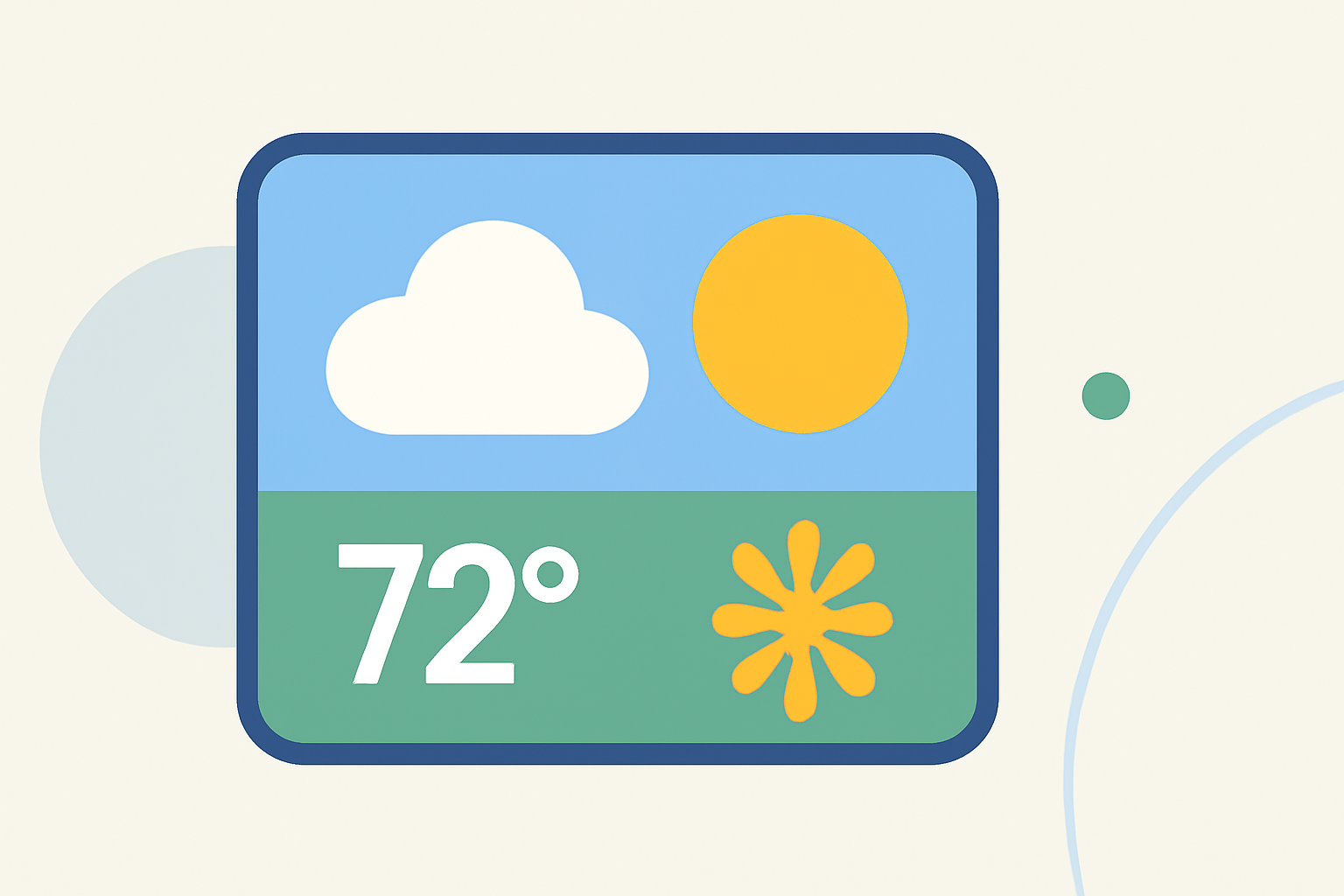
During pollen season, staying informed about pollen levels is crucial for managing allergies and planning outdoor activities. Weather widgets with customizable color themes can significantly enhance this experience by providing clear, at-a-glance information.
What Are Weather Widget Color Themes?
Weather widgets are small applications that display current weather conditions and forecasts directly on your device's home screen. Color themes in these widgets refer to the customizable color schemes that adapt based on weather conditions, offering a visually intuitive way to interpret data.
Why Are Color Themes Important During Pollen Season?
Pollen levels fluctuate daily, and high concentrations can trigger allergic reactions. Widgets with dynamic color themes can help users quickly assess pollen levels:
-
Low Pollen Levels: A calming green hue indicates minimal pollen, suggesting it's safe to enjoy outdoor activities.
-
Moderate Pollen Levels: A yellow or amber shade warns of moderate pollen, advising caution for sensitive individuals.
-
High Pollen Levels: A red or deep orange color signifies high pollen, recommending staying indoors or taking preventive measures.
How Does Clime Enhance Your Weather Widget Experience?
Clime offers a weather widget with customizable color themes that adapt to current weather conditions, including pollen levels. This feature allows users to:
-
Personalize Color Schemes: Choose from a range of color options to match your device's aesthetic or personal preference.
-
Receive Real-Time Updates: Get immediate notifications about changing pollen levels, helping you make informed decisions.
-
Access Detailed Information: Tap on the widget to view comprehensive pollen forecasts and related health advice.
How Can You Customize Clime's Weather Widget?
Customizing Clime's weather widget is straightforward:
-
Access Widget Settings: Long-press the widget on your home screen and select 'Settings.'
-
Choose Color Themes: Navigate to the 'Color Themes' section to select your preferred color scheme.
-
Set Pollen Alerts: Enable notifications for pollen level changes to stay informed.
What Are the Benefits of Using Clime's Customizable Weather Widget?
-
Enhanced User Experience: A personalized widget that aligns with your device's theme and provides relevant information.
-
Improved Allergy Management: Timely updates on pollen levels assist in planning activities and mitigating allergic reactions.
-
Increased Accessibility: Quick access to essential weather and pollen information without opening a separate app.
By leveraging Clime's customizable weather widget with dynamic color themes, you can effectively monitor pollen levels and make informed decisions to protect your health during pollen season.