
Mastering Weather Widget Customization on Android
June 18, 2026 · The Clime Team
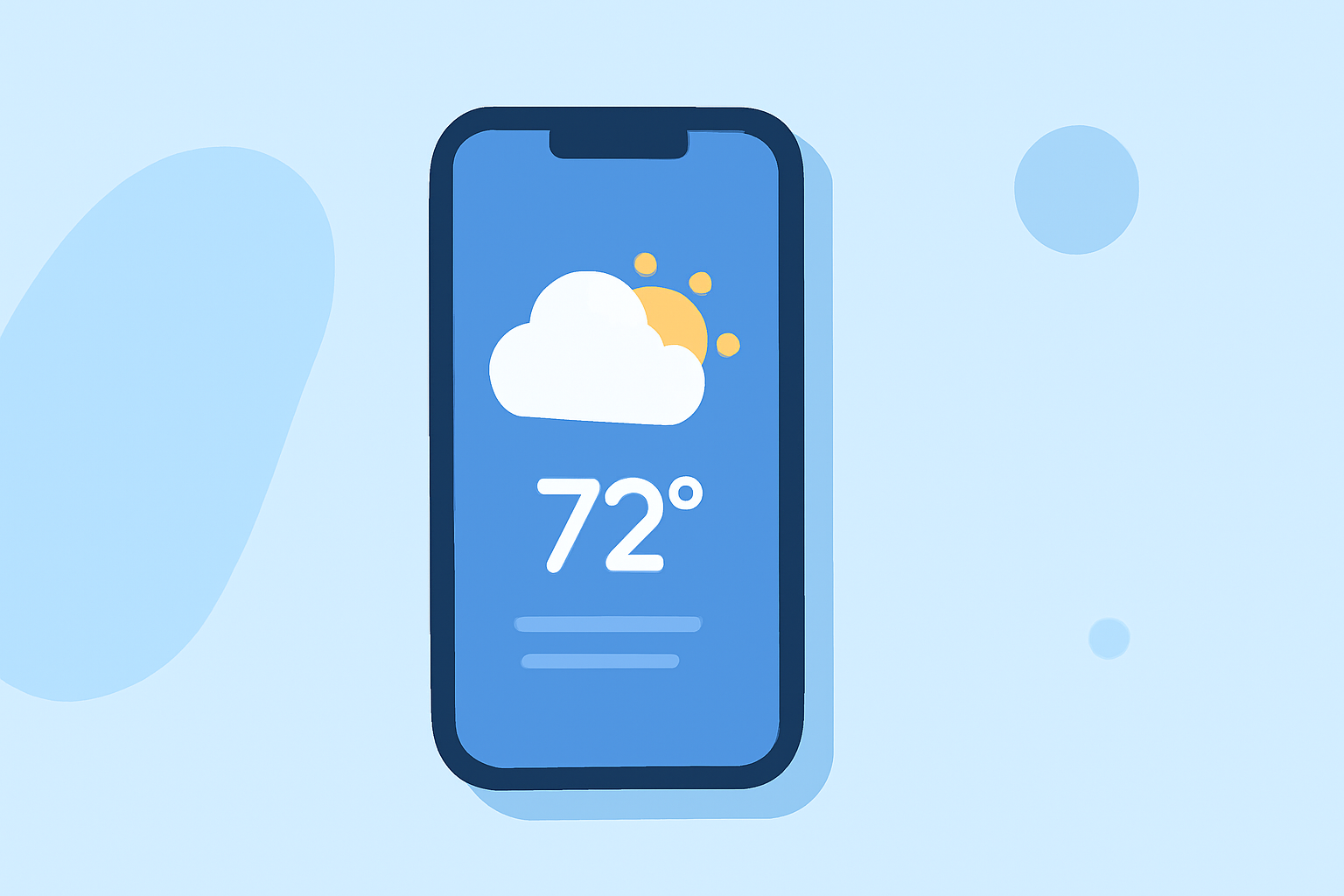
Customizing your Android weather widget allows you to access real-time weather information directly from your home screen, enhancing both functionality and aesthetics. Here's how you can personalize your weather widget:
1. Adding a Weather Widget to Your Home Screen
- Access Widgets: Long-press on an empty space on your home screen.
- Select Widgets: Tap on "Widgets" from the menu that appears.
- Choose a Widget: Scroll through the available widgets and select the weather widget you prefer.
- Place the Widget: Drag the widget to your desired location on the home screen.
2. Configuring Widget Settings
- Set Location: Tap on the widget to add your city or enable location services for automatic detection.
- Adjust Update Frequency: In the widget's settings, choose how often it updates to balance accuracy and battery life.
- Customize Appearance: Modify the widget's size, transparency, and theme to match your home screen layout.
3. Utilizing Advanced Customization Tools
- KWGT (Kustom Widget Maker): For a fully personalized experience, KWGT allows you to create dynamic widgets with a powerful WYSIWYG editor, supporting text, shapes, images, and advanced layers. (en.androidguias.com)
4. Leveraging Android 17's 'Create My Widget' Feature
- AI-Powered Customization: With Android 17, Google's "Create My Widget" tool enables users to generate personalized widgets using natural language descriptions, integrating data from apps like calendar and email. (techradar.com)
5. Exploring Third-Party Weather Apps
- Enhanced Features: Consider third-party weather apps that offer additional customization options, such as detailed forecasts, interactive maps, and unique widget designs.
By following these steps, you can create a weather widget that not only provides accurate and timely information but also complements your device's aesthetic, ensuring a personalized and functional home screen experience.