
Exploring Weather Widget Customization on Android
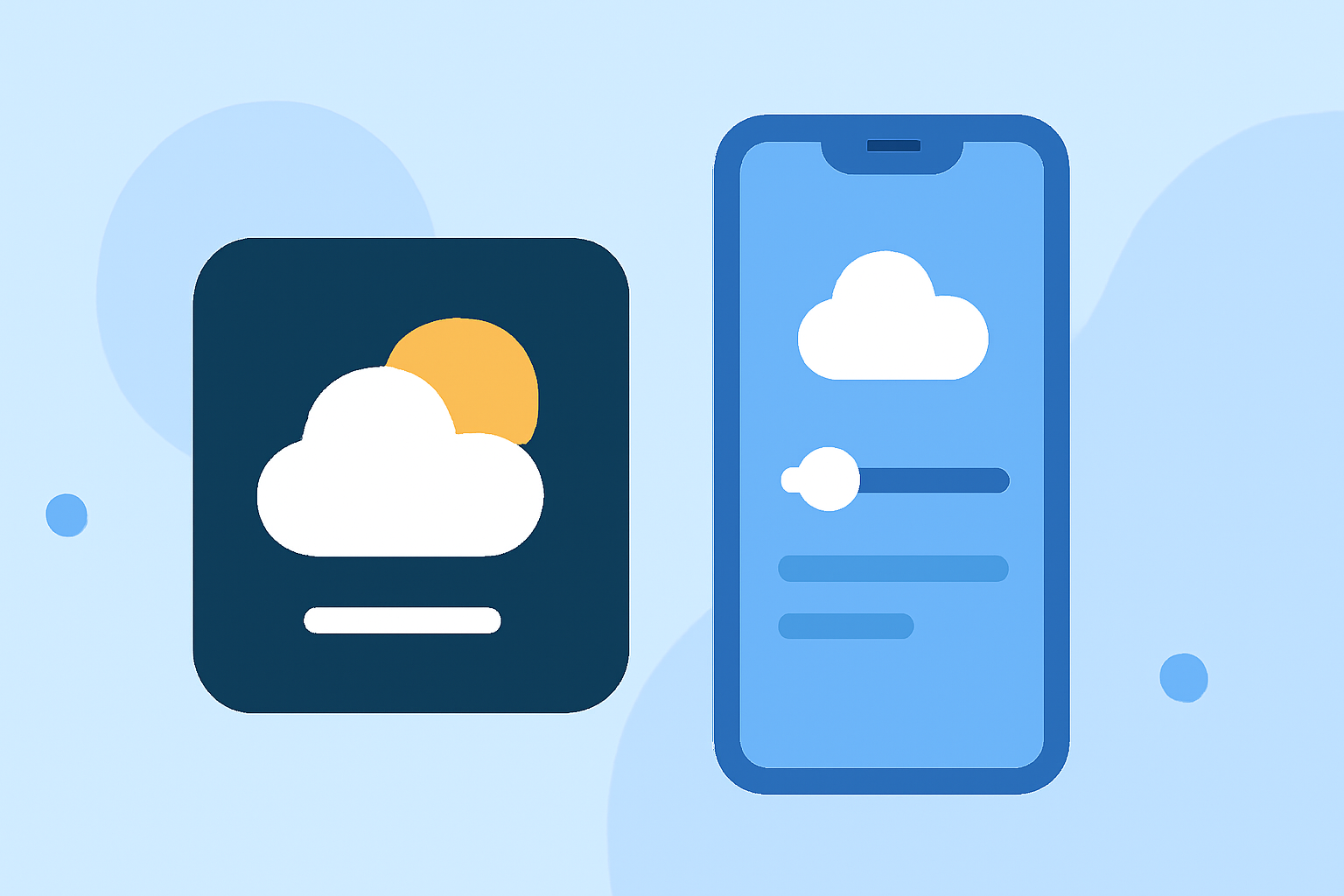
Last updated: 2023-09-15
Weather widget customization on Android allows users to tailor their home screen displays to suit individual preferences and needs. While many users find that the built-in options suffice, those seeking advanced features may explore various alternatives.
Summary
- Customization Options: Users can choose from various styles, sizes, and data displays.
- Adding Widgets: Simple on most Android devices by holding an empty space and selecting a widget.
- Adaptability: Some weather apps offer unique customization features, enhancing user experience.
- Flexibility: Different apps provide varied levels of detail and real-time information.
How to add a weather widget to the Android home screen
Adding a weather widget to your Android home screen is straightforward. Typically, you can follow these steps:
- Touch and Hold: From your home screen, touch and hold an empty space until a menu appears.
- Widgets Selection: Tap on the "Widgets" option to see available widgets.
- Drag and Drop: Select the desired widget and drag it to the preferred location on your home screen.
- Adjust Size: Depending on your device, you may be able to adjust the size of the widget after placing it.
This method is compatible with many Android devices, making it accessible to most users looking to enhance their home screens.
Weather widget customization options on Android
Weather widget customization can vary significantly depending on the app used. Here are some options to consider:
- Design Choices: Many weather apps offer widgets in various sizes and styles, allowing you to find one that fits your aesthetic.
- Information Displays: Users can often customize what information is displayed, such as current temperature, hourly forecasts, and severe weather alerts.
- Interactive Features: Some widgets allow direct interaction to view more detailed forecasts or current conditions without opening the app.
- Themes and Colors: Certain apps offer theming options enabling the user to adjust colors and styles to match their device theme.
Clime, for instance, provides customizable widgets that streamline your access to essential weather information without opening the app, catering to users who prefer a quick glance at their weather data.
Limitations of built-in vs third-party weather widgets on Android
While built-in widgets often suffice for basic needs, third-party widgets can offer a richer experience:
- Data Variety: Built-in options might provide limited data, while third-party widgets can include advanced features like radar overlays and storm alerts.
- Customization Rigor: Third-party widgets often provide greater customization, allowing users to tailor their experience to a deeper extent.
- Performance Factors: Third-party widgets may consume more battery or processing power, a factor to consider for performance-concerned users.
Benefits of using weather widget customization
Weather widget customization can enhance your daily experiences by:
- Quick Access: Access current weather information without launching an app, streamlining your workflow.
- Personalization: Create a home screen that reflects your style and priorities, turning your device into a personalized weather dashboard.
- Increased Awareness: Stay more informed about weather changes with alerts directly on your home screen, ensuring prompt reactions to changing conditions.
Recommendations for best practices in widget customization
To maximize the effectiveness of your weather widgets:
- Select the Right App: Choose a weather app that offers robust customization options, including preferred designs and data displays.
- Experiment with Size and Style: Try different widget sizes and styles to see what fits best on your home screen.
- Update Regularly: Ensure your widget settings and the app itself stay updated for optimal performance and new features.
What we recommend
- Check Clime for customizable options: With a focus on weather data presentation, Clime stands out for users who prioritize functionality.
- Take advantage of notifications: If severe weather alerts are critical to your routine, ensure your widget is set up to notify you.
- Explore multiple widgets: Don’t hesitate to try different widgets from various apps until you find the combination that feels right for you.
Weather widget customization not only enhances the look of your device but also helps you stay informed about your local weather in the way that suits your lifestyle best.