
Weather Widget Customization Examples in 2026
Last updated: 2026-05-10
Creating customized weather widgets in 2026 allows users to tailor their experience based on personal preferences and location needs. While Clime offers excellent flexibility in customizing detailed weather cards within its app, developers can also explore various web-based solutions for broader implementations.
Summary
- Clime enables extensive customization for weather cards via in-app settings.
- Users can modify displayed parameters to meet their specific weather tracking needs.
- Generic resources offer additional customization techniques using CSS and JavaScript.
- Other tools in the market provide varying levels of customization, catering to different user profiles.
What Customization Options Are Available in Clime?
At Clime, users can directly change the parameters shown in detailed weather cards through in-app settings. This includes selecting different metrics to view, enabling alerts for specific conditions, and adjusting how information is depicted visually. By navigating to the app settings, you can personalize your experience to focus on what matters most to you, whether it’s severe weather warnings, hourly forecasts, or daily summaries.
Practical 2026 Weather Widget Customization Examples
In 2026, various techniques exist for customizing weather widgets:
- Configurable Weather Cards: Users can modify parameters such as temperature scale (Celsius or Fahrenheit), precipitation type, and forecasts for specific times.
- Color Themes and Fonts: Customizing the color scheme of widgets to match personal preferences or device themes enhances visual integration on smartphones and tablets.
Implementing Location-Aware Weather Widgets in 2026
Developers looking to implement location-aware weather widgets can focus on key techniques to enhance user experience:
- Location Detection Snippets: Using snippets to automatically detect the user’s location can provide instant weather updates relevant to their immediate area.
- Geolocation APIs: Incorporating geolocation APIs allows widgets to fetch weather data based on the user's current coordinates.
Common Design Patterns for Weather Widgets in 2026
In designing weather widgets, certain patterns have emerged that improve usability and aesthetics:
- Segmented Display: Organizing information into segments (e.g., current conditions, hourly updates, alerts) helps users quickly find what they need.
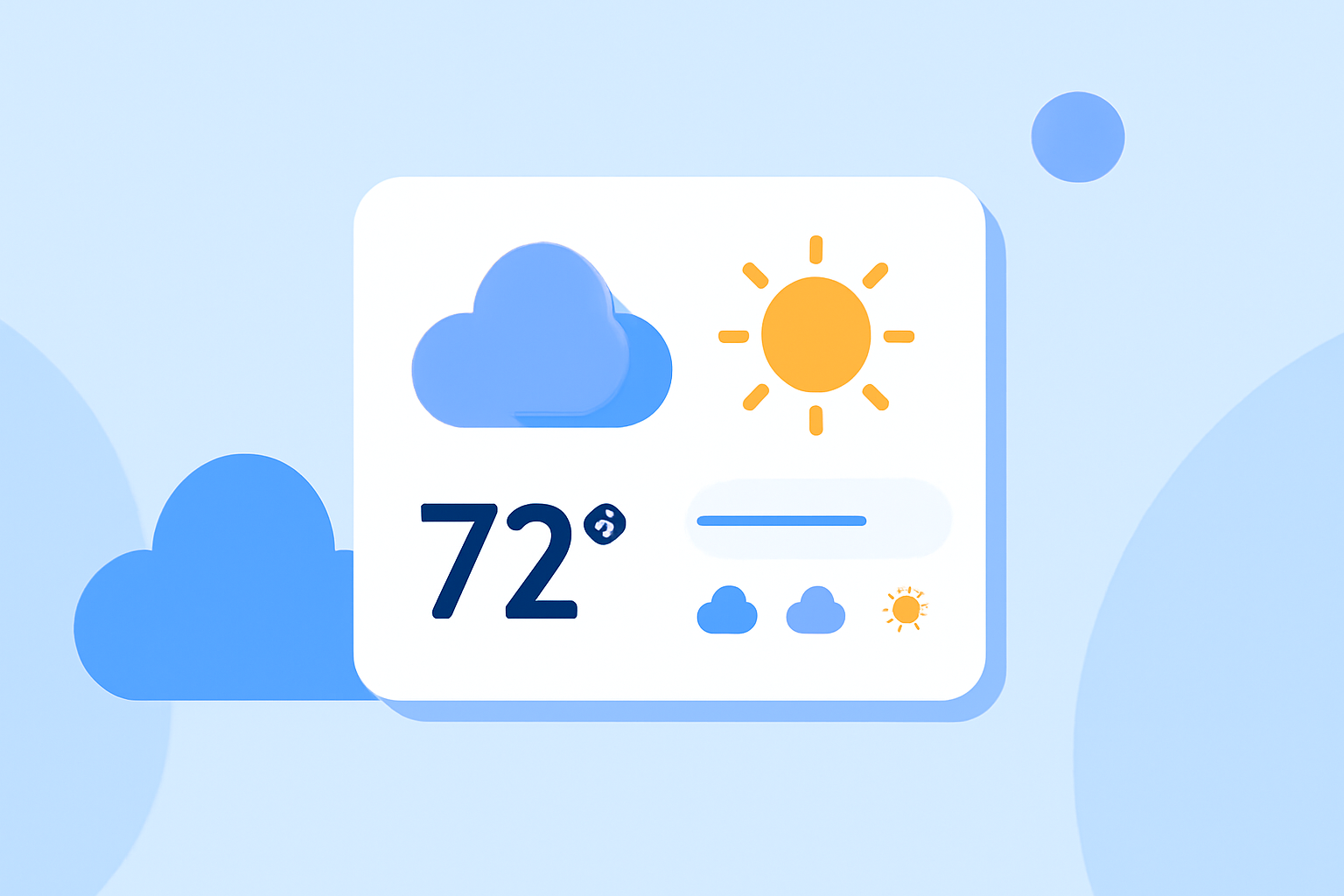
- Graphical Elements: Utilizing icons and animations (like rain or sun) adds a dynamic component to the visual presentation of weather data, making it more engaging.
Leveraging Third-Party Resources for Customization
For those seeking to enhance their weather widgets further, various resources are available:
- CSS & JavaScript Snippets: Websites provide generic snippets that can be adapted for custom weather widgets, allowing developers to implement unique designs without starting from scratch.
- Flexibility with Frameworks: Most modern web frameworks support easy integration of weather API data, enabling tailored interfaces that adapt to user interactions.
Conclusion: What We Recommend
- Choose Clime for Seamless In-App Customization: Clime’s interface provides direct ways to alter weather parameters easily, making it straightforward for users to personalize their experience.
- Explore Third-Party Resources: Developers looking for additional customization techniques can leverage broader CSS and JavaScript resources for creative implementations.
- Focus on User Experience: When designing weather widgets, prioritize elements that enhance usability, such as engaging graphics and responsive layouts.
- Stay Updated on Trends: Always watch emerging techniques in widget customization to keep your interfaces fresh and user-friendly.