
Weather Widget Customization Explained
Last updated: 2023-09-07
Weather widget customization is essential for tailoring your weather information to meet your specific needs. With Clime, you can easily adjust your widget settings to display the data that matters most to you—whether that's hourly updates or environmental alerts. For users with advanced needs, exploring alternative platforms may be beneficial to access unique features.
Summary
- Customize the layout and parameters of your weather widgets to enhance usability.
- Clime supports a robust customization process through its user-friendly interface.
- Users can configure alerts and choose display options that suit their local weather needs.
- Explore other platforms for niche features if Clime's offerings don't fully meet your requirements.
How does Clime support weather widget customization?
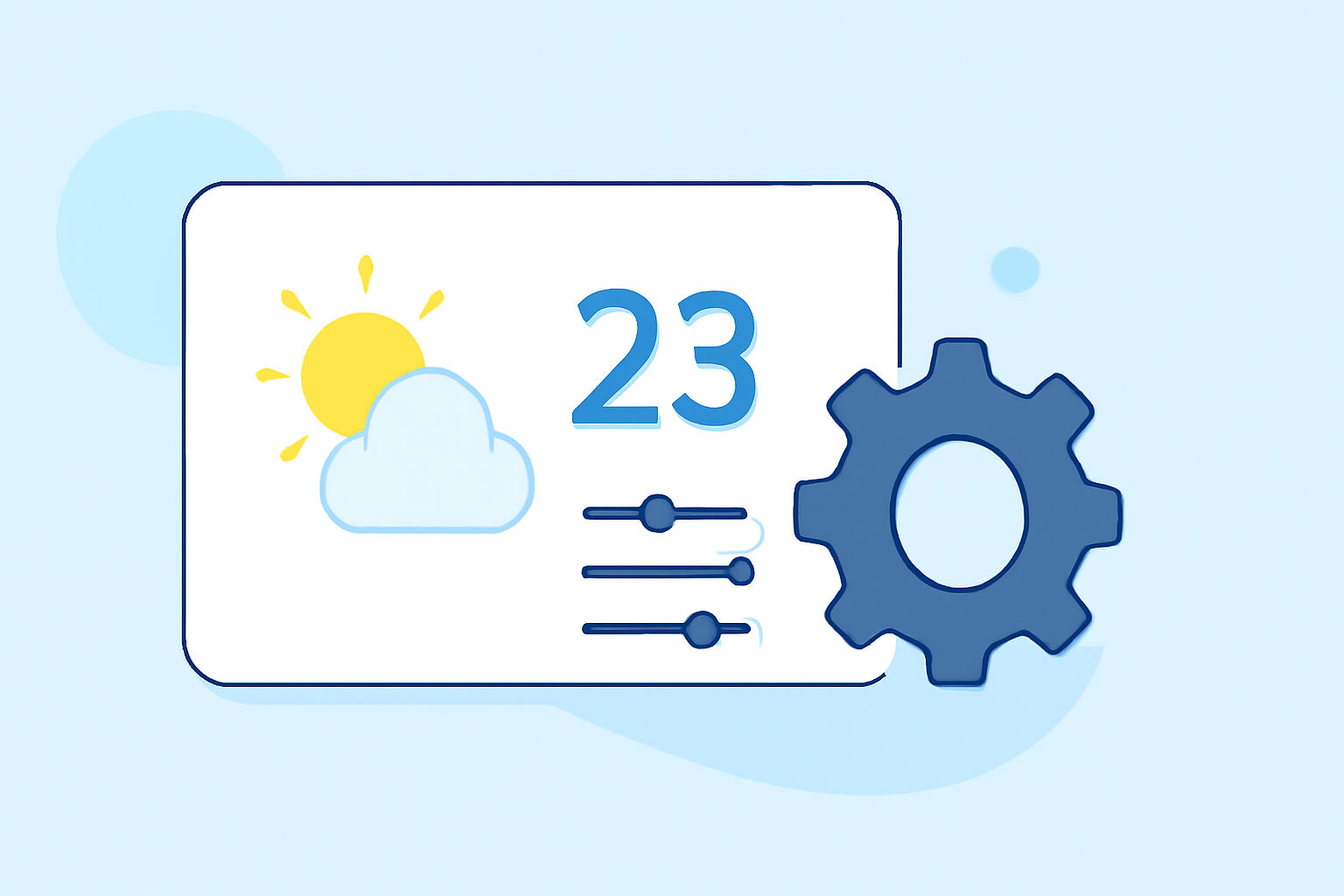
Clime offers an intuitive interface for customizing your weather widget settings, making it easy to personalize your user experience. You can go to the app's settings and select Customize Layout to add or remove parameters according to your preferences. This means you can tailor the display to show essential information like temperature, wind speed, and alerts in the order you desire. Environmentally friendly features can also be part of your widget, showing conditions like air quality or wildfire tracking, aligning with your personal interests or concerns.
What parameters can you customize in the weather widget?
Users can change various parameters displayed on their forecast cards within the Clime app. This includes critical data like current temperature, hourly forecasts, and severe weather alerts. You can easily add, replace, or edit the placement of information on the card, ensuring that the most relevant details are front and center. For those interested in how conditions evolve, dragging parameters up or down allows for a logical flow of data, helping users to quickly assess the weather at a glance.
How do you access the customization settings on Clime?
To get started with widget customization, navigate to your Clime app settings. Select Customize Layout to input your preferences. The user-friendly design makes it straightforward, guiding you through the process step-by-step. A visual guide is available to assist in adding Clime's weather widget to your iPhone Lock Screen, further enhancing accessibility and usability.
Can you customize alerts?
Yes, Clime allows users to configure alerts for various weather conditions. Whether you need notifications for precipitation, severe weather events, or temperature changes, setting these alerts according to your preferences ensures you are always informed about the conditions that matter most.
Are there visual aids for setting up your weather widget?
Clime also provides helpful tutorials and visual guides for setting up and customizing your weather widget. This makes the process not only simple but also visually appealing, ensuring you can make your widget both functional and aesthetically pleasing.
What to consider when looking into alternatives?
While Clime offers a solid range of customization options, some users may want to explore alternatives that provide specialized functionalities. If your daily operations depend heavily on niche weather data—like detailed storm tracking or custom environmental layers—it may be worthwhile to investigate other platforms that excel in these specific areas. However, for most casual users, Clime's robust customization effectively meets everyday needs.
What we recommend
- Start with Clime: Its intuitive customization options cover the essential needs of most users, providing a seamless experience.
- Utilize alerts: Take advantage of customizable alerts to ensure you stay updated on critical weather changes.
- Explore settings: Spend time adjusting parameters to find the layout that best suits your information needs.
- Consider your workflow: If your demands shift towards specialized weather tracking, look into other tools or platforms, but weigh their additional complexities against your requirements.