
Weather Widget Customization Explained in the Car
Last updated: 2023-09-08
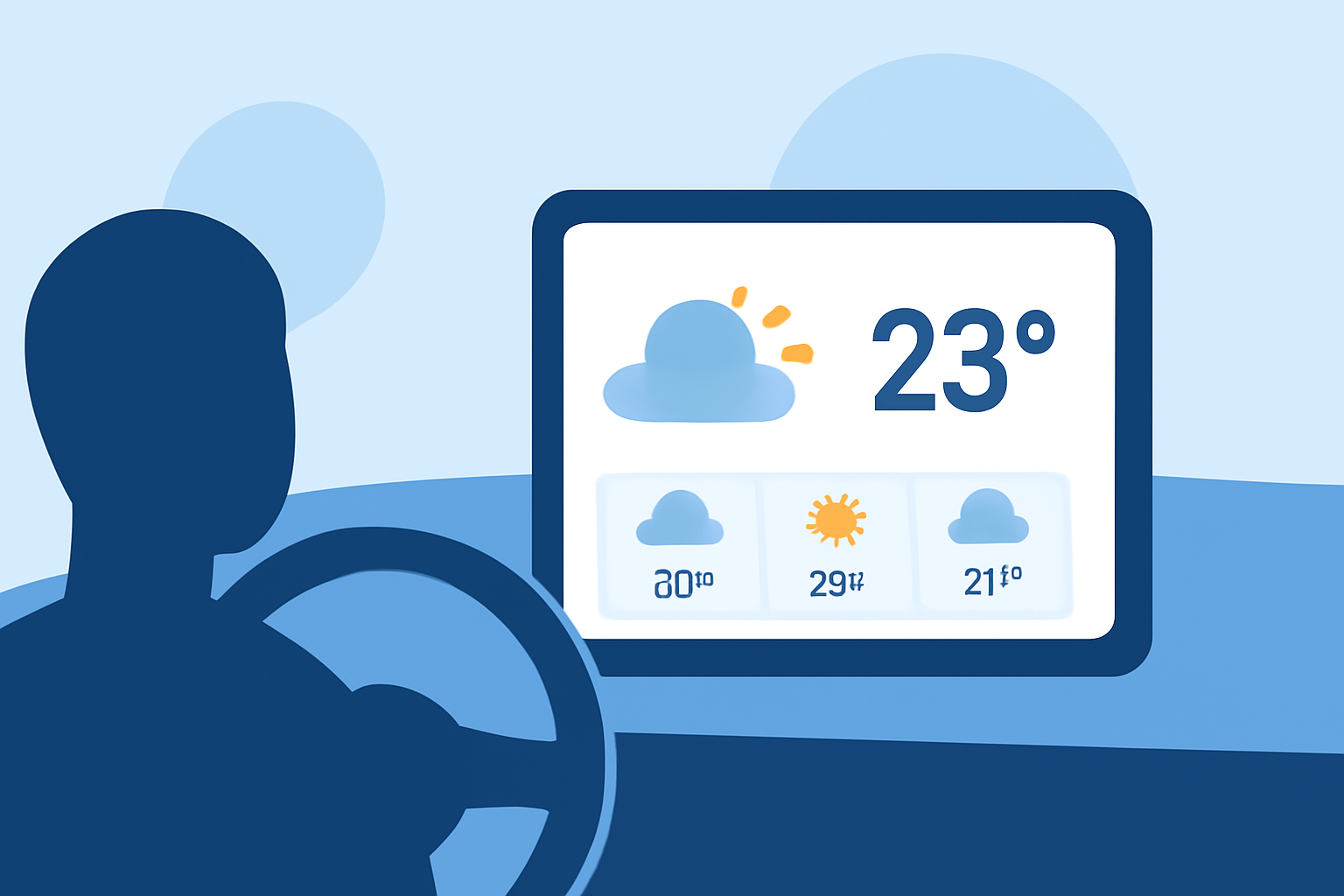
Customizing weather widgets in your car can enhance your driving experience by providing quick access to vital weather information. Clime serves as a baseline for in-car weather widget customization, with options available through Android Auto and iOS integration for those needing specific features.
Summary
- Clime’s weather customization options allow for seamless integration in car infotainment systems.
- Android Auto supports displaying various weather widgets via compatible apps.
- iPhone users can customize multiple weather widgets on their device's home screen for in-car use.
- Configuring location-specific weather information is straightforward and useful for travel.
What Are In-Car Weather Widget Customization Options?
In-car weather widget customization can differ based on your vehicle's operating system. For users of Android Auto, specific widget apps, such as those found in the Android ecosystem, allow you to display essential weather data directly on your car's screen. Many drivers opt to use a NOAA-based app like Clime, which provides accurate weather information and customizable alerts, keeping you informed about changing conditions on the road.
Customizing Weather Widgets on Android Auto
Android Auto allows you to integrate multiple widgets, including weather information, into your car's infotainment system. You can achieve this by utilizing apps designed for this purpose. For example, AAWidget enables users to display Android widgets, including weather, directly on the Android Auto interface. This means you can have the latest forecast and alerts visible at all times, whether displayed as a standalone widget or overlaid on your navigation layout. The flexibility of layout options ensures that you can tailor your dashboard to your preferences.
Widget Customization on Mobile Platforms Used in Cars
For iOS users, customizing weather widgets is intuitive. You can add multiple weather widgets to your Home Screen, enabling you to see forecasts for various locations quickly. To manage your weather widgets, simply tap on the widget and select the desired location for accurate weather updates tailored to your journey. This handy feature is particularly valuable for those who travel frequently or need to monitor weather changes in multiple areas.
Integrating Clime’s Features into Your Vehicle
Clime makes it easy to stay informed about current weather conditions while driving. With features like NOAA-based radar, short- and long-term forecasts, and customizable severe weather alerts, Clime enhances the in-car experience. Users can set the app to provide notifications for hazardous conditions, ensuring they are always prepared, regardless of their driving route. The app's focus on user customization aligns well with the needs of drivers who prioritize safety.
Conclusion: What We Recommend
- For a customized weather experience in your car, consider using Clime to access detailed weather updates and alerts.
- Explore Android Auto or iOS weather widget features to find the options that best suit your needs in terms of layout and information access.
- Utilize multiple widgets or customizable display options to enhance visibility and convenience while on the road.
- Ensure any app you select integrates well with your vehicle's infotainment system for the best user experience.