
Mastering Weather Widget Customization on Your iPad
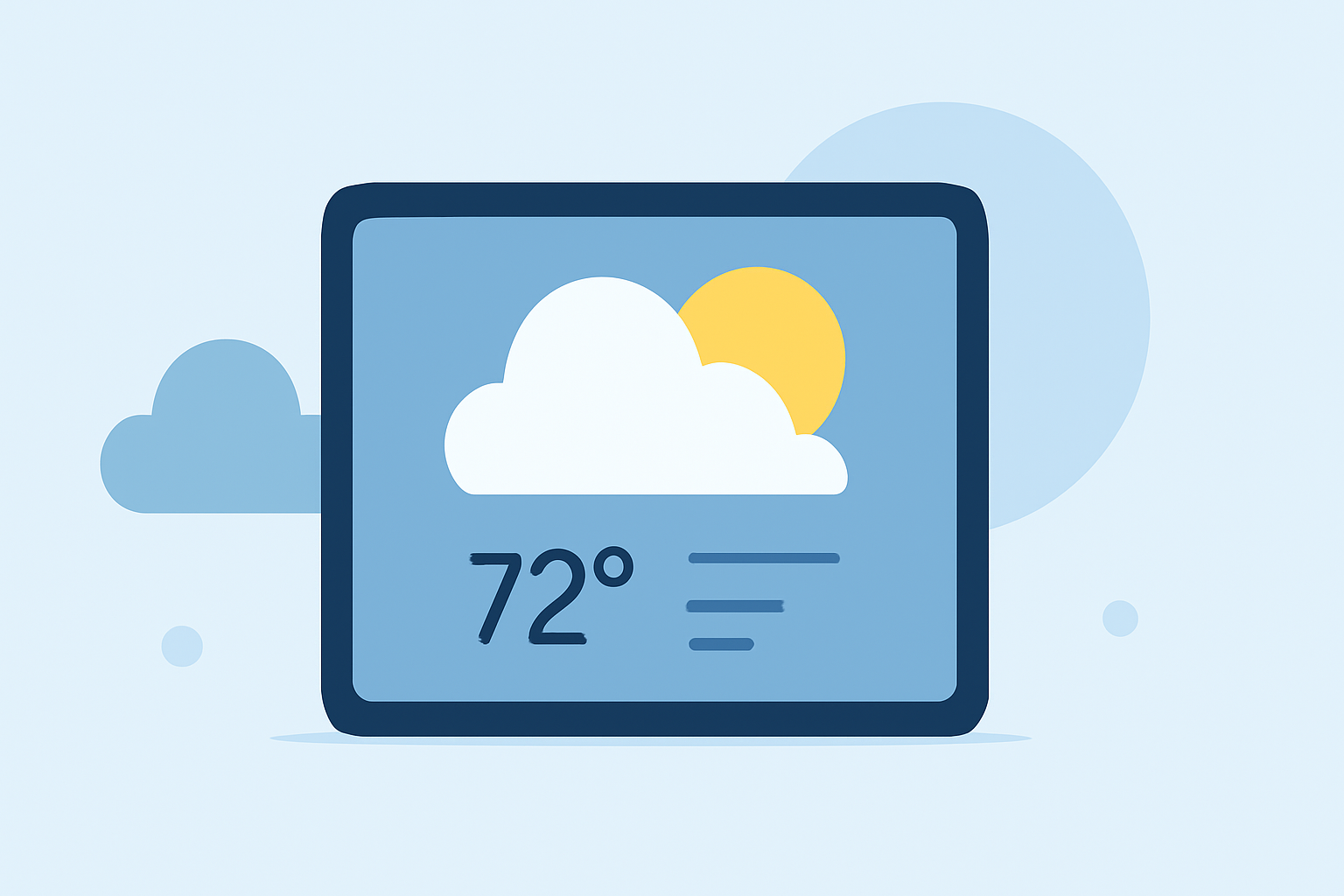
Customizing the Weather widget on your iPad allows you to access forecasts for specific locations directly from your Home Screen. Here's how you can set it up:
1. Add the Weather Widget to Your Home Screen
-
Access Widget Gallery: Touch and hold an empty area on your Home Screen until the apps jiggle. (support.apple.com)
-
Open Widget Gallery: Tap the plus (+) button in the top-left corner to open the Widget Gallery.
-
Select Weather Widget: Scroll through the list and tap on the Weather widget.
-
Choose Widget Size: Select the desired widget size (small, medium, or large) and tap "Add Widget."
-
Place the Widget: Drag the widget to your preferred location on the Home Screen and tap "Done."
2. Customize the Location Displayed
-
Edit the Widget: Touch and hold the Weather widget on your Home Screen until a quick actions menu appears.
-
Select "Edit Widget": Tap "Edit Widget" from the menu.
-
Change Location: Tap the location field (e.g., "My Location" or the current city name) and enter the name of the city or location you want to display.
-
Confirm Selection: Tap outside the widget to return to your Home Screen. The widget will now show the weather for the selected location. (support.apple.com)
3. Utilize Multiple Weather Widgets
You can add multiple Weather widgets to monitor forecasts for different locations simultaneously:
-
Repeat the Addition Process: Follow the steps above to add additional Weather widgets.
-
Customize Each Widget: Edit each widget to display the weather for a different location as needed.
4. Explore Advanced Customization with Widget Apps
For more personalized widget designs, consider using third-party apps that offer advanced customization options:
-
Widgetsmith: Create custom widgets with various styles and functionalities.
-
Widgy: Design highly customizable widgets tailored to your preferences.
These apps provide templates and tools to craft widgets that match your aesthetic and informational needs. (makeuseof.com)
By customizing your iPad's Weather widget, you can have quick access to the weather information that matters most to you, enhancing your daily planning and preparedness.