
Weather Widget Customization Mistakes to Avoid
Last updated: 2023-09-05
When customizing weather widgets, it's crucial to focus on user experience, ensuring clarity and relevance. While personalization can enhance functionality, it’s essential to maintain a balance that prioritizes readability and necessary information for your specific needs.
Summary
- Prioritize essential weather parameters for visibility.
- Avoid clutter by limiting displayed information.
- Embrace customization features to enhance personal relevance.
- Keep performance in mind for a smooth user experience.
What Commonly Goes Wrong in Weather Widget Customization?
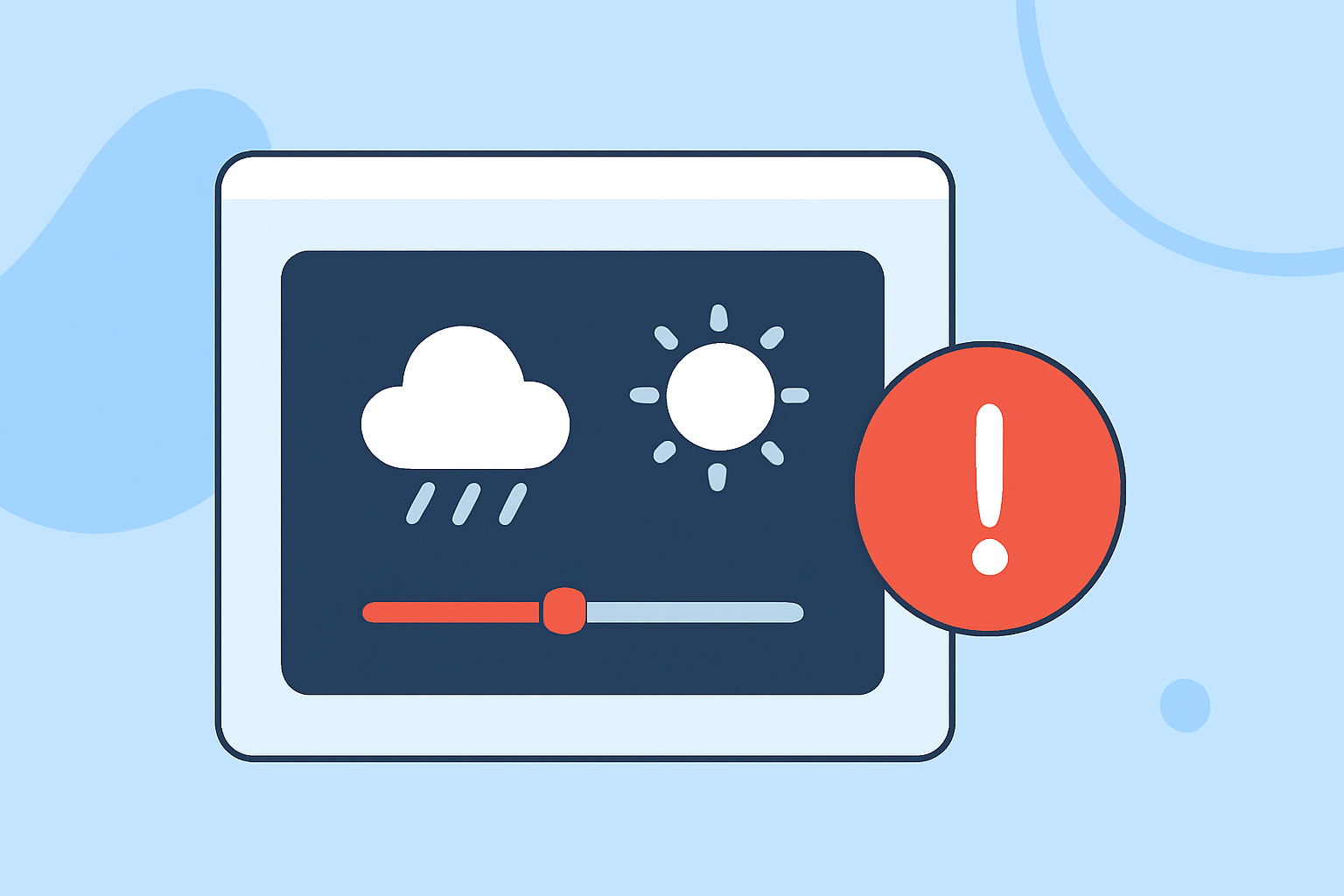
Many users mistake overloading their weather widgets with excessive information or utilizing poor color schemes that hinder readability. This can lead to confusion rather than clarity, making it difficult to quickly grasp essential weather conditions.
How to Prioritize Essential Features?
Start by identifying the key weather parameters that matter most to you. For instance, current temperatures, precipitation forecasts, and severe weather alerts should be easily accessible. At Clime, users can customize their widget layouts based on personal preferences by adjusting the order of displayed parameters, ensuring that the most relevant information is prioritized. This customization enhances your ability to make informed decisions based on immediate weather conditions.
Why Avoid Clutter in Your Widget Layout?
Cluttered widgets can overwhelm users and mask vital details. Stick to a few essential metrics to streamline information delivery. For example, showcasing current temperature along with sky conditions and perhaps a short-term forecast can provide a comprehensive yet concise overview. Clime’s interface provides a small preview of your layout, helping to visualize what your final widget will look like.
How to Use Color and Design Effectively?
Colors and design layouts matter immensely when it comes to widget customization. Ensure there’s a contrast between the background and text to enhance visibility. Effective use of shading, tinting, or clear backgrounds can significantly improve the widget's aesthetic while also enhancing user comprehension. Be mindful of the impact poor choices can have on immediate readability; this can transform a straightforward weather check into a frustrating experience.
What Are the Benefits of Dynamic Data?
Incorporating dynamic data updates can enrich your widget experience. Real-time updates allow you to see ongoing changes in conditions. Clime leverages NOAA-based radar imagery, ensuring that you receive near-real-time weather data, providing an effective way to visualize incoming weather phenomena right through your widget.
How Can You Simplify Customization Settings?
Navigating complex settings menus can be daunting. To streamline this, Clime provides straightforward access to layout customization through its settings menu. Users can easily adjust the display without having to delve deep into complicated options, ensuring a seamless customization process.
Conclusion: What We Recommend
- Focus on core weather parameters that matter to you.
- Maintain a clean, uncluttered layout to enhance usability.
- Use contrasting colors for clarity and ease of reading.
- Leverage dynamic real-time data to keep your widget informative and relevant.