
Weather Widget Customization Explained for Pet Owners
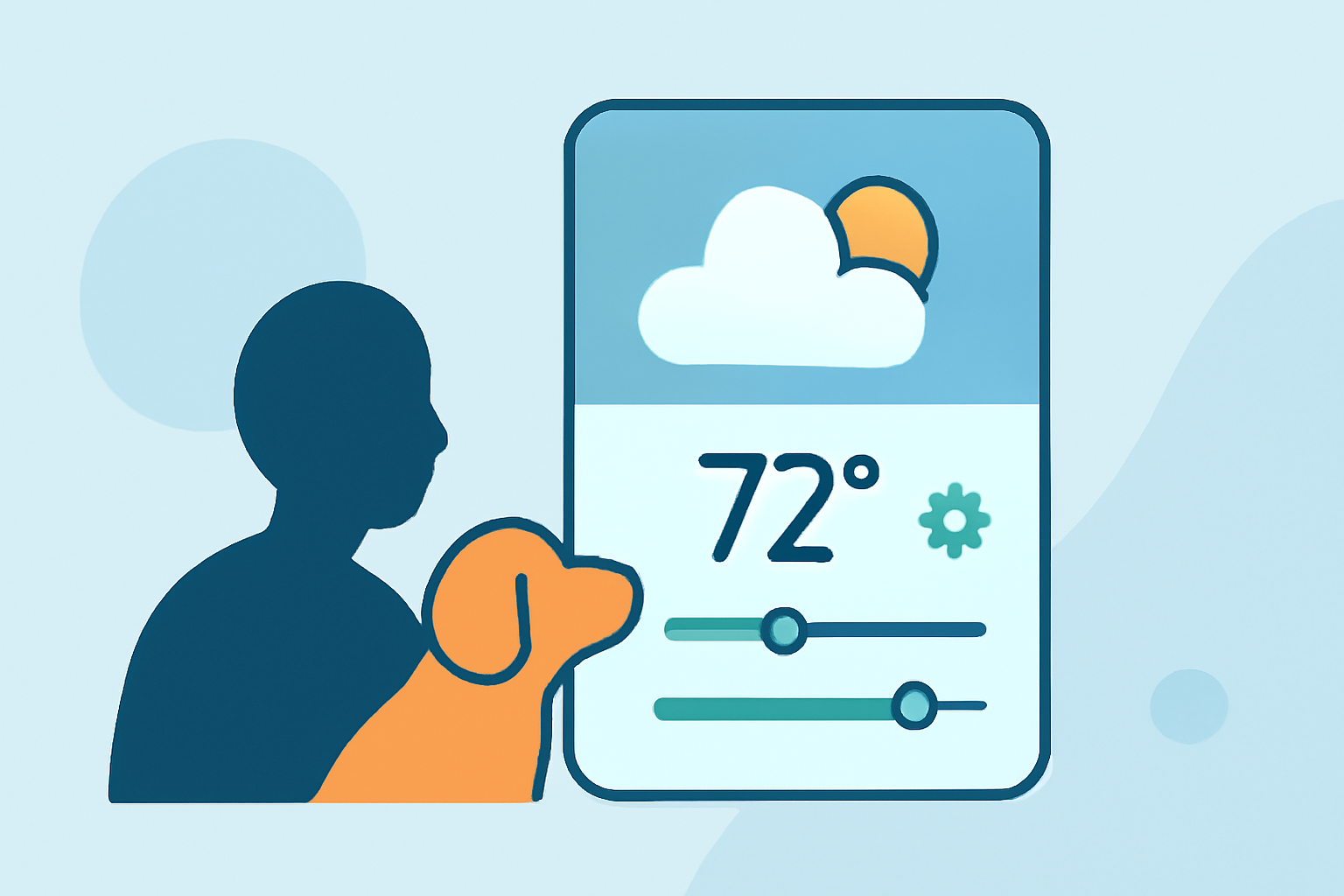
As a pet owner, staying informed about the weather is crucial for planning walks, playtime, and other activities with your furry friend. Personalizing your weather widget can make this process both efficient and enjoyable.
What Are Weather Widgets?
Weather widgets are small applications that display current weather conditions and forecasts directly on your device's home screen. They provide quick access to essential weather information without the need to open a full-fledged app.
Why Customize Your Weather Widget?
Customizing your weather widget allows you to tailor the information and appearance to suit your preferences and needs. For pet owners, this means having weather updates that are not only accurate but also engaging and relevant to your daily activities with your pet.
How to Customize Your Weather Widget
- Choose a Widget That Allows Personalization
Select a weather widget that offers customization options, such as adjusting the layout, colors, and displayed information. Some widgets even allow you to incorporate pet-related themes or images.
- Select Relevant Weather Information
Decide which weather details are most important for your pet-related activities. This might include temperature, precipitation, wind speed, and UV index.
- Incorporate Pet-Themed Elements
Personalize the widget with pet-themed icons, backgrounds, or even images of your own pet. This adds a fun and personal touch to your weather updates.
- Adjust the Widget's Appearance
Modify the widget's size, font, and color scheme to match your device's aesthetic and your personal style.
Recommended Weather Widgets for Pet Owners
While there are various weather widgets available, some offer unique features that cater to pet owners:
-
WeatherPets: This app allows you to upload a photo of your pet and generates weather scenes featuring your pet in various weather conditions. It also offers home screen widgets in multiple sizes for quick weather updates. (apps.apple.com)
-
OpenPet: OpenPet provides a virtual AI pet that delivers weather updates in a cute and engaging manner. It offers customizable widgets and is ad-free, ensuring a pleasant user experience. (mwm.ai)
Benefits of Customizing Your Weather Widget
-
Enhanced Engagement: A personalized widget makes checking the weather more enjoyable, especially when it features your pet.
-
Quick Access: Customized widgets provide at-a-glance weather information, helping you plan pet activities efficiently.
-
Improved Planning: Accurate and personalized weather updates assist in making informed decisions about outdoor activities with your pet.
Conclusion
Customizing your weather widget is a simple yet effective way to enhance your daily routine as a pet owner. By selecting a widget that allows personalization and incorporating pet-themed elements, you can enjoy accurate and engaging weather updates tailored to your needs.
Remember, the right weather information can make all the difference in planning enjoyable and safe activities with your beloved pet.