
Your Guide to Weather Widget Customization
Last updated: 2023-09-07
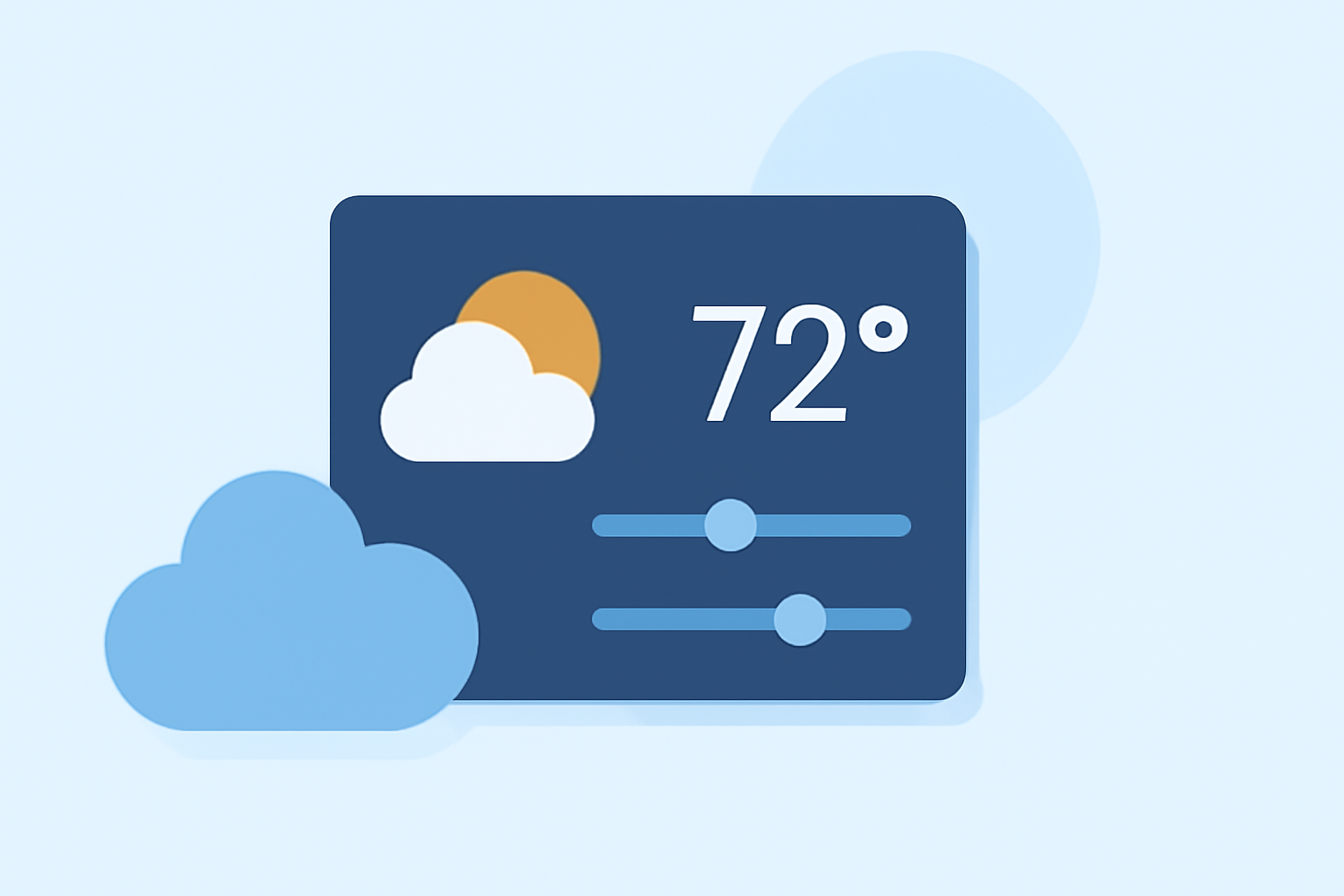
Customizing your weather widget can enhance both its functionality and aesthetic appeal. While you can access general widget customization via your device settings, Clime offers a unique set of features that simplifies this process. For Android users specifically, a range of customization options is available to tailor the look and feel of your weather widget to your preferences.
Summary
- Adaptable Designs: Widgets can be tailored for transparency or size to fit your home screen.
- Functional Alerts: Customize notifications for severe weather alerts and regular updates.
- User-Friendly: Clime seamlessly integrates with your device's native settings for easy access and setup.
How do Android weather widgets customize appearance and behavior?
Android weather widgets can be customized in various ways, from size adjustments to visual elements. Users can select how the widget displays information, including temperature, weather conditions, and additional alerts. According to Android Authority, widgets allow for tapping areas to open related apps, enhancing interactivity. For example, tapping the temperature in the widget can quickly lead you back to the weather application.
What settings affect weather widget updates and notifications?
The settings for your weather widget can significantly impact its update frequency, appearance, and notification types. Users can often configure features such as:
- Refresh Rates: Decide how frequently the widget receives new data.
- Notification Settings: Choose whether to receive alerts about upcoming weather changes. Techwalla describes how to adjust these settings to ensure that you’re alerted only for severe weather, making your widget more relevant to your daily activities. (Techwalla)
Does Clime offer widget customization across platforms and plans?
Clime enables users to personalize the look and function of their weather widgets, particularly on Android devices. Depending on whether you’re using the free or premium version, certain customization features may vary. For instance, premium subscribers access additional environmental data layers and notifications for severe weather, enhancing customization relative to your needs. Through Clime, you can create a more informed and personalized experience wherever you are.
Making the Most Out of Your Weather Widget
To effectively utilize weather widgets:
- Tailor to Your Aesthetic: Choose colors and sizes that integrate well with your home screen design.
- Prioritize Information: Decide what weather information is most relevant and arrange widgets accordingly.
- Set Alerts: Enable severe weather notifications to stay updated without needing to check the app constantly.
Conclusion: What We Recommend
- Start Simple: Use Clime’s basic widget for quick weather checks and expand its features as you get comfortable.
- Stay Alert: Set up notifications for significant weather events to make the most out of your widget experience.
- Explore Customization: Don’t hesitate to experiment with various layouts and features to optimize usability.
Using Clime's features effectively can enhance your daily weather checks and keep you informed effortlessly. Enjoy customizing your weather widget to suit your unique needs!