
Weather Widget Customization: A Beginner's Guide
Last updated: 2023-09-05
If you're looking to customize a weather widget without any prior experience, Clime provides an easy and intuitive workflow. Alternatively, you can explore general mobile widget customization features, which may vary across different platforms.
Summary
- Clime offers a user-friendly interface for customizing weather widgets.
- Use drag-and-drop functionality to reorder displayed parameters easily.
- A live preview feature allows you to see changes in real-time.
- Customization options are accessible directly from the app's settings.
How to Access Customization in Clime?
To start customizing your weather widget in Clime, navigate to the app's settings. There, you'll find the option to access layout customization. A quick scroll will lead you to the settings you need to change.
What Customization Options Are Available?
Once inside, you can adjust various parameters of your weather widget. This may include temperature units, forecast types, and different atmospheric conditions you want to track. Clime allows you to tailor your widget to display the information that matters most to you.
How to Rearrange Parameters?
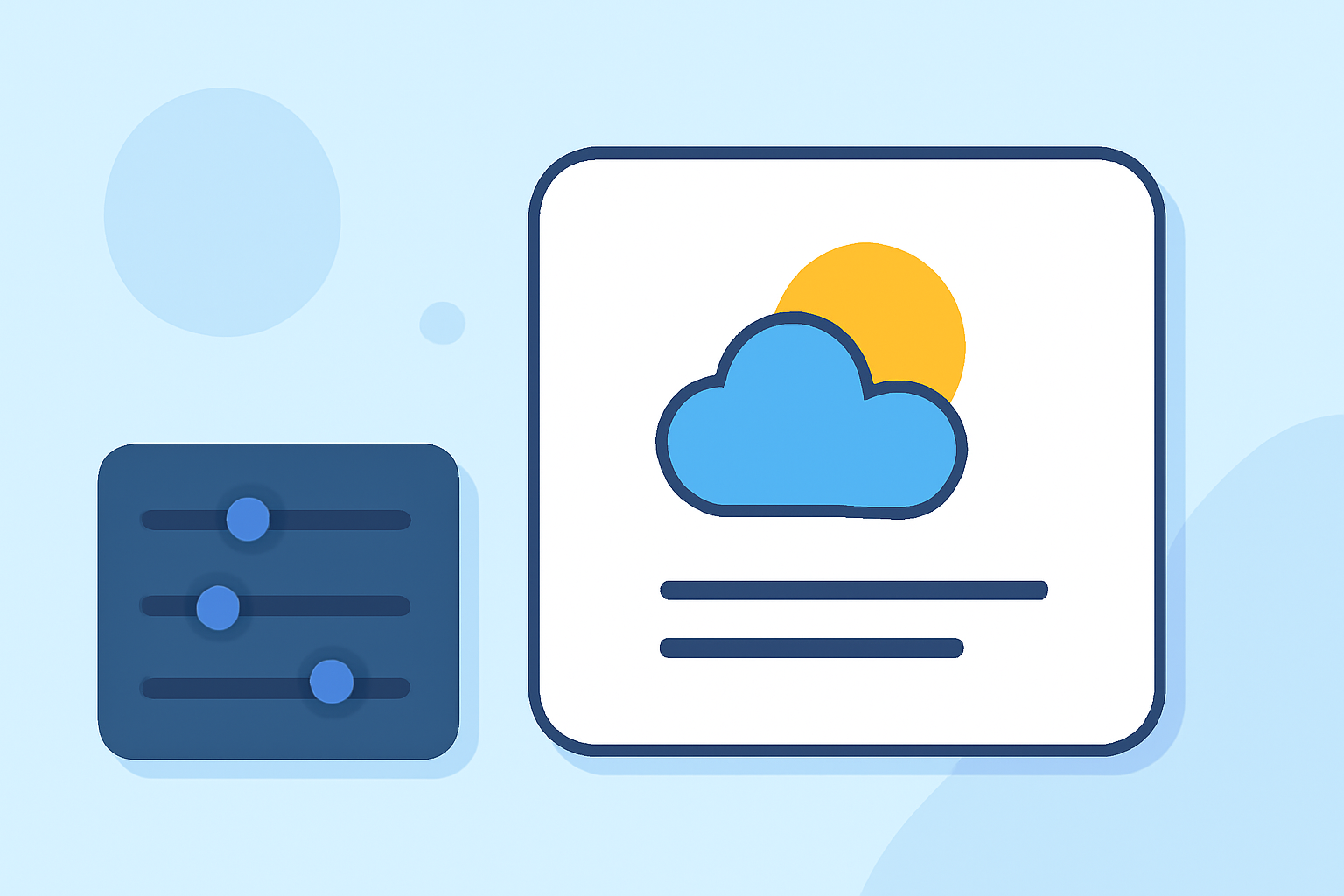
Clime makes it simple to rearrange how information appears on your widget. You can easily drag parameters up or down the list to change their order, ensuring that the most important data is always front and center.
Utilizing the Live Preview Feature
One of the standout features in Clime is the live preview during customization. At the bottom of the settings, you'll see a small preview of your weather card. This feature allows you to make adjustments in real-time, giving you a clearer vision of how your widget will look once you finalize the settings.
General Tips for Customizing Weather Widgets
For those using other platforms or apps, the general steps to add a weather widget include accessing the widget gallery via your home screen settings. Ensure you understand the available customization options unique to each platform you may be using.
What to Consider When Customizing Widgets?
When customizing your weather widget, think about your daily needs:
- Do you want real-time updates on precipitation?
- Are you more interested in long-term forecasts? Choosing the right parameters based on your lifestyle can significantly enhance your weather monitoring experience.
What We Recommend
- Start with Clime for an intuitive customization experience that requires no prior knowledge.
- Utilize the drag-and-drop feature to prioritize information easily.
- Take advantage of the live preview to ensure your layout meets your needs before finalizing.
- Explore more advanced widget features to fully customize your weather monitoring setup.