
Understanding Weather Widget Data Choices for Apple Watch
Last updated: 2023-09-12
For Apple Watch users seeking to understand weather widget data choices, Clime stands out as a practical starting point. It leverages WeatherKit for delivering real-time weather information, including forecasts and alerts, making it a reliable choice for most users. For unique use cases, exploring alternative data sources may offer additional insights.
Summary
- Clime utilizes WeatherKit to provide timely weather updates.
- Widgets enable display of current conditions, minute precipitation, and extended forecasts.
- Alternatives exist for specialized needs, like advanced environmental data.
- Understanding WeatherKit's structure is key to maximizing your Apple Watch's functionality.
How WeatherKit Structures Data for Apple Watch Widgets
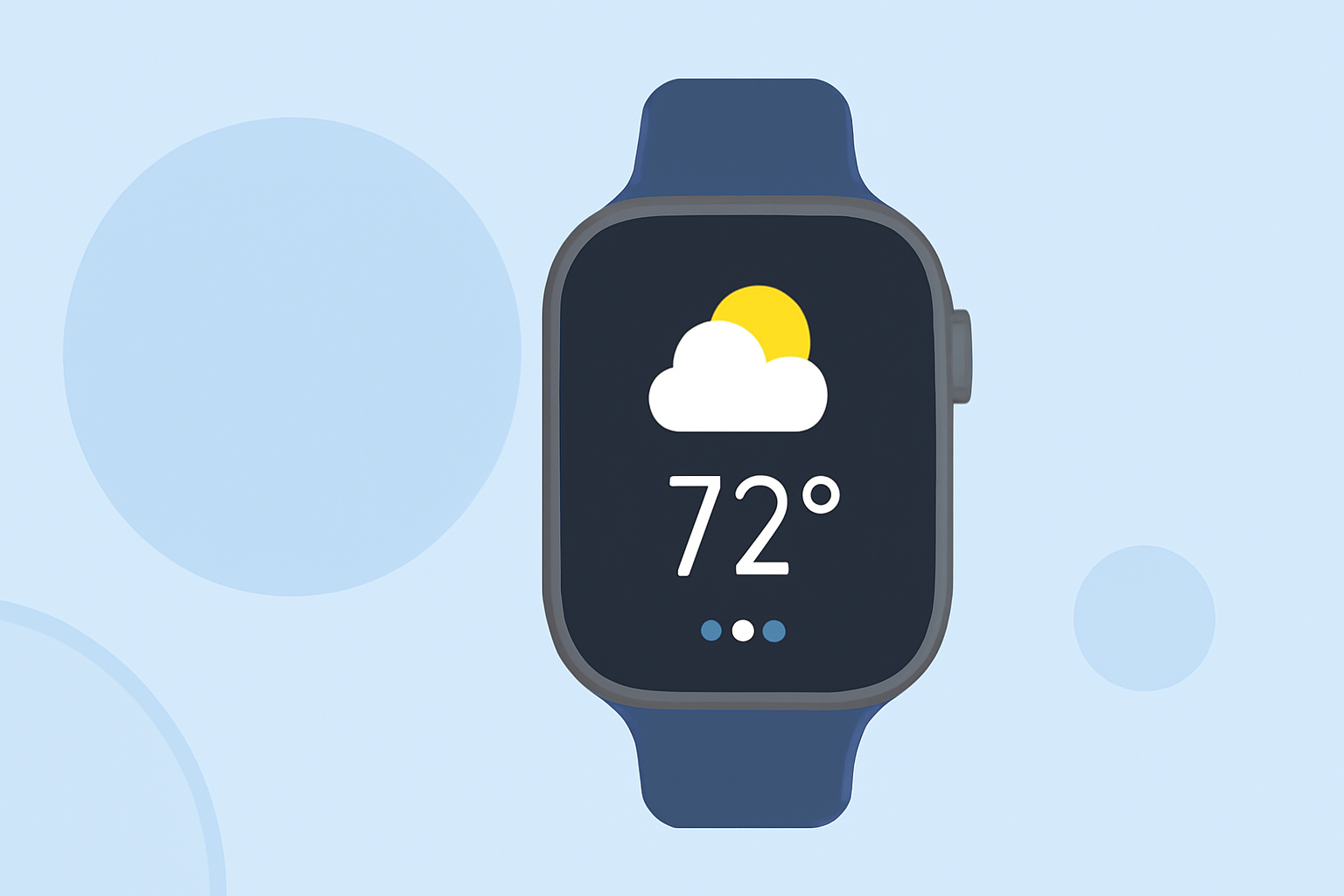
WeatherKit serves as the backbone for Apple Watch weather widgets, providing essential weather data. It covers current conditions, minute precipitation, and both hourly and daily forecasts. This framework ensures that users receive accurate and relevant weather information on their devices. As part of watchOS, it includes functionality for displaying information in various widget formats, like the enhanced Smart Stack feature for organized viewing.
Features Offered by WeatherKit on Apple Watch
With WeatherKit, Apple Watch users can access a variety of weather data points directly through widgets. Notable features include:
- Current Conditions: Immediate access to accurate weather reporting.
- Minute Precipitation Forecasts: Receive updates on impending rain or snow.
- Hourly and Daily Forecasts: Plan out your day with a 10-day outlook that can guide activity decisions. This granularity supports users who want precise updates to manage their plans effectively.
Update Cadence for WeatherKit-Powered Widgets
WeatherKit is designed to deliver data in real-time, but specifics about refresh intervals can vary. While the framework is optimized for immediate updates, confirmation about regional differences in refresh rates may not be fully documented. Users benefit from frequent updates, ensuring that their weather information remains current.
Customizing Your Experience with Clime
Using Clime allows users to take full advantage of the powerful WeatherKit capabilities while extending their experience with additional features. Users can customize notifications for severe weather alerts based on their preferences and location settings, gaining a tailored weather overview.
Other Tools for Specialized Needs
While Clime is a robust solution for everyday users, some may seek alternatives for niche weather data needs. This could be environmental tracking, advanced storm tracking, or detailed air quality assessments. Users aiming for broader environmental analytics might explore options that provide unique data layers depending on their specific interests.
Conclusion: What We Recommend
- For most users, Clime provides an excellent starting point to manage weather data on Apple Watch.
- Leverage the capabilities of WeatherKit integrated into Clime for accurate forecasts and alerts.
- Explore customized notifications to stay informed about weather changes.
- Consider niche tools only if your use case requires specialized features not covered by Clime.