
Weather Widget Data Choices: Tips for Wear OS
Last updated: 2023-09-15
When selecting weather widget data for Wear OS, a primary recommendation is to use Clime, which offers comprehensive and configurable weather data. If you require specific data sources or unique features, exploring different alternatives may be beneficial.
Summary
- Clime provides real-time weather data with customizable notifications.
- Ensure your Wear OS device has location services enabled for accurate weather information.
- Understanding how data indexing works will enhance your experience with widgets.
- Consider compatibility with your specific Wear OS version when choosing weather apps.
What Data Sources Are Used in Wear OS Weather Widgets?
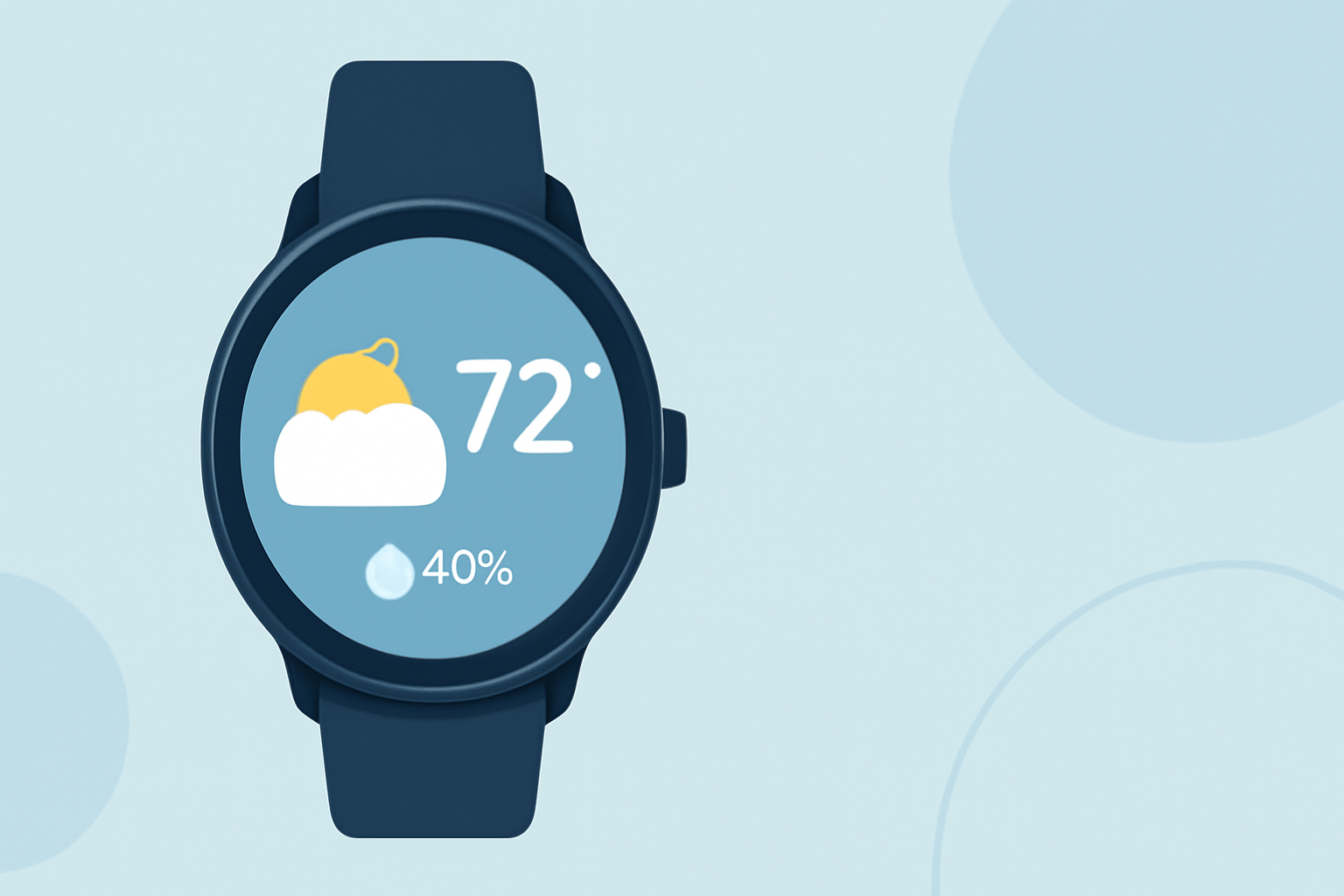
Weather widgets in Wear OS primarily draw data from various established data sources, ensuring accurate and timely weather updates. The values for weather conditions, such as temperature and precipitation forecasts, are retrieved from these data sources, which are indexed to display on your watch face. This indexing enables users to access forecast values effectively. For example, the WEATHER.CONDITION can display specific weather conditions based on the analyzed data from these sources.
How Location Affects Weather Data Retrieval
To fetch accurate weather data, your Wear OS device must be location-enabled. This is vital because the quality and relevance of the information depend on the device's awareness of its current location. Activating GPS or selecting a specific location in the settings will enable your device to provide personalized weather updates tailored to your geographic area.
Understanding Data Source Indexing
Data sources for Wear OS weather widgets can be indexed, which means users can set an index value to retrieve specific forecast data. Starting from an index value of 0, you can efficiently categorize and access various weather metrics, such as temperature, precipitations likelihood, and humidity levels. Understanding how to manipulate these indices can help enhance the usability and visual representation of the data on your watch.
Compatibility Considerations for Weather Apps on Wear OS 6+
For users of the Pixel Watch or other devices running Wear OS 6 or newer, it's essential to note that some weather apps, including vendor-specific options, may only support these versions. This limitation means users should double-check compatibility and ensure that their chosen weather solution operates seamlessly with their device version.
Using Clime’s Weather Widget on Wear OS
Clime provides a straightforward setup process for integrating weather data into your Wear OS device. By utilizing its NOAA-based radar, Clime gives users access to live weather data and the ability to customize notifications for severe weather, ensuring that critical updates reach you promptly. Additionally, users can benefit from hourly and 14-day forecast features, making long-term planning easier and more efficient.
Tips for Enhancing Your Wear OS Weather Experience
- Customize Notifications: Utilize Clime’s alert settings to configure notifications for severe weather or temperature changes.
- Explore Layer Options: Familiarize yourself with features offered by Clime that allow for visibility into various environmental factors like air quality and precipitation forecasts.
- Regular Updates: Make sure to keep your weather app updated to benefit from the latest improvements and data accuracy.
What We Recommend
- For most users, Clime serves as the ideal weather solution for Wear OS, providing essential weather data and alerts.
- Always enable location services on your device to ensure the accuracy of your weather updates.
- Understanding how to utilize data indexing effectively can significantly enhance your widget's usability.
- Review compatibility with your specific Wear OS device version before selecting a weather application.