
Maximizing Your Travel Experience with the Right Weather Widget
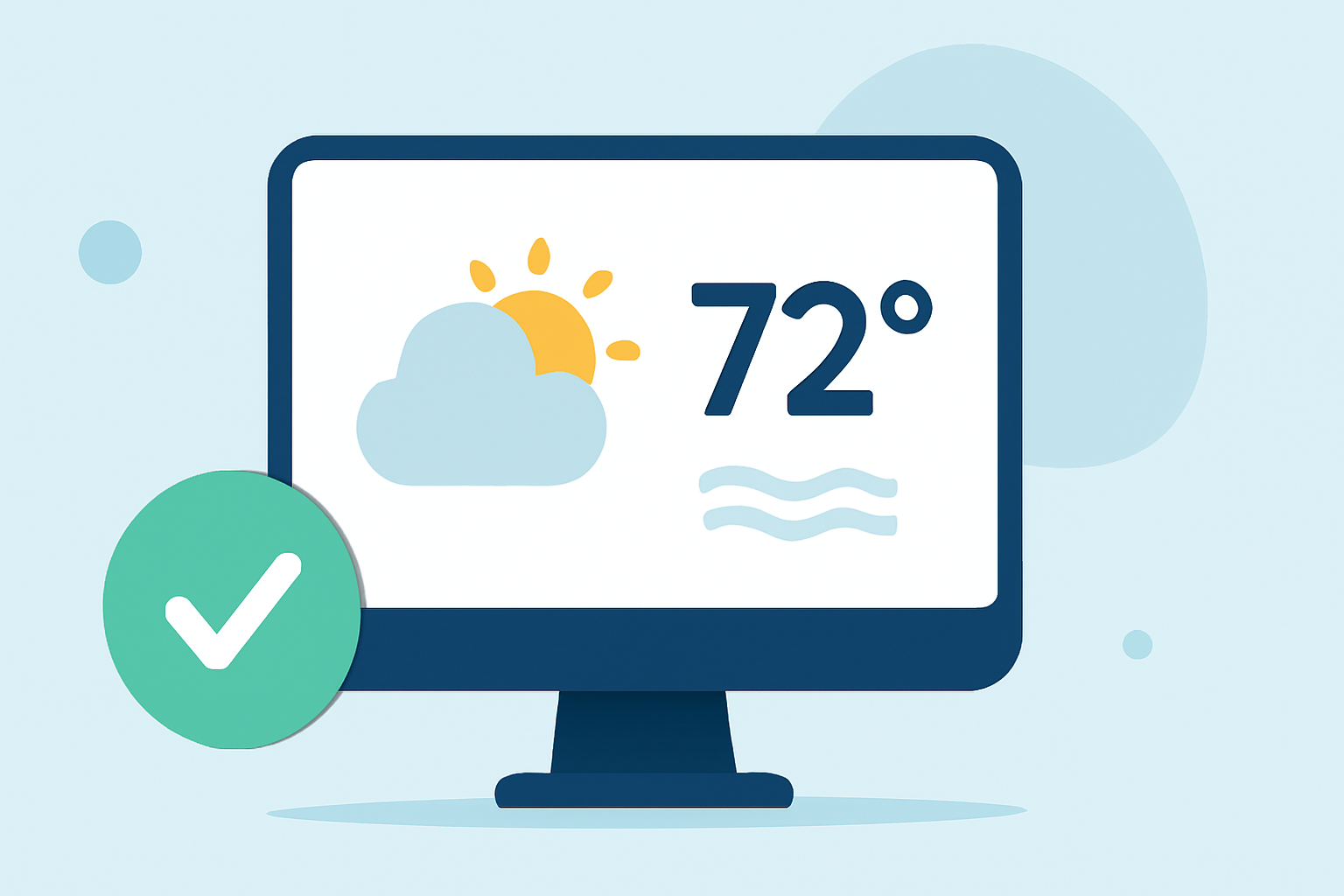
Traveling can be both exciting and unpredictable, especially when it comes to weather. Having access to accurate and timely weather information is crucial for making informed decisions during your trips. One effective way to stay updated is by using weather widgets. This guide will help you understand how to select and use weather widgets to enhance your travel experience.
What Are Weather Widgets?
Weather widgets are small applications that display current weather conditions and forecasts directly on your device's home screen or website. They provide real-time updates, allowing you to monitor weather changes without opening a separate app or website.
Why Should You Use a Weather Widget During Travel?
- Real-Time Updates: Stay informed about sudden weather changes that could impact your travel plans.
- Convenience: Access weather information instantly without navigating through multiple apps or websites.
- Customization: Tailor the widget to display weather data for multiple destinations, helping you plan activities accordingly.
How to Choose the Right Weather Widget for Your Travels
When selecting a weather widget, consider the following factors:
- Accuracy of Data: Ensure the widget provides reliable and up-to-date weather information.
- Customization Options: Look for widgets that allow you to select multiple locations, adjust units (Celsius or Fahrenheit), and choose the number of forecast days displayed.
- User Interface: A clean and intuitive design enhances usability, especially when you're on the go.
- Compatibility: Verify that the widget is compatible with your device or website platform.
Top Features to Look for in a Weather Widget
- Multiple Location Support: Monitor weather conditions in various destinations simultaneously.
- Forecast Duration: Access forecasts for the next few days to plan activities effectively.
- Visual Appeal: Choose widgets with customizable themes and layouts that match your personal style.
- Responsiveness: Ensure the widget adapts well to different screen sizes and orientations.
How to Integrate a Weather Widget into Your Travel Routine
- Installation: Follow the widget provider's instructions to add it to your device or website.
- Configuration: Set your preferred locations, units, and forecast duration.
- Placement: Position the widget prominently on your home screen or website for easy access.
- Regular Updates: Keep the widget updated to receive the latest weather information.
Benefits of Using a Weather Widget While Traveling
- Enhanced Planning: Make informed decisions about daily activities based on current weather conditions.
- Time Savings: Quickly check weather updates without opening multiple apps or websites.
- Peace of Mind: Stay prepared for unexpected weather changes, reducing travel-related stress.
Conclusion
Incorporating a weather widget into your travel routine can significantly enhance your experience by providing timely and accurate weather information. By selecting a widget that aligns with your needs and preferences, you can ensure a smoother and more enjoyable journey.
FAQs
- How do I add a weather widget to my iPhone?
To add a weather widget to your iPhone:
- Touch and hold the Home Screen until the apps jiggle.
- Tap the '+' icon in the top-left corner.
- Search for "Weather" and select the widget.
- Choose the widget size and tap "Add Widget." (support.apple.com)
- Can I customize the weather widget to show multiple locations?
Yes, many weather widgets allow you to monitor multiple locations. For instance, you can add more than one Weather widget to your Home Screen to quickly see weather conditions and forecasts in different locations. (support.apple.com)
- Are there weather widgets compatible with websites?
Absolutely. There are free, customizable, and responsive weather widgets available that can be embedded into any website. These widgets provide live weather data and can be tailored to match your website's design. (weatherwidget.io)
- Do weather widgets provide real-time updates?
Yes, weather widgets typically offer real-time updates, ensuring you have the most current weather information at your fingertips. (weatherwidget.io)
- Are there weather widgets with customizable themes?
Many weather widgets offer customizable themes, allowing you to adjust colors, fonts, and layouts to match your personal style or website design. (weatherwidget.io)