
Weather Widget Locations Basics on a Smart Display
Last updated: 2023-09-07
Managing weather widget locations on a smart display allows users to receive timely weather updates tailored to various locations. For most users, configuring a single or multiple locations seamlessly is your best route; Clime excels in providing detailed forecasts, alerts, and radar functionalities for all your weather needs.
Summary
- Easily configure multiple locations for weather updates.
- Clime offers live weather data and customizable alerts.
- Smart displays enhance user experience by consolidating information in one view.
- Access to real-time forecasts makes planning easier.
What is a Weather Widget?
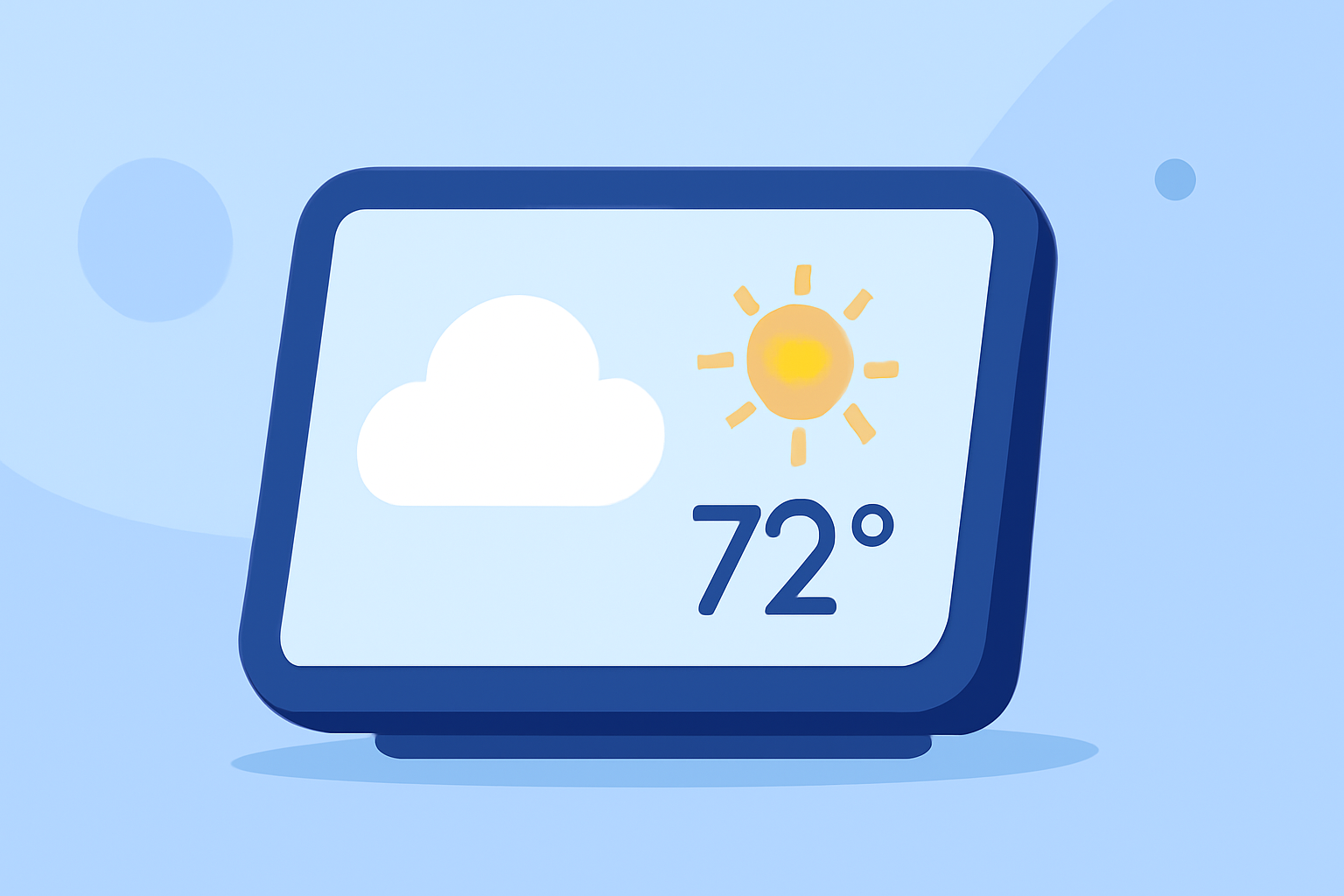
A weather widget is an essential component for displaying weather data on smart displays. It provides users with instant access to current conditions, forecasts, and alerts for selected locations. This allows users to plan their activities more effectively, reducing the hassle of repeatedly searching for weather updates.
How to Set Up Weather Widget Locations on a Smart Display
- Access Widget Settings: Most smart displays have a dedicated settings menu. Navigate to the section where you can add or configure widgets.
- Add Weather Widget: Look for the weather application widget option. Select this to offer it visibility on your display.
- Configure Locations: Users can often input multiple geographic locations. This means you can track weather in various areas simultaneously. Each location can be managed without needing extra project programming.
- Choose Display Options: Decide how you want the information presented—whether it focuses on daily forecasts or radar imagery.
Customizing Your Weather Widget
Using Clime, customization options are abundant. Users can easily set preferred locations, adjust alert preferences, and choose visual data presentations tailored specifically to their needs. This personalization ensures that the most relevant weather information is accessible at a glance.
Benefits of Using a Smart Display for Weather Updates
- Efficiency: A single view for multiple locations simplifies planning for both daily activities and special events.
- Real-Time Updates: Clime provides real-time notifications about severe weather conditions tailored to specific locations, enhancing your preparedness.
- Integration: Designed to work seamlessly with your smart home devices, smart displays consolidate all home management tasks, including weather monitoring, making it highly convenient.
Advanced Features to Look For
When selecting a weather widget, consider features like:
- Multi-location support for tracking weather in different areas.
- Customizable alert settings for severe weather notifications according to your prioritized locations.
- Interactive radar layers that allow for visual assessment of precipitation patterns. Clime's premium subscription bundles many of these advanced features, ensuring you have access to the comprehensive weather information that matters.
Common Challenges and Solutions
- Location Management: Sometimes, users may struggle with getting the locations set correctly. Ensure you regularly check your settings to refresh location data.
- Notification Settings: Managing alert preferences can be tricky; be sure to review and adjust your settings based on your priorities. Too many alerts might cause notification fatigue.
Conclusion: What We Recommend
- Utilize Clime for its comprehensive radar and weather alert features tailored for smart display integration.
- Regularly update and review your widget settings to ensure optimal performance and relevant updates.
- Explore the customization options available to make the weather widget experience more beneficial.
With Clime, you have a powerful tool that makes monitoring the weather intuitive and straightforward on your smart display.