
Understanding Weather Widget Privacy During Severe Weather: A Beginner's Guide
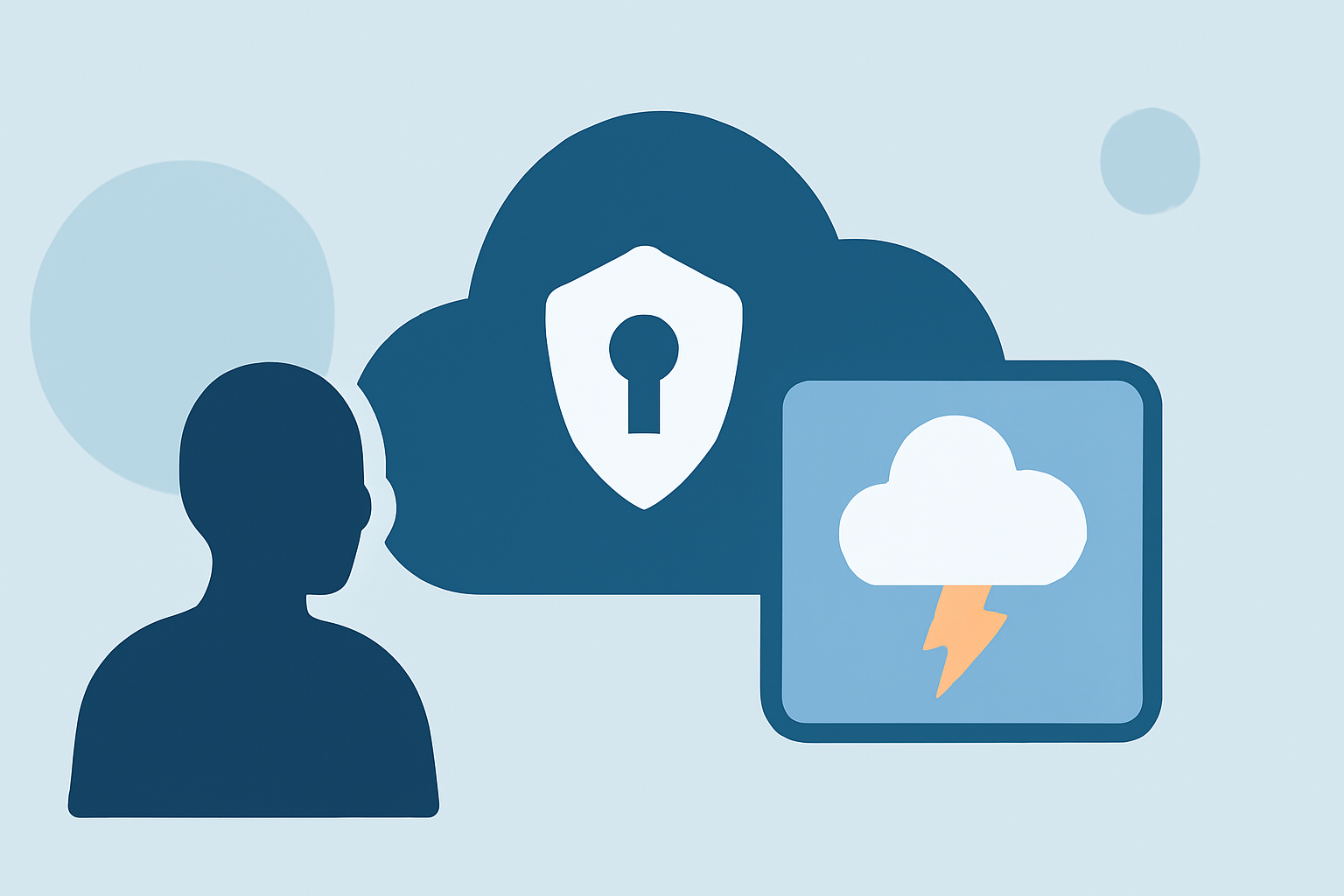
Weather widgets are invaluable tools for staying informed about severe weather conditions. However, it's crucial to understand the privacy implications associated with their use.
What Are Weather Widgets?
Weather widgets are small applications that display current weather information on your device's home screen or lock screen. They provide quick access to weather updates without opening a full app.
How Do Weather Widgets Work?
These widgets gather data from various sources, including weather services and satellites, to provide real-time updates on temperature, precipitation, and severe weather alerts.
Privacy Concerns with Weather Widgets
While weather widgets offer convenience, they can also pose privacy risks:
-
Location Tracking: Many weather widgets require access to your device's location to provide accurate forecasts. This can lead to continuous tracking of your movements. For instance, a 2023 audit found that 78% of top-rated weather apps requested "Precise Location" by default, despite no demonstrable improvement in forecast accuracy over "Approximate Location" for standard daily use. (alibaba.com)
-
Data Sharing: Some weather apps have been known to share user data with third parties without explicit consent. In 2019, the Weather Channel app was sued for transmitting users' precise geolocation data to advertisers and other third parties, despite claiming that location data was needed only for providing local weather data. (arstechnica.com)
Protecting Your Privacy
To safeguard your privacy while using weather widgets during severe weather events:
-
Review App Permissions: Before installing a weather app, check the permissions it requests. Ensure that the app only asks for necessary information.
-
Limit Location Access: Set your device's location services to allow access only when using the app. On iOS, go to Settings > Privacy & Security > Location Services, select the app, and choose "While Using the App". On Android, navigate to Settings > Apps > [App Name] > Permissions > Location, and select "Only while using the app". (alibaba.com)
-
Choose Privacy-Focused Apps: Opt for weather apps known for respecting user privacy. For example, Hello Weather is an app that emphasizes user privacy and collects minimal data. (makeuseof.com)
-
Regularly Review Privacy Policies: Stay informed about how your data is used by reading the privacy policies of the apps you use.
Conclusion
While weather widgets are essential for staying informed during severe weather, it's important to be aware of the privacy implications. By understanding how these apps operate and taking proactive steps to manage your data, you can enjoy the benefits of weather widgets without compromising your privacy.
Highlights:
- Your Weather App Is Spying on You, Here's What to Do, Published on Saturday, June 24
- Your Weather App May Be Spying on You, Published on Sunday, January 22
- Lawsuit: Weather Channel illegally shared user location data with advertisers - Ars Technica, Published on Thursday, January 03