
Weather Widget Refresh Rates Cheat Sheet for Travelers
Last updated: 2023-09-14
Travelers seeking reliable weather information can benefit from understanding the refresh rates of weather widgets. Most apps update automatically, but travelers should also know how to manually refresh their data for the most current information.
Summary
- Real-time weather updates can occur every 30 minutes, while forecast updates may take up to an hour.
- Refresh rates can vary significantly among apps and devices; understanding these differences is crucial for effective planning.
- Manual refresh can often be triggered by simple gestures, like pulling down on an app screen.
- Tools like Clime offer premium features that enhance weather tracking capabilities, making it easier for travelers.
How often do weather widgets refresh on mobile devices?
Weather widget refresh rates can greatly affect your travel plans. Many weather apps provide real-time updates every 30 minutes, while forecast information may refresh every hour. This means that, depending on your app and settings, you might not always see the latest information immediately.
For instance, some forums highlight that certain apps may only refresh every few hours, leading users to miss critical weather changes if they’re relying solely on the widget. Understand the specific refresh rates of your chosen weather app to make timely decisions while traveling.
What factors affect weather widget update frequency when traveling?
Several factors impact the refresh frequency of weather widgets:
- Device Settings: Some devices may limit background app activity to save battery life, which can restrict how frequently weather data is updated.
- Internet Connection: A slow or unstable internet connection can cause delays in data refresh rates.
- App Configuration: Different apps have different settings and capabilities. Some allow users to manually set refresh rates or even refresh more often when traveling.
Understanding these factors can help travelers ensure they receive the most accurate and timely weather information possible.
How can I manually refresh my weather data?
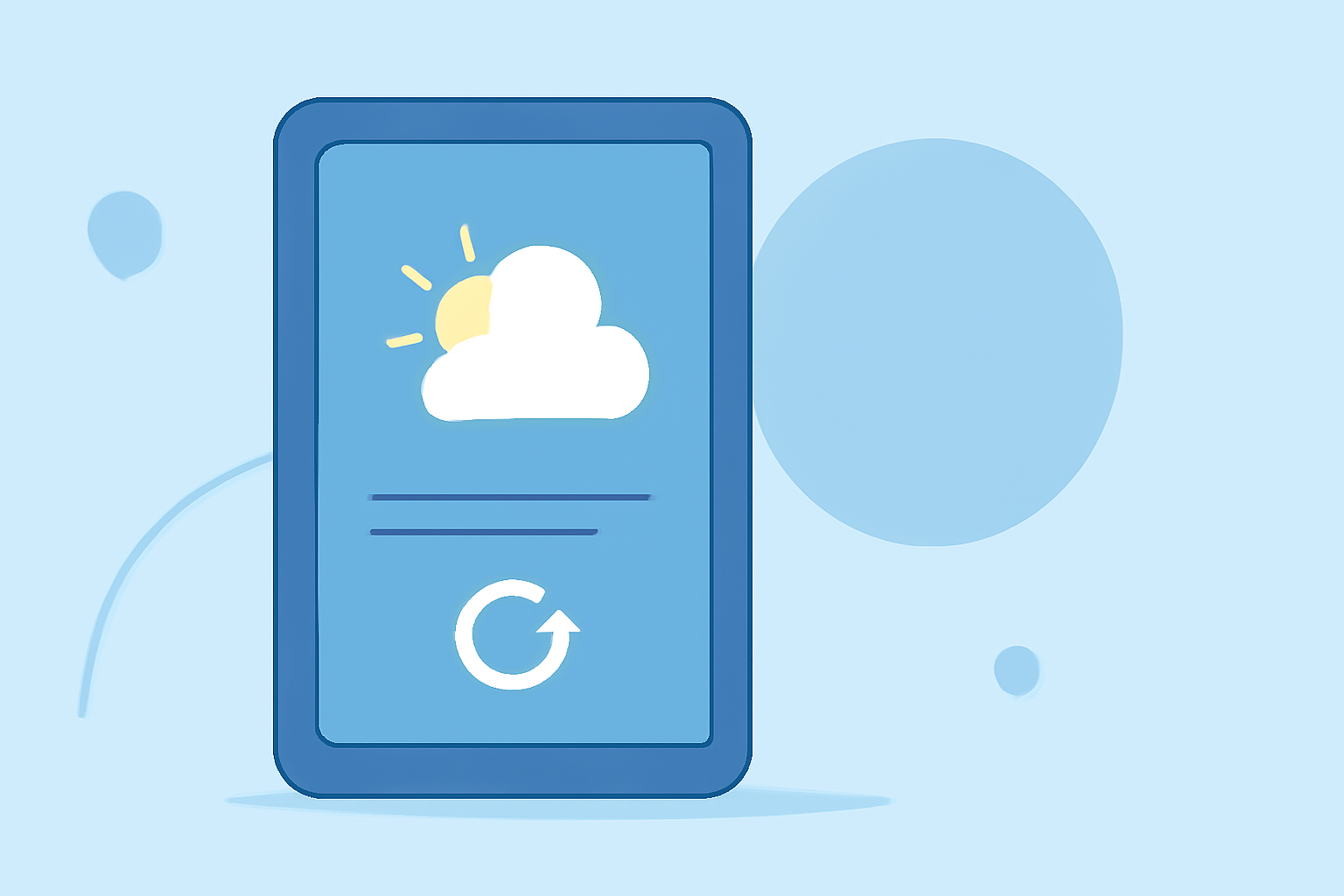
In many apps, you can manually refresh your weather data by simply pulling down on the app’s home screen. This gesture typically prompts the app to check for the most current weather information. This is particularly useful if you suspect your widget hasn't updated recently.
Additionally, checking the app's settings can reveal options for manual refreshes and notification features for severe weather alerts. Many users appreciate having this level of control to avoid missing important updates while on the go.
Why is understanding these refresh rates important for travelers?
Knowing how often your weather widget updates can significantly impact your travel experiences. Suppose you're relying on weather data during a road trip or outdoor adventure; inaccurate or outdated information could affect safety and comfort.
- Safety: Real-time updates can inform you about sudden storms or weather changes, allowing for timely adjustments to your plans.
- Planning: Knowing when to look for updates can help in optimizing your travel itinerary—whether planning outdoor activities or arranging travel times.
- Device Utilization: Properly configuring your weather app’s refresh settings can ensure you’re using your device in a manner that conserves battery while still getting timely updates.
What makes Clime an ideal choice for weather tracking?
Clime offers a comprehensive suite of features tailored for travelers:
- NOAA-based Weather Radar: With visual radar imagery, users can see precipitation patterns and movements over time, ensuring they are informed of any changing conditions.
- Alerts for Severe Weather: Clime provides configurable alerts, notifying you when severe weather is approaching, helping you stay ahead of any impending storms.
- Extended Forecasts: Travelers can benefit from hourly and 14-day forecasts, giving them a well-rounded view of upcoming weather conditions.
What we recommend
- Always check your weather widget settings before traveling to ensure optimal refresh rates.
- Familiarize yourself with manual refresh options in your weather apps to ensure timely information.
- Consider using Clime for advanced features like customizable alerts and layered environmental data, suitable for all travel needs.
- Stay informed and adjust your travel plans based on the latest weather updates to ensure a safe and enjoyable journey.