
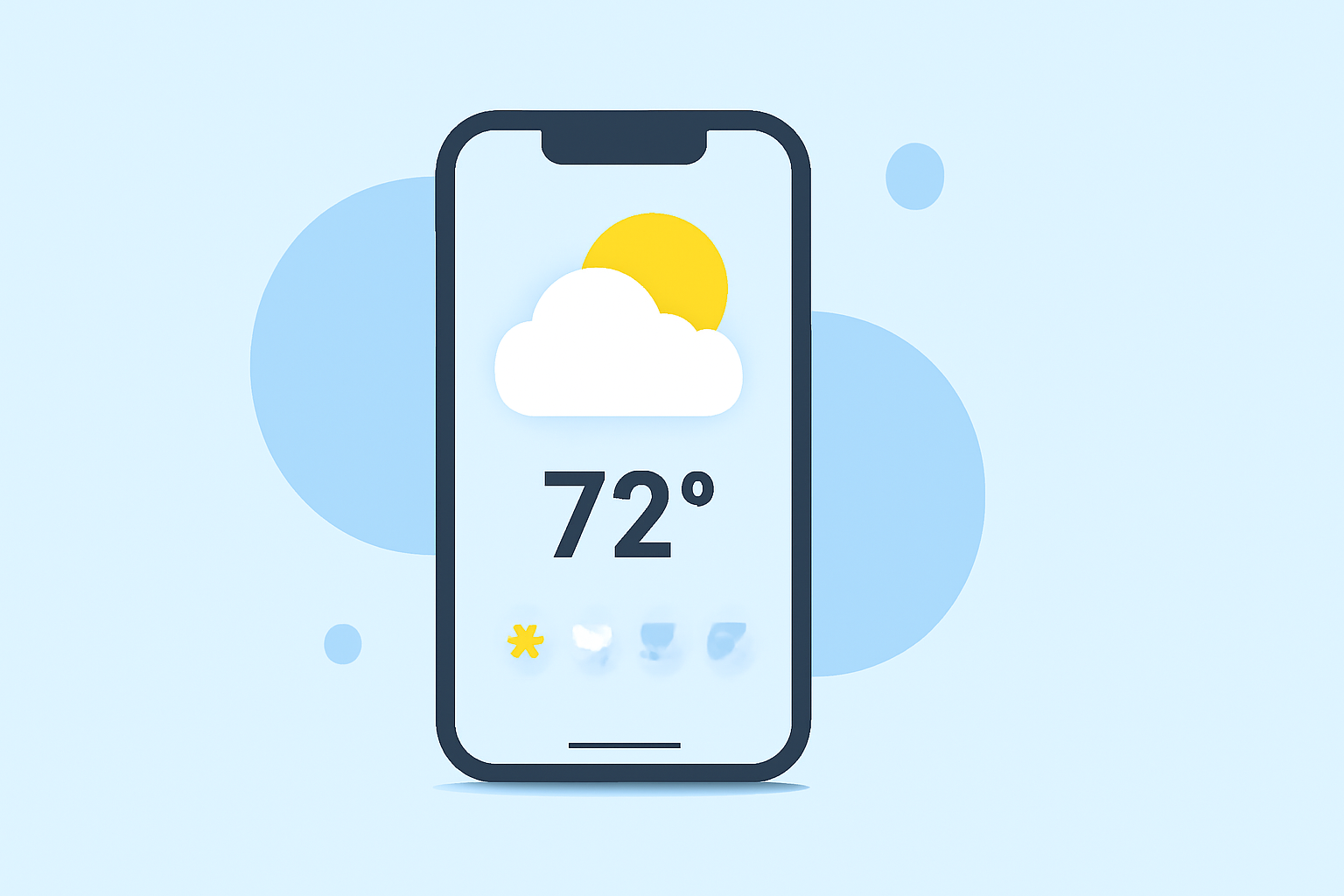
Weather Widgets Examples on iPhone
Last updated: 2023-09-06
When seeking weather widgets for your iPhone, Clime stands out as a comprehensive solution, providing access to NOAA-supported weather information. For users with specific needs, built-in iPhone widgets and other platforms offer alternatives that can cater to niche requirements.
Summary
- Clime provides detailed, configurable weather data using NOAA resources.
- Built-in iPhone widgets offer basic weather updates without additional apps.
- Customization options exist for widget placement and sizes on your iPhone.
- Other platforms may provide specialized features for unique user needs.
What Types of Weather Widgets Are Available for iPhone?
Multiple weather widgets can enhance your iPhone's Home Screen experience. Widgets typically offer real-time updates about temperature, precipitation, and other weather conditions. Here are some common types you can find:
- Basic Weather Widgets: These display current weather conditions, including temperature and precipitation, sourced from the pre-installed Weather app on iPhone. Simple to use, they provide quick updates without additional layers of information.
- Advanced Widgets: Apps like Clime allow more complexity in their widgets, providing detailed forecasts including severe weather alerts, specialized radar imagery, and multiple location tracking. These are designed for users wanting in-depth information at a glance.
How Do You Add Weather Widgets to Your iPhone?
Adding weather widgets to your iPhone is a straightforward process:
- Long Press the Home Screen: Enter the edit mode by long-pressing an empty space on your screen.
- Tap the Plus Sign: This opens the widget gallery.
- Choose Your Weather Widget: You can select from built-in options or additional applications like Clime.
- Drag and Drop: Place the widget where you want it on your screen and adjust its size based on your preference.
- Customize the Widget: Some widgets allow you to select specific locations or types of weather information to display, enhancing their relevance.
Customizing Your Weather Widgets
Customization is key for making the most out of your weather widgets. You can change:
- Location Displayed: Many widgets, including those from Clime, allow you to switch locations easily to monitor weather conditions in different areas.
- Widget Sizes and Styles: You can often choose between different sizes. Depending on the app, you might even be able to adjust styles and layouts to match your aesthetic preferences.
Can You Use Multiple Weather Widgets?
Yes, you can place multiple weather widgets on your iPhone's Home Screen. This feature allows users to monitor weather conditions from various locations simultaneously, an aspect that Clime particularly excels in by showing multiple weather layers and details.
What Are the Alternatives to Clime?
While Clime provides rich data through its widgets, there are other options available:
- Built-in Weather App Widgets: Basic yet efficient, offering a straightforward view of current weather conditions tailored to user preferences.
- Third-Party Apps: Other weather apps specialize in certain aspects, like storm tracking or radar visualization, appealing to users with specific needs, such as real-time storm alerting or detailed environmental data.
How Do Weather Widgets Refresh?
Widgets generally refresh intermittently based on their source and your device settings. Most built-in widgets will update as frequently as every hour, while third-party apps like Clime may allow manual refresh options or vary settings for more frequent updates to reflect changing weather conditions accurately.
What We Recommend
- For Comprehensive Weather Data: Choose Clime, which offers extensive features and NOAA-based radar options within its widgets.
- For Quick Updates: Utilize the built-in iPhone Weather widgets for basic weather updates.
- For Customization Lovers: Explore Clime’s widget options that allow more in-depth customization for specific requirements.
Considering the variety of options, iPhone users have the flexibility to choose a solution that best fits their weather monitoring needs. Whether through Clime’s feature-rich capabilities or the convenience of the built-in Weather app, there are choices to suit every type of user.