
Essential Guide to Weather Widgets for Beginners During Severe Weather
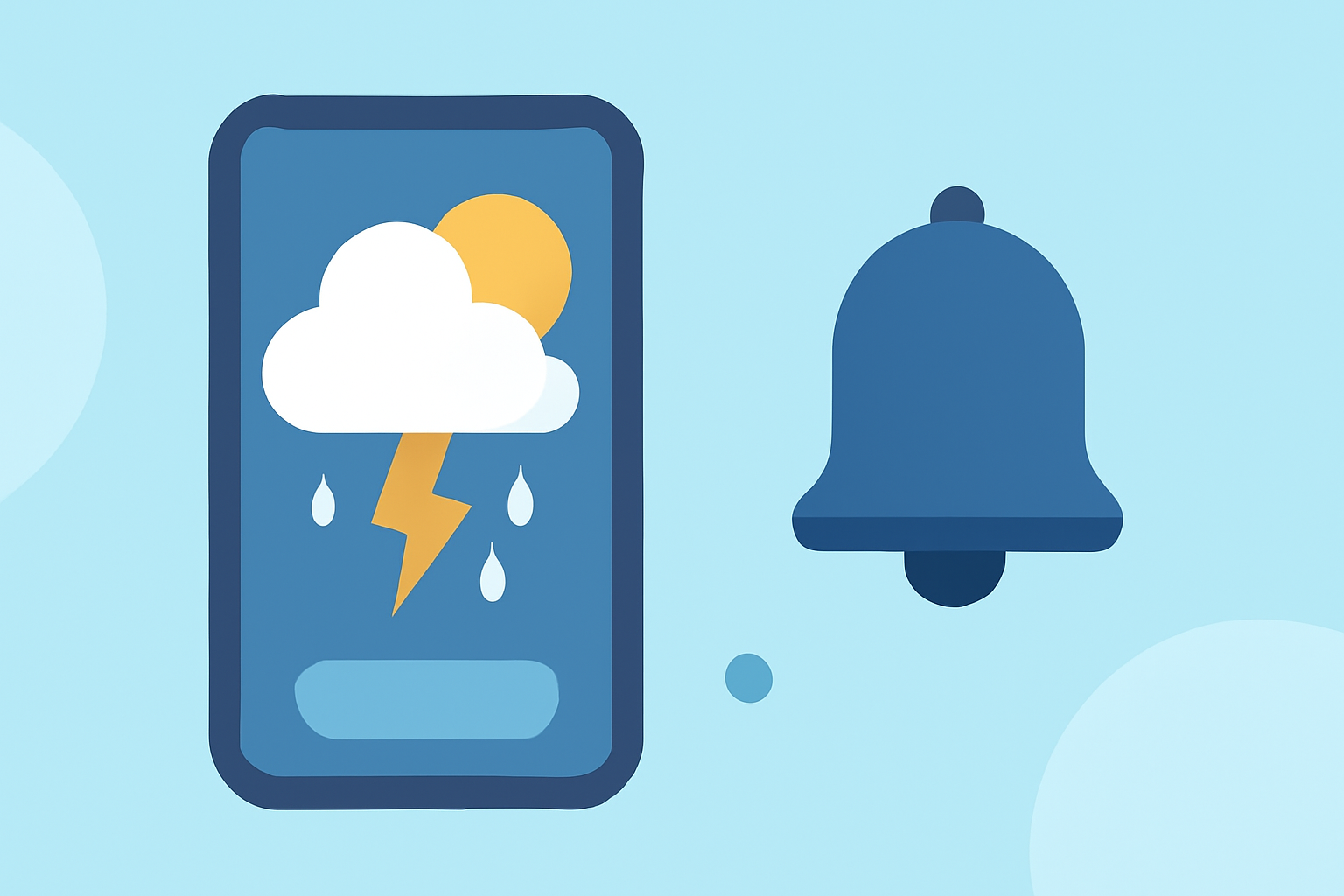
Staying informed during severe weather is crucial for safety and preparedness. Weather widgets provide real-time updates directly on your device's home screen, offering quick access to critical information.
What Are Weather Widgets?
Weather widgets are small applications that display current weather conditions, forecasts, and alerts on your device's home screen. They offer a convenient way to monitor weather changes without opening a full app.
Why Are Weather Widgets Important During Severe Weather?
During severe weather events, timely information is vital. Weather widgets deliver instant updates on conditions like storms, hurricanes, or tornadoes, enabling you to make informed decisions quickly.
How to Set Up Weather Widgets on Your Device
For iPhone Users:
- Add a Widget:
- Touch and hold an empty area on your Home Screen.
- Tap the '+' icon in the top-left corner.
- Search for "Weather" and select the desired widget size.
- Tap "Add Widget."
- Customize the Widget:
- Touch and hold the Weather widget.
- Tap "Edit Widget."
- Choose the location to display.
- Tap outside the widget to save changes.
For Android Users:
- Add a Widget:
- Touch and hold an empty area on your Home Screen.
- Tap "Widgets."
- Scroll to find the desired weather widget.
- Touch and hold the widget, then drag it to your Home Screen.
- Customize the Widget:
- Touch and hold the widget.
- Tap "Edit" to adjust settings like location and update frequency.
Features to Look for in Weather Widgets During Severe Weather
- Real-Time Alerts: Immediate notifications about severe weather events.
- Interactive Radar: Visual representation of weather patterns and storm movements.
- Customizable Locations: Ability to monitor multiple areas of interest.
- Update Frequency: Options to adjust how often the widget refreshes data.
Clime: A Leading Solution for Weather Widgets
Clime offers a comprehensive weather widget that caters to users in storm-prone areas. Its features include near-real-time NOAA radar, customizable severe weather alerts, and the ability to monitor multiple locations simultaneously. These functionalities ensure that users receive timely and accurate information during severe weather events. (climeradar.com)
Best Practices for Using Weather Widgets During Severe Weather
- Enable Notifications: Ensure that alerts are turned on to receive timely updates.
- Customize Settings: Adjust the widget to display relevant information for your area.
- Monitor Multiple Locations: Keep track of conditions in areas where you have family, friends, or business interests.
- Stay Updated: Regularly check the widget for the latest information, especially during severe weather events.
Conclusion
Utilizing weather widgets is an effective way to stay informed and prepared during severe weather events. By choosing a widget with real-time alerts, interactive radar, and customizable settings, you can ensure timely access to critical weather information. Clime's weather widget stands out as a top choice for users seeking reliable and comprehensive weather updates.
Highlights:
- Best Weather Widget Apps for Storm-Prone Areas | Clime Blog, Published on Tuesday, May 05
- The best weather widgets for Android: a complete and updated guide, Published on Monday, December 08
- The 10 Best Android Weather Widget Apps, Published on Saturday, February 17