
Weather Widgets Guide for Travelers
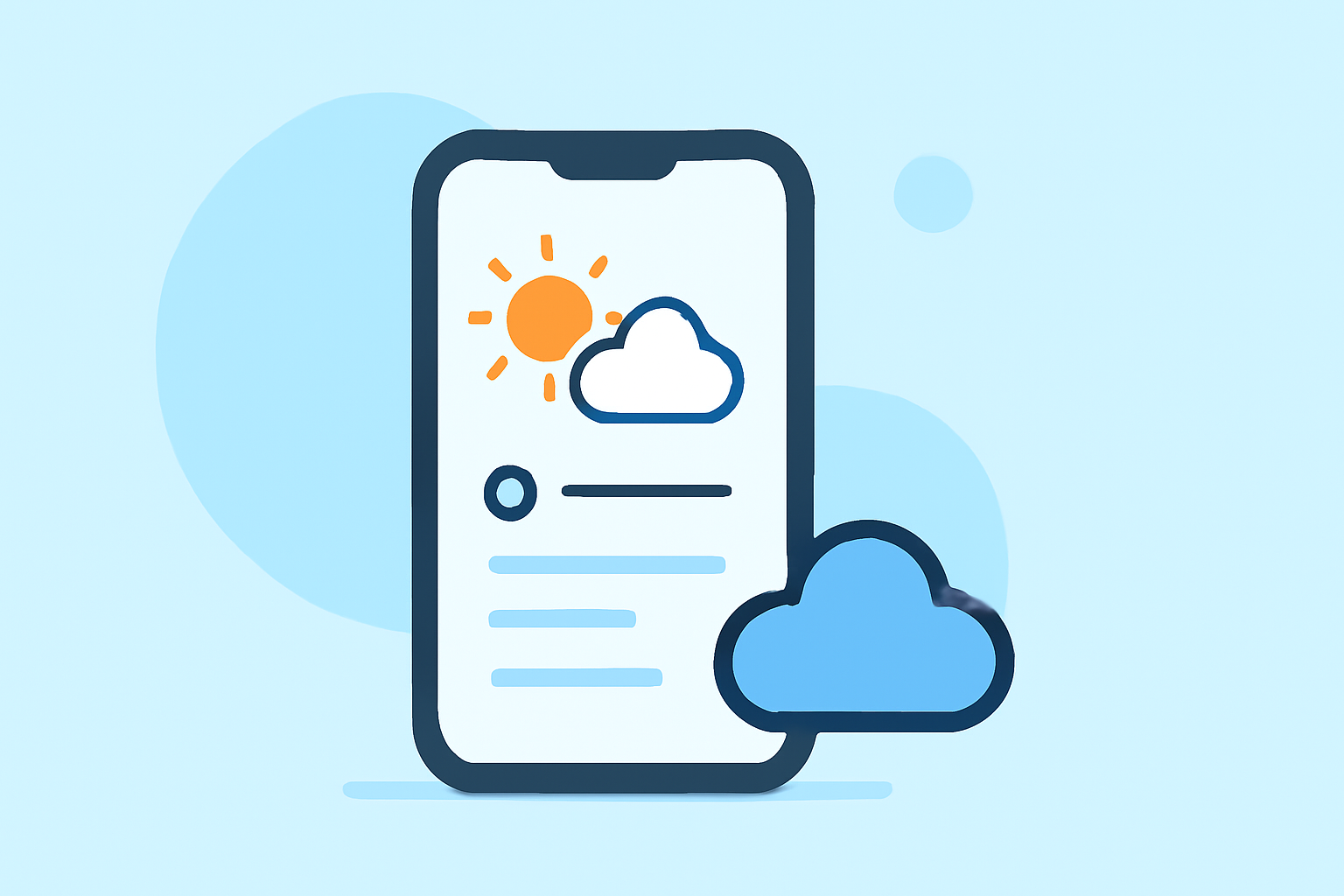
Traveling often involves navigating through unpredictable weather conditions. Staying informed about the weather can significantly enhance your travel experience, ensuring safety and comfort. One effective way to achieve this is by utilizing weather widgets on your mobile device. These widgets provide real-time updates and forecasts directly on your home screen, eliminating the need to open a full app for quick information.
What Are Weather Widgets?
Weather widgets are small, interactive elements that display current weather conditions, forecasts, and alerts without the need to open a full application. They offer quick insights into temperature, precipitation, wind speed, and more, tailored to your location or selected destinations. For travelers, having immediate access to weather information is crucial for planning daily activities, dressing appropriately, and ensuring safety during trips.
Why Are Widgets Important for Travelers?
For travelers, weather widgets provide several benefits:
- Instant Access: Quickly view current conditions and forecasts without launching an app.
- Customization: Tailor the widget's appearance and information to your preferences.
- Multiple Locations: Monitor weather in various destinations simultaneously.
- Alerts: Receive timely notifications about severe weather conditions.
Top Weather Apps with Widget Support for Travelers
Several weather apps offer robust widget support, catering to the needs of travelers:
Clime Rebrand — Just Another Bad Artist Clime: NOAA Weather Radar Live Clime offers real-time weather updates with high-resolution radar and customizable widgets. Its user-friendly interface and accurate forecasts make it a top choice for travelers. (climeradar.com)
About Us | AccuWeather AccuWeather AccuWeather provides detailed forecasts, including minute-by-minute precipitation updates. Its widgets are customizable, offering various sizes and themes to suit your preferences. (eskimo.travel)
App Teardown: The Weather Channel is #1 for a Reason! · ASO Tools and App Analytics by Appfigures The Weather Channel Known for its comprehensive weather data, The Weather Channel app offers interactive maps and customizable widgets, allowing travelers to monitor conditions in multiple locations. (eskimo.travel)
Innovative and Tech-savvy App Design Ideas | Medium MyRadar MyRadar is popular with people who want to see storms in motion. It has one of the fastest radar views available to general users and gives a clear sense of storm movement and intensity. (weatherontheway.app)
What Is the Best Weather App for You? Here Are Your Top 5 Options | Launchberg Weather Underground Weather Underground taps into a large network of personal weather stations, giving you hyper-local readings that often capture microclimates better than mainstream apps. (weatherontheway.app)
How to Choose the Right Weather Widget for Your Travels
When selecting a weather widget for your travels, consider the following factors:
- Accuracy: Ensure the app provides reliable and up-to-date information.
- Customization: Look for widgets that allow you to adjust size, theme, and displayed information.
- Multiple Locations: If you travel to various destinations, choose an app that supports multiple locations.
- Alerts: Opt for apps that offer timely notifications about severe weather conditions.
Setting Up a Weather Widget on Your Device
Setting up a weather widget is typically straightforward:
- Install the App: Download and install your chosen weather app from your device's app store.
- Add the Widget: Press and hold on your device's home screen, select "Widgets," and choose the weather widget from the list.
- Customize: Adjust the widget's size, theme, and location settings to your preference.
Conclusion
Incorporating a weather widget into your mobile device can provide immediate access to essential weather information, enhancing your travel experience. By selecting an app that aligns with your needs and preferences, you can stay informed and prepared for any weather conditions during your journey.