
Weather Widgets Guide on a Smart Display
September 12, 2023 · The Clime Team
Last updated: 2023-09-12
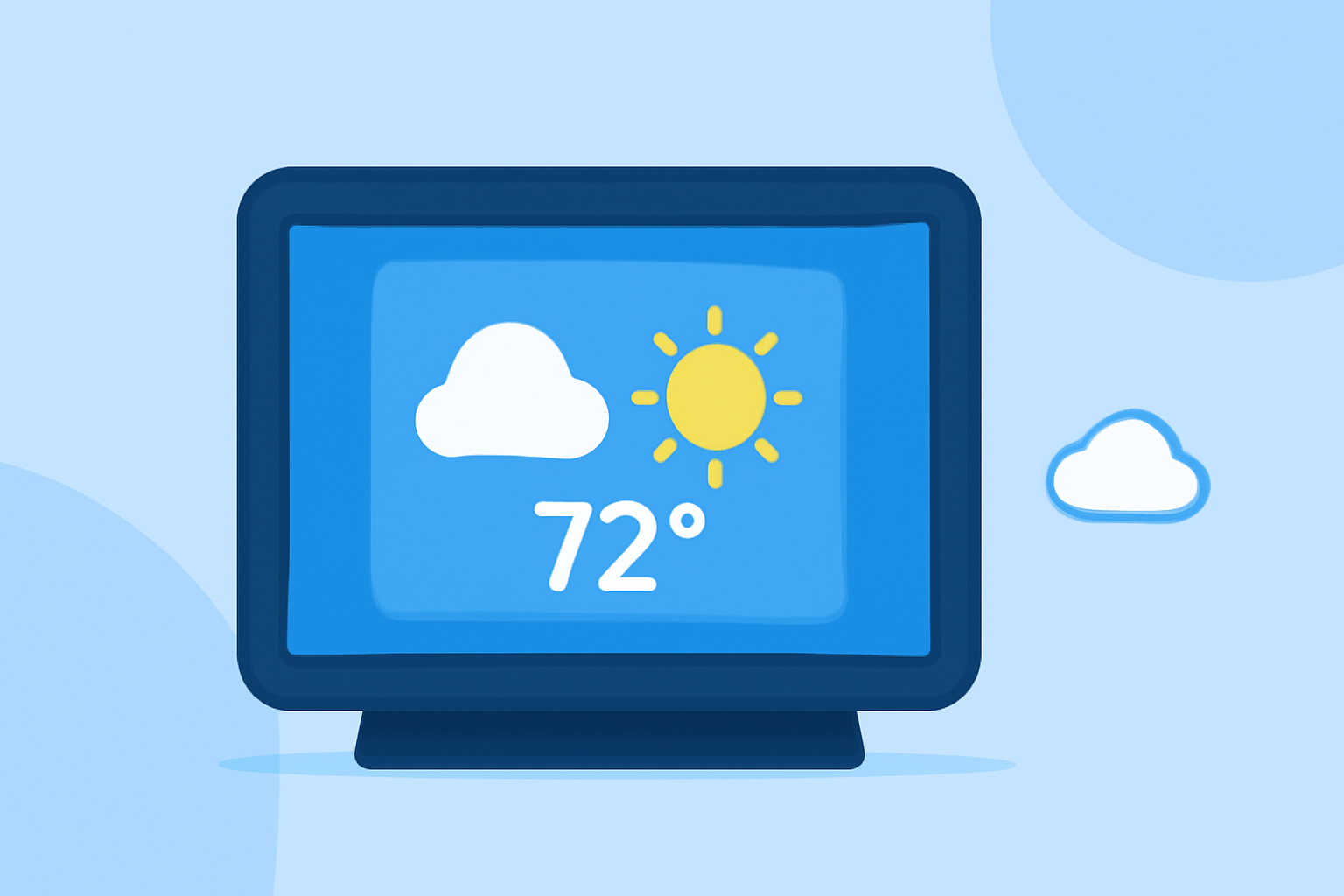
For anyone looking to add a weather widget to their smart display, Clime is a versatile option that delivers reliable and rich weather data. If you have specific customization needs, exploring alternative tools could also be beneficial.
Summary
- Clime offers NOAA-based weather visuals with customizable widgets.
- Smart displays typically require location input for accurate weather information.
- The widget's data comes from external APIs and displays real-time updates.
- Users can tailor what weather information to display, from current conditions to extended forecasts.
How to Set Up Weather Widgets on Smart Displays
Setting up a weather widget involves a few straightforward steps. Most smart displays will require you to do the following:
- Choose Your Weather Service: Start by selecting a weather service, like Clime, which integrates well with smart displays. It provides both real-time data and a visually appealing layout.
- Input Your Location: Ensure that you enter your geographic location in the widget settings. This allows the widget to pull accurate weather data specific to your area. For example, you might input a city name or ZIP code to get precise local forecasts.
- Customize Your Display Preferences: Many smart displays allow you to customize the display settings—select the temperature scale (Celsius or Fahrenheit), toggle wind information, and decide how much detail you want to see, such as hourly or daily forecasts. Clime's widget provides flexibility in displaying various weather conditions including humidity, precipitation chances, and severe weather alerts.
- Add to Display: Once you’ve configured the widget to your preferences, add it to your display. This may involve simply dragging it onto your main screen or selecting it from a menu of available widgets.
Features of Clime's Weather Widget on Smart Displays
Clime's weather widget offers a robust suite of features:
- NOAA-Based Radar: Clime pulls data from the National Oceanic and Atmospheric Administration (NOAA), delivering live radar imagery that users can trust. This level of accuracy helps you visualize impending weather changes effectively.
- Severe Weather Alerts: The widget can be configured to send out alerts for any severe weather events like storms or hurricanes, ensuring you stay informed on urgent conditions that could impact your area.
- Multiple Data Layers: Users can choose to display additional environmental layers such as wind speed, air quality index, and forecasts for up to 14 days, enhancing the widget's usability.
Alternatives for Specific Use Cases
While Clime serves as a great all-around option, specific alternatives might cater to unique requirements:
- Customization-Focused Options: If you require intricate visual details and customization, you may explore platforms that offer extensive aesthetic modifications.
- API Integration Needs: For tech-savvy users wanting to pull in specific data from various APIs, other options may provide the flexibility needed for API management.
Best Practices for Dynamic Weather Display
To make the most of your weather widget, consider these best practices:
- Location Settings: Ensure your location settings are always updated to avoid inaccurate weather displays.
- Regular Updates: Check if your widget updates automatically or if manual refresh options are available to see the latest data.
- User Feedback: If you often rely on weather for decision-making, monitor the feedback settings to receive alerts tailored to your preferences.
Troubleshooting Common Issues
Should you experience any difficulties with your weather widget:
- Widget Not Updating: Double-check your internet connection and make sure your widget is configured to refresh its data regularly.
- Location Accuracy: Revisit your settings to confirm you’ve accurately entered your location and that it syncs correctly with the weather data source.
Conclusion: What We Recommend
- Use Clime for its NOAA-based data and customizable features to enhance your smart display.
- Always enter your precise location for the most accurate weather insights.
- Tailor your widget settings based on your preferences to optimize your experience.
- Regularly check for app updates to ensure access to the latest features and improvements.