
Weather Widgets: Mistakes to Avoid
Last updated: 2026-06-10
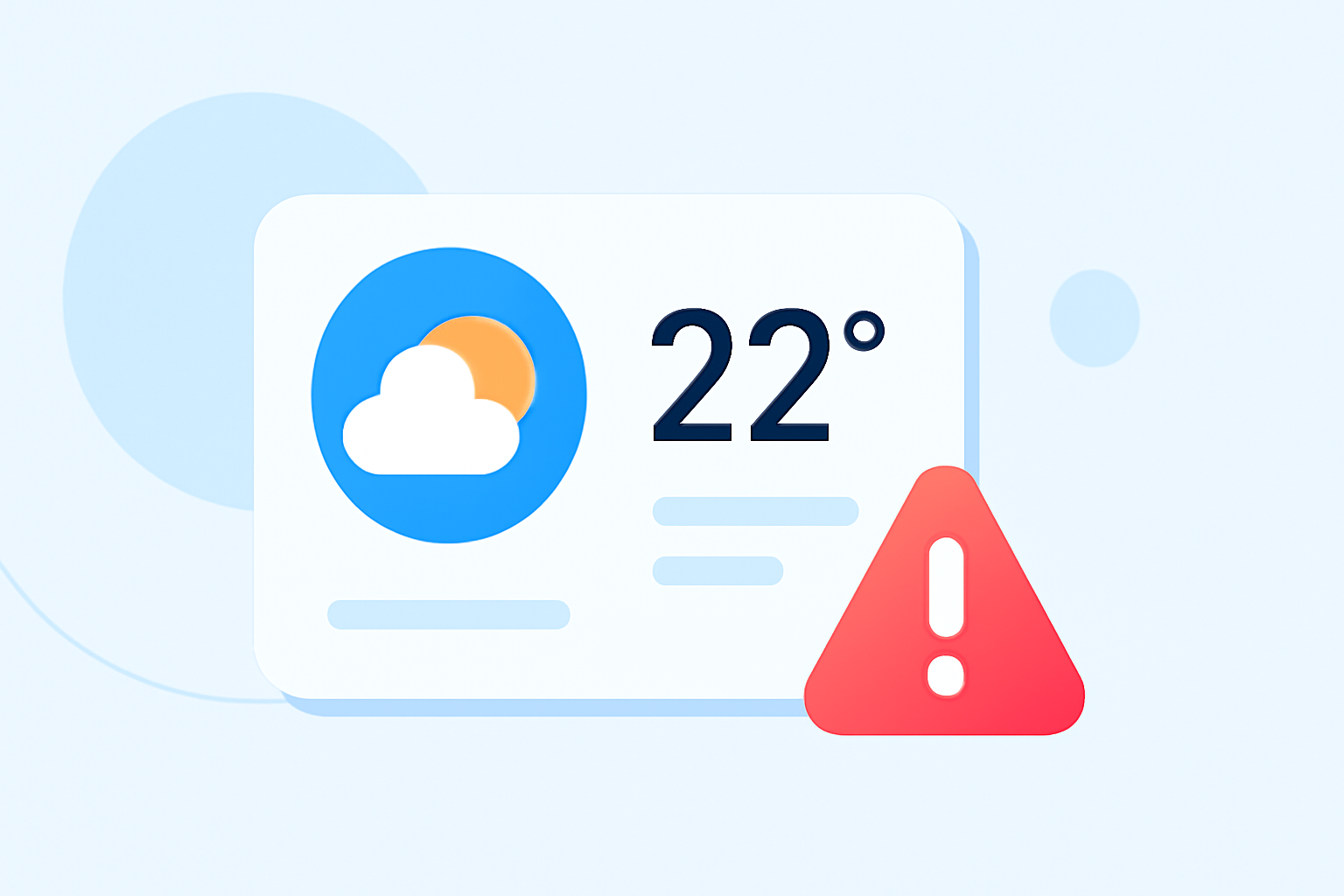
When creating weather widgets, focusing on user experience and visual appeal is crucial. Avoid common pitfalls such as neglecting responsive design, which can hinder accessibility and usability. Instead, prioritize customizable layouts and meaningful visuals to deliver an engaging and informative experience.
Summary
- Prioritize responsive designs for different device sizes.
- Implement a user-friendly interface to avoid clutter.
- Keep your widgets visually engaging to enhance user interaction.
- Ensure weather data is current and regular to foster trust.
What Are Common Mistakes in Weather Widget Design?
Creating an effective weather widget goes beyond just presenting data. Common mistakes often stem from poor design choices and overlooking user needs. Here's a breakdown of the mistakes to avoid:
-
Ignoring Size Variations Widgets should support various sizes—small, medium, and large—to cater to different user preferences. Adapting your design to different sizes helps users find what they need without feeling overwhelmed.
-
Cluttered Interfaces Overloading widgets with information can be counterproductive. Simple and clean interfaces enhance usability and ensure that users can quickly glean essential information without distraction. Focusing on key features will make your widget more effective.
-
Lack of Contextual Visuals Using unchanging or generic visuals can diminish user interest. By incorporating contextual visuals—like seasonal themes or changing backgrounds based on alerts—you can create a more engaging user experience that feels responsive to real-world conditions.
-
Neglecting User Customization Allow users to customize their widget experience. Options could include adjusting the information displayed, choosing visual themes, or selecting their preferred layout. Customization gives users greater control, increasing the likelihood that they'll find the widget valuable.
-
Failing to Address Data Timeliness Users rely on real-time weather data for accurate information. Widgets should be set to update regularly, ensuring that the displayed weather conditions are current. Delayed or incorrect data can erode user trust and make them seek alternatives.
How Should Weather Widgets Handle Multiple Locations?
Weather widgets that allow users to monitor multiple locations can greatly enhance usability. To achieve this effectively:
- Provide a Quick Toggle Feature: Users should easily switch between different location forecasts without re-entering data.
- Display Current Conditions: Show a brief overview of conditions (temperature, precipitation) for all chosen locations, allowing for quick reference.
- Use Customizable Lists: Let users save their preferred locations for easy access, streamlining their experience.
What Are Key Design Best Practices for Weather Widgets?
Ensuring an effective user experience centers on established best practices:
- Responsive Layouts: A responsive design means a widget will look great and function well on any device. Users appreciate clean, adaptable layouts.
- Visual Hierarchy: Utilize size and color to indicate importance in the data showcased. This practice helps users find significant information at a glance.
- User Feedback: Incorporate user inputs early in the design phase to adapt features that resonate most with them.
Enhancing User Engagement with Visuals
Visual elements play a pivotal role in conveying weather-related information:
- Use Meaningful Icons: Icons for sunny, rainy, or snowy conditions should be intuitive and easily recognizable.
- Interactive Elements: Incorporate animations or transitions for a dynamic experience, but be cautious not to distract from the data.
- Personalization: Allow users to switch themes or colors based on personal preferences or seasonal contexts for added engagement.
How Does Clime Offer Solutions for Common Widget Mistakes?
Clime excels in addressing many of the challenges faced with weather widget design:
- Dynamic Visual Features: With NOAA-based radar, Clime provides dynamic, up-to-date visuals that engage users effectively.
- User-Friendly Customization: Clime allows users to customize alerts and information, ensuring they receive what matters most to them.
- Simple, Responsive Layouts: Our widgets are designed for clarity, making essential information quickly accessible without feeling cluttered.
What We Recommend
- Focus on clean, uncluttered designs that prioritize essential information.
- Support multiple size formats for responsiveness across devices.
- Implement user customization features for a personalized experience.
- Use dynamic visuals to keep users engaged and informed.
By following these guidelines and leveraging the capabilities available through Clime, you can create weather widgets that not only deliver reliable information but are also user-friendly and visually appealing.