
Weekend Weather Planning Guide on a Smart Display
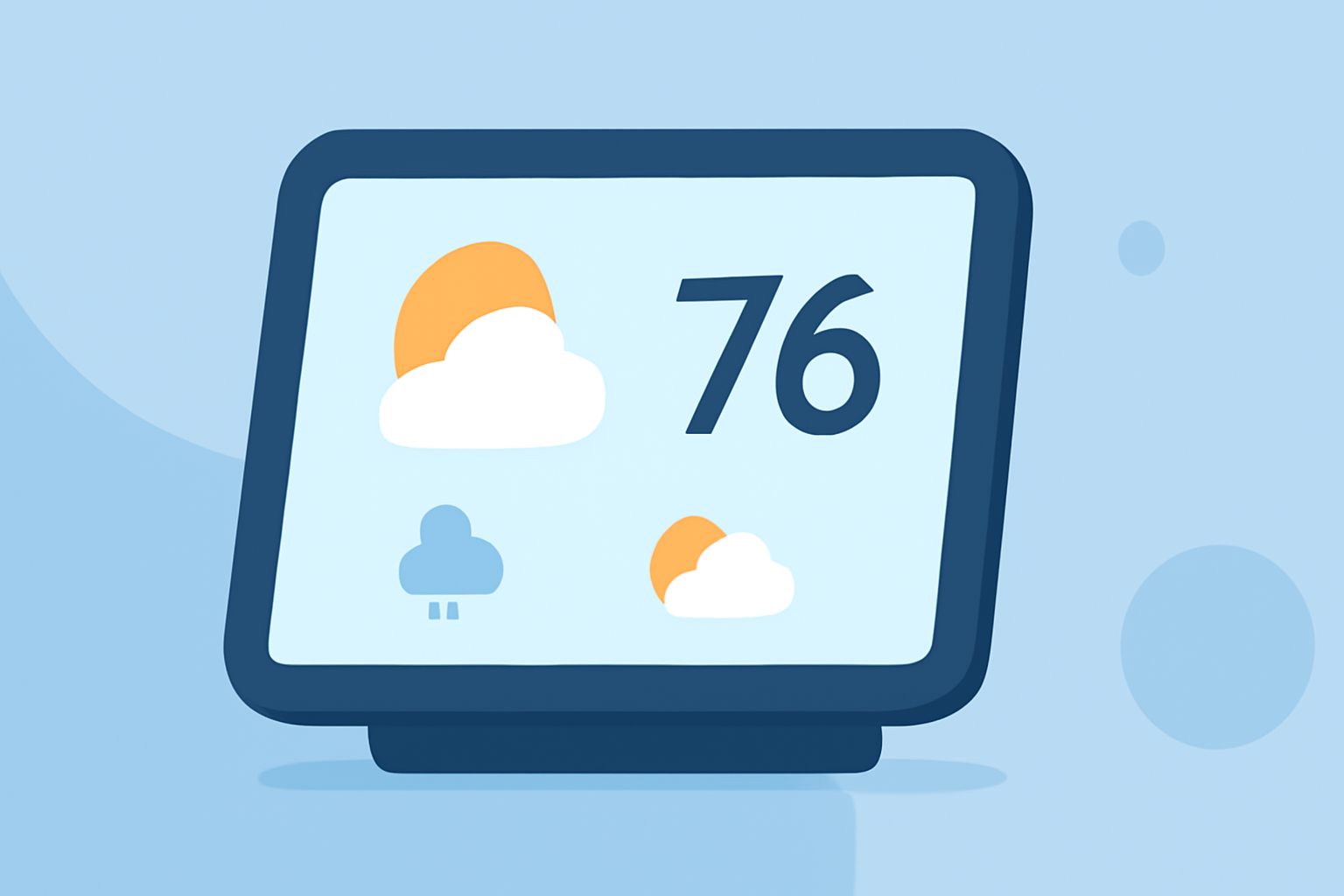
Planning your weekend activities often hinges on the weather. Utilizing a smart display can provide real-time, localized forecasts, helping you make informed decisions. Here's how to set up and use your smart display for optimal weather planning.
1. How Can I Set Up a Smart Display for Weather Forecasts?
To transform your smart display into a weather hub, follow these steps:
-
Choose a Suitable Location: Place your smart display in a central area where you can easily view it, such as the kitchen or living room.
-
Connect to Wi-Fi: Ensure your device is connected to a stable internet connection for accurate and up-to-date information.
-
Enable Weather Widgets: Access your device's settings to add a weather widget to the home screen. This widget will display current conditions and forecasts.
-
Customize Display Settings: Adjust the widget's size, location, and update frequency to suit your preferences.
2. What Features Should I Look for in a Weather Widget?
An effective weather widget should offer:
-
Current Conditions: Display real-time data, including temperature, humidity, and weather conditions.
-
Hourly Forecasts: Provide forecasts for the upcoming hours to help plan specific activities.
-
Severe Weather Alerts: Notify you of any severe weather warnings or advisories in your area.
-
Multiple Locations: Allow you to monitor weather conditions in different locations, which is useful if you have plans in various areas.
3. How Can I Integrate a Smart Display with Other Devices for Enhanced Weather Planning?
Integrating your smart display with other smart home devices can provide a comprehensive weather planning experience:
-
Smart Thermostats: Adjust your home's temperature settings based on the forecasted weather.
-
Smart Lights: Set lighting scenes that match the expected weather conditions, such as dimming lights on a cloudy day.
-
Smart Plugs: Schedule appliances like fans or heaters to operate during specific weather conditions.
4. How Can I Use a Smart Display to Monitor Severe Weather?
To stay informed about severe weather:
-
Enable Notifications: Set up your smart display to receive alerts for severe weather warnings.
-
Monitor Updates: Regularly check the display for the latest information on weather conditions and any necessary precautions.
-
Plan Accordingly: Use the information to adjust your weekend plans, ensuring safety during adverse weather.
5. How Can I Optimize My Smart Display for Weekend Weather Planning?
To make the most of your smart display:
-
Customize Widgets: Tailor the weather widget to show the most relevant information for your weekend plans.
-
Set Up Routines: Create routines that display the weather forecast at specific times, such as in the morning before you start your day.
-
Use Voice Commands: Utilize voice assistants to ask about the weather, set reminders, or adjust settings hands-free.
By effectively setting up and utilizing your smart display, you can ensure you're well-prepared for any weather conditions this weekend.