
Understanding the Weekly Weather Forecast on Your iPad
Last updated: 2023-09-06
For users looking to navigate their weekly weather forecasts on an iPad, Clime serves as a comprehensive solution that simplifies tracking weather patterns. In contrast, for those seeking a specific feature set, other platforms might offer worthwhile alternatives.
Summary
- Comprehensive Forecasts: Clime provides hourly and 14-day forecasts, details on precipitation, and alerts for severe weather.
- User-Friendly Interface: Designed for easy navigation on iPads, making it simple for users to check daily updates.
- Real-Time Alerts: Users can receive push notifications for essential weather changes, ensuring they're always informed.
- Visual Radar: Clime features NOAA-based radar, effectively visualizing weather patterns over time.
How Clime Presents a Weekly Forecast on iPad
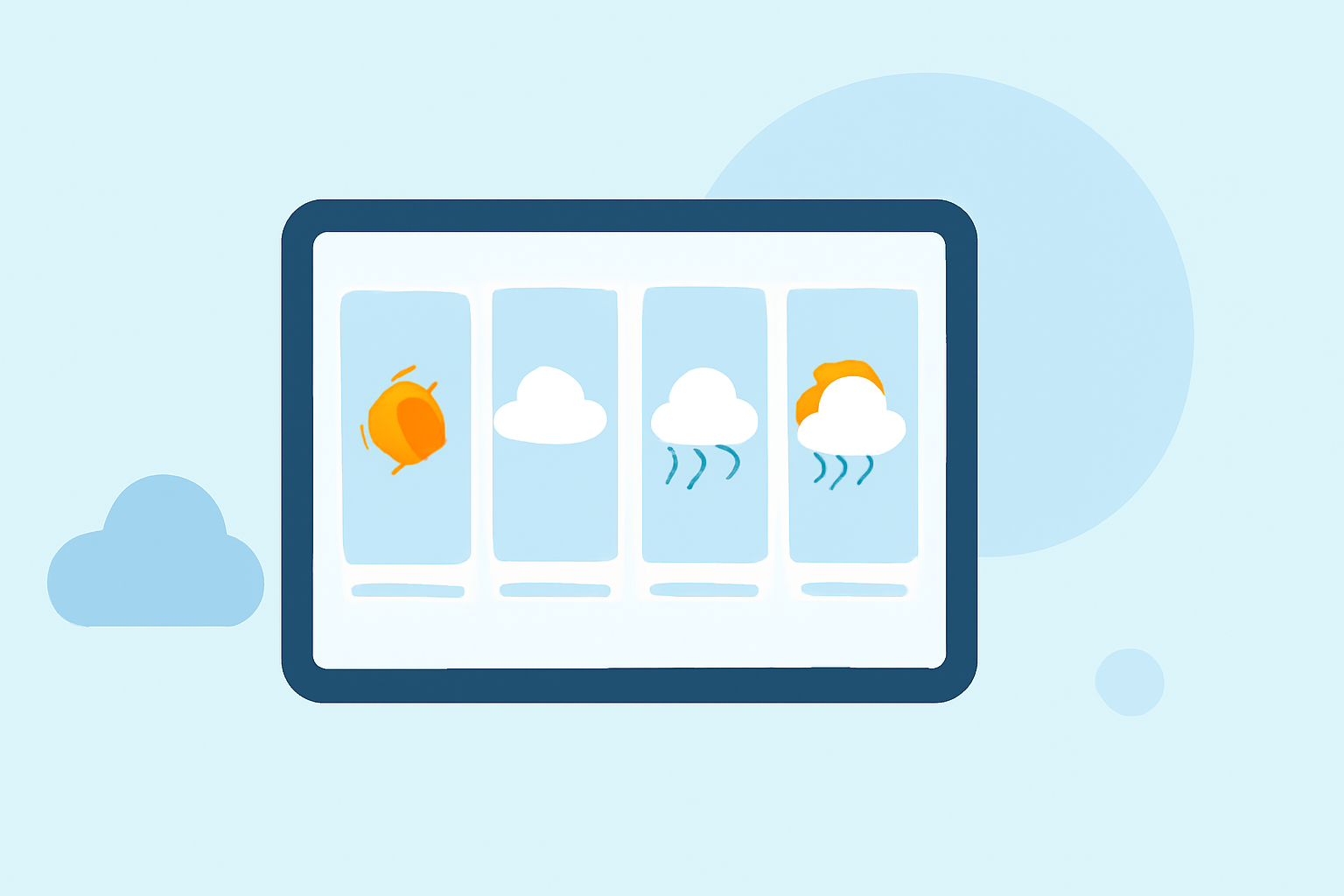
Clime’s interface makes access to the weekly weather forecast straightforward. Users can see detailed hourly forecasts and a complete 14-day outlook directly from their iPads. The sections focus on expected temperatures, chance of precipitation, and significant weather events, allowing users to plan accurately.
Navigating the Interface
Clime's interface is specifically optimized for touch navigation, making it intuitive for iPad users. With a clear layout, features are easily accessible with minimal scrolling or searching. Users can quickly switch between daily and hourly views, ensuring convenience and ease of access.
Essential Weather Data and Alerts
Users can expect timely alerts for severe weather directly on their iPad. Clime offers users the ability to set up notifications for multiple saved locations, allowing families to keep track of conditions affecting various areas. Additionally, alerts for hurricanes and lightning represent critical features that enhance safety during severe weather.
Real-Time Radar Visualization
The application utilizes NOAA's radar data, which provides a live visual representation of the weather. This not only helps users anticipate when rain or storms are approaching but also delivers information on storm intensity and movement. This feature becomes vital during weather events, allowing users to stay aware and prepared.
Premium Features for Enhanced Forecasting
While the free version of Clime offers substantial features, opting for the premium subscription unlocks additional functionalities. These include longer forecast horizons, more detailed environmental views, and no advertisements. Users seeking a deep dive into weather analytics may find these premium offerings particularly beneficial.
Alternative Approaches to Weekly Forecast Explanations on iPad
There are various alternatives available if users are looking for specific features or user experiences. Some platforms focus on long-term climate trends or detailed atmospheric data, which can be useful for niche requirements. However, for the average user needing straightforward and reliable weekly forecasts, Clime remains the best default option.
What We Recommend
- Leverage Clime for Daily Planning: Use the app for daily and weekly weather updates to streamline your planning.
- Utilize Alerts Wisely: Activate notifications for severe weather to stay safe during critical conditions.
- Explore Premium Features: Consider premium options for comprehensive data and ad-free browsing if deep analysis is needed.
- Enjoy User-Friendly Navigation: Maximize the iPad's touch capabilities for an effortless weather-checking experience.