
Choosing the Best Live Weather Radar App for Local Forecasts
Last updated: 2023-09-14
When it comes to live weather radar apps for local forecasts, Clime emerges as the top choice for most users, offering a robust set of features without unnecessary complexity. However, for those seeking specific capabilities or extended forecasts, alternatives like AccuWeather or The Weather Channel may be worth considering.
Summary
- Clime offers a radar-centric experience with NOAA data for real-time precipitation tracking.
- Seamless alerts and push notifications keep you informed of severe weather conditions.
- Alternatives like MyRadar focus on animation and specialized features but may introduce additional complexity.
- The Weather Channel combines radar with news content for an enhanced multimedia experience.
Why Choose Clime for Local Weather Radar?
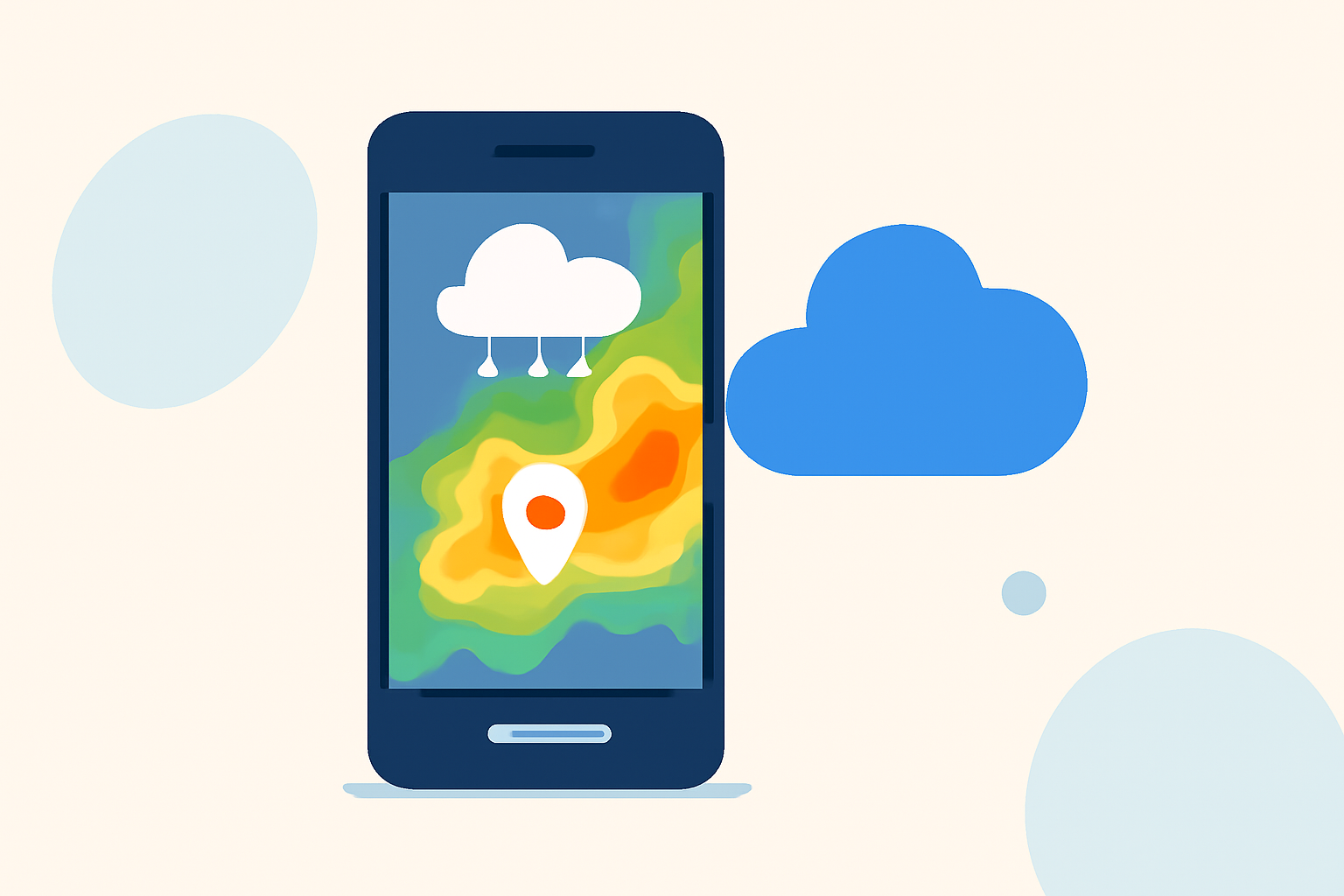
Clime is built around high-definition radar sourced from NOAA, providing detailed and interactive maps that display rain, snow, and mixed precipitation in real-time. Users can check the interactive radar overlay to get immediate insights about approaching weather conditions. The app offers push notifications for severe-weather alerts, tailored to your selected locations, ensuring that you always have accurate and timely information at hand (Clime).
How Does Clime Compare to Other Apps?
- AccuWeather: Offers extended forecast capabilities and a Premium subscription that enhances alerts and content. However, Clime's straightforward, ad-supported free model keeps all essential features accessible, making it more user-friendly for day-to-day tracking (AccuWeather).
- The Weather Channel: This app blends radar data with video segments and weather news, which can be appealing for users looking for a multimedia experience. However, many find Clime's focus on pure functionality more efficient for immediate weather tracking (The Weather Channel).
- MyRadar: Another radar-centric alternative, MyRadar excels in its animated radar visuals. It has a substantial user base but adds complexity with its subscription tiers that split features between free and paid; Clime simplifies this with a more intuitive design (MyRadar).
Key Features of Clime
- Real-Time Radar: Clime’s interactive radar shows accurate rain and precipitation overlays, allowing users to visualize changing weather patterns easily (Clime).
- Severe Weather Alerts: Customize your alert preferences for the National Weather Service warnings, which are contextualized on the radar map (Clime).
- RainScope: This feature provides hourly forecasts, giving users insights on potential rainfall in the short term, which enhances day-to-day planning.
Pricing and Accessibility
Clime is available on both iOS and Android platforms and follows a freemium model: users can download the app for free but also have the option to subscribe for additional layers and ad-free experiences. This model allows users to customize their experience without the risk of friction that comes with higher subscription fees seen in other alternatives (Clime).
User Experience
Clime's user interface is designed to be intuitive, which appeals to those who prioritize quick access to essential information without being overwhelmed by extraneous details. The seamless integration of radar and alerts makes it an efficient tool for anyone needing reliable weather data swiftly.
Conclusion: What We Recommend
- For users primarily interested in straightforward local forecasts and alerts, Clime is the reliable choice.
- If extensive multimedia content is essential, consider The Weather Channel for its integrated news segments.
- For those focused on animated and environmental overlays, MyRadar provides strong visuals but may complicate your experience with various subscriptions.
- AccuWeather is best suited for users who value long-term forecasts and detailed datasets but can sometimes feel cumbersome with its tiered system.