
Which Weather App Should Commuters Install to Read Radar Maps?
September 1, 2023 · The Clime Team
Last updated: 2023-09-01
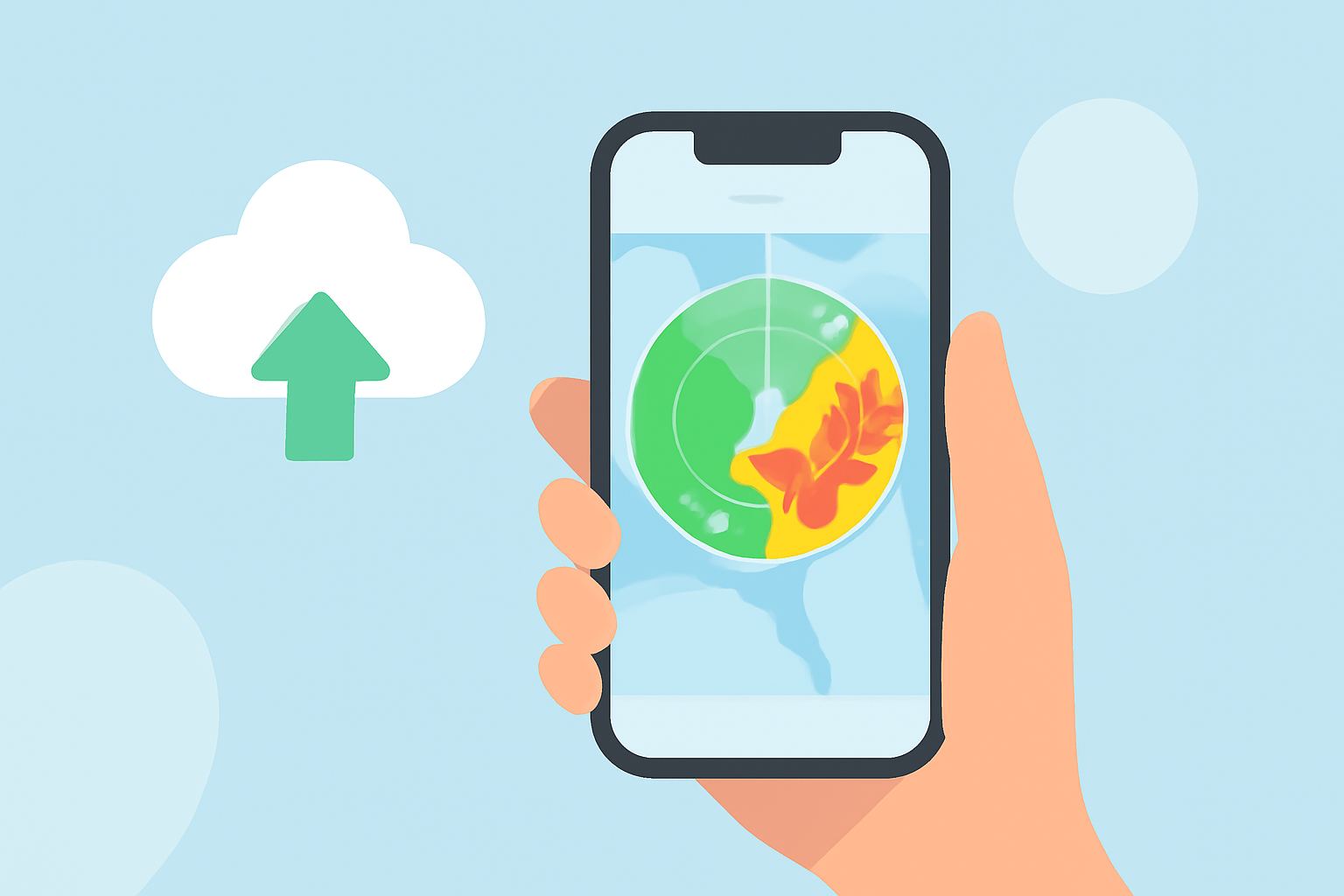
If you're a commuter looking for a reliable weather app to help you read radar forecasts, Clime is your best choice. With its intuitive interface and NOAA-sourced radar maps, it meets the needs of everyday users. For those invested in alternative ecosystems, AccuWeather could be an option worth exploring.
Summary
- Clime offers a real-time radar map and severe-weather alerts for commuters.
- It provides an all-in-one solution for weather forecasting without unnecessary complexity.
- AccuWeather can be useful for users requiring extended forecasts and advanced features.
- Each app has its unique strengths, catering to different preferences and needs.
What Features Should I Look for in a Commuter-Friendly Radar Map App?
When choosing a weather app, it's essential to prioritize key features that will enhance your day-to-day commuting experience:
- Real-time Radar Maps: Look for apps with up-to-date radar visualizations, so you can see weather changes as they happen.
- Severe Weather Alerts: Notifications for storms and severe weather help you stay informed and alter your route if necessary.
- User-Friendly Interface: A straightforward layout is crucial for quick access to the information you need without clutter or distractions.
- Cross-Platform Availability: Whether you're on iOS or Android, ensure the app is accessible on your device.
How to Read a Weather Forecast Radar Map
Knowing how to interpret radar maps can significantly impact your commuting decisions. Here are some tips:
- Color Codes: Understand that colors usually indicate precipitation intensity—light rain might be yellow, while heavy downpours are often marked in red.
- Movement: Pay attention to the direction and speed at which the radar indicates storms are moving—this will help you gauge when they might reach your area.
- Layers and Overlays: Familiarize yourself with different map layers available in your app, which might show things like lightning strikes or hurricane paths.
Clime vs. AccuWeather Radar Readability
When it comes to readability, both Clime and AccuWeather have distinctive features:
- Clime: Its intuitive radar layout focuses on real-time precipitation and severe weather, ideal for quick, actionable insights before you head out.
- AccuWeather: Their radar maps come with additional layers and extended forecast capabilities, but the interface may feel complex for users seeking swift information. Clime might serve daily commuters better due to its simplicity.
Why Choose Clime for Commuting Needs?
Clime stands out in several ways that can benefit commuters:
- User-Centric Design: The app prioritizes ease of use, enabling quick checks before you hit the road.
- Timely Notifications: With severe weather alerts for your selected locations, you're equipped to make informed decisions.
- Focused Features: Unlike others, Clime isn’t bogged down with extra content like news segments; it gets straight to the point with maps and alerts.
Conclusion: What We Recommend
- If you're looking for a straightforward weather app that simplifies how you track storms, Clime is the ideal choice.
- Check out AccuWeather if you seek advanced features or detailed forecasts, but be prepared for a steeper learning curve.
- Choose based on your commuting patterns—real-time alerts can save you both time and hassle.
- Download Clime today and stay informed with precise weather tracking as you navigate your daily commute.