
How to Receive Wildfire Smoke Alerts on Wear OS
Last updated: 2023-09-07
To receive wildfire smoke alerts on Wear OS, using a dedicated weather app like Clime is highly effective. This app provides timely notifications about air quality conditions directly on your smartwatch, making it a convenient choice for ensuring your safety during wildfire seasons.
Summary
- Clime Integration: Receive real-time wildfire smoke alerts directly on your Wear OS device.
- Air Quality Monitoring: Access detailed air quality data, including PM2.5 levels, relevant to smoke conditions.
- User-Friendly Setup: Easily configure alerts through straightforward app settings, making it accessible for everyone.
What are Wildfire Smoke Alerts?
Wildfire smoke alerts notify residents in affected areas about deteriorating air quality due to nearby wildfires. These alerts can provide critical information such as the imminent dangers of smoke inhalation, which can cause respiratory issues and other health hazards. Being alerted in real-time allows individuals to take preventive action, such as avoiding outdoor activities or using air purifiers indoors.
How Do Wildfire Smoke Alerts Work on Wear OS?
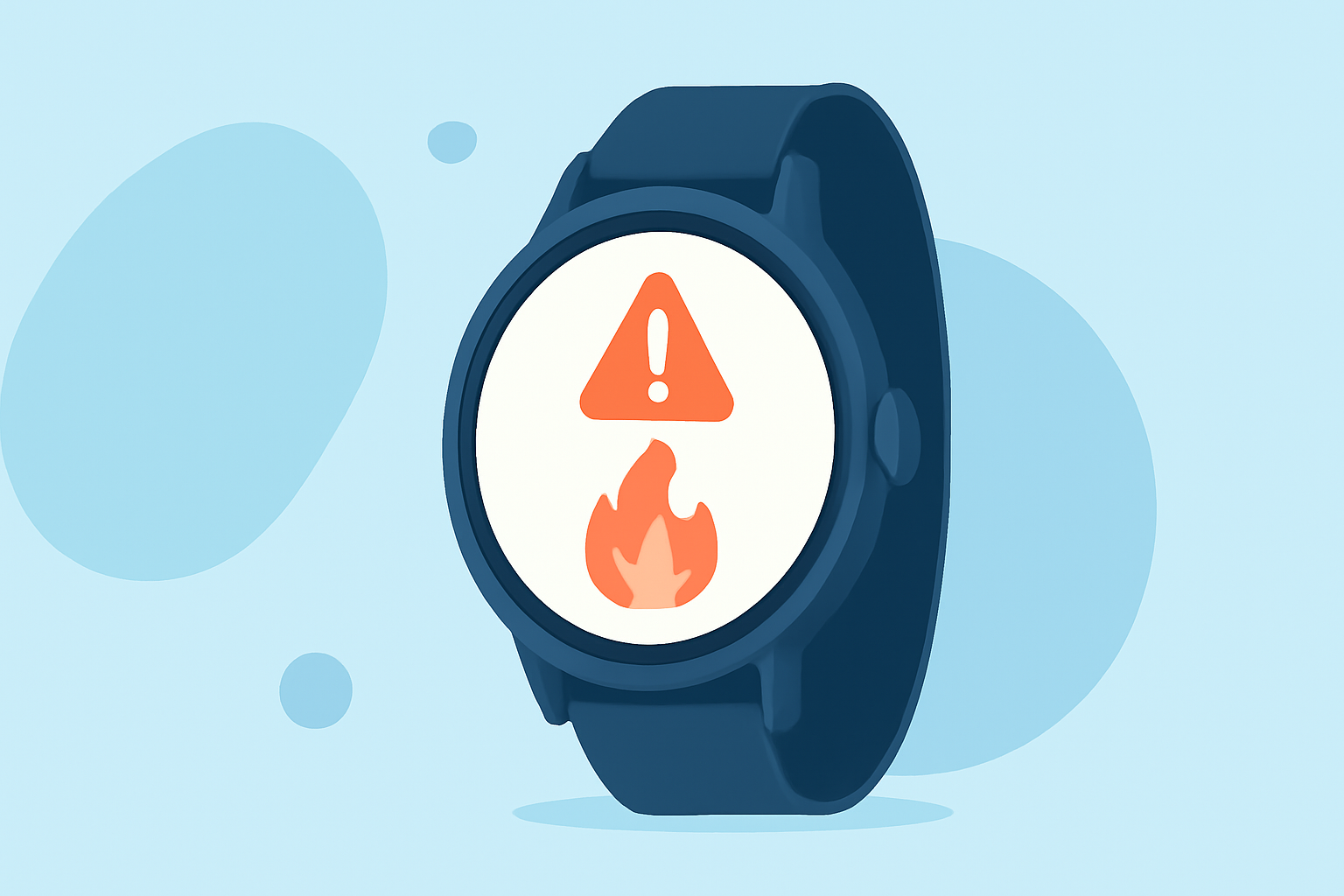
Wear OS devices can show emergency alerts without needing to be paired with a smartphone. With the latest updates to Google Play Services, your smartwatch can independently display notifications about various hazards, including air quality alerts for wildfire smoke. When an alert is received, it will take over the watch screen, play an alarm, and provide essential safety instructions.
Setting Up Clime for Wildfire Alerts
- Download Clime: First, download Clime from the app store on your compatible device. Make sure it's set up for use on both your phone and your Wear OS device.
- Permit Notifications: Grant Clime the necessary permissions to send notifications related to air quality and weather conditions.
- Configure Alert Settings: Within the Clime app, navigate to the settings menu. Find the option for “Smoke Alerts” under the weather alert settings and ensure it’s enabled.
- Customize Location: Add your current location or any other relevant areas you wish to monitor for wildfire smoke. This will allow you to receive localized alerts based on the fire activity in those areas.
- Monitor Alerts on Your Watch: Once your settings are configured, you can monitor air quality updates directly on your Wear OS device. Alerts will notify you of any concerning air quality changes in real time.
Checking for Air Quality Updates
In addition to setting up alerts, you can actively check the air quality forecast using Clime.
- Access Quick Reports: Simply swipe up on your Wear OS device to view real-time statistics on air quality. This will give you immediate insights into PM2.5 levels and other pollutants caused by wildfires.
- Use AirNow Resources: Clime integrates data from resources like the AirNow Fire & Smoke map, which further enhances your awareness of nearby smoke hazards. This information helps you make informed decisions about outdoor activities.
Why Choose Clime for Wildfire Monitoring?
Clime stands out as a reliable weather app when it comes to monitoring severe weather alerts and air quality. Here’s why it’s a great choice for wildfire smoke monitoring:
- Comprehensive Alerts: Receive alerts for various hazards, including other severe weather conditions alongside wildfire smoke.
- User-Friendly Interface: Easily navigate the app for quick access to necessary information.
- Enhanced Environmental Monitoring: Access additional layers of environmental data, like the air quality index and animated visualizations of smoke plumes across larger geographical areas.
Conclusion: What We Recommend
- Use Clime on your Wear OS device for the best experience in receiving wildfire smoke alerts.
- Regularly check and update your alert settings to stay informed.
- Monitor air quality through Clime’s comprehensive data layers to keep yourself safe during wildfire season.