
Understanding Winter Storm Alerts on Smart Displays
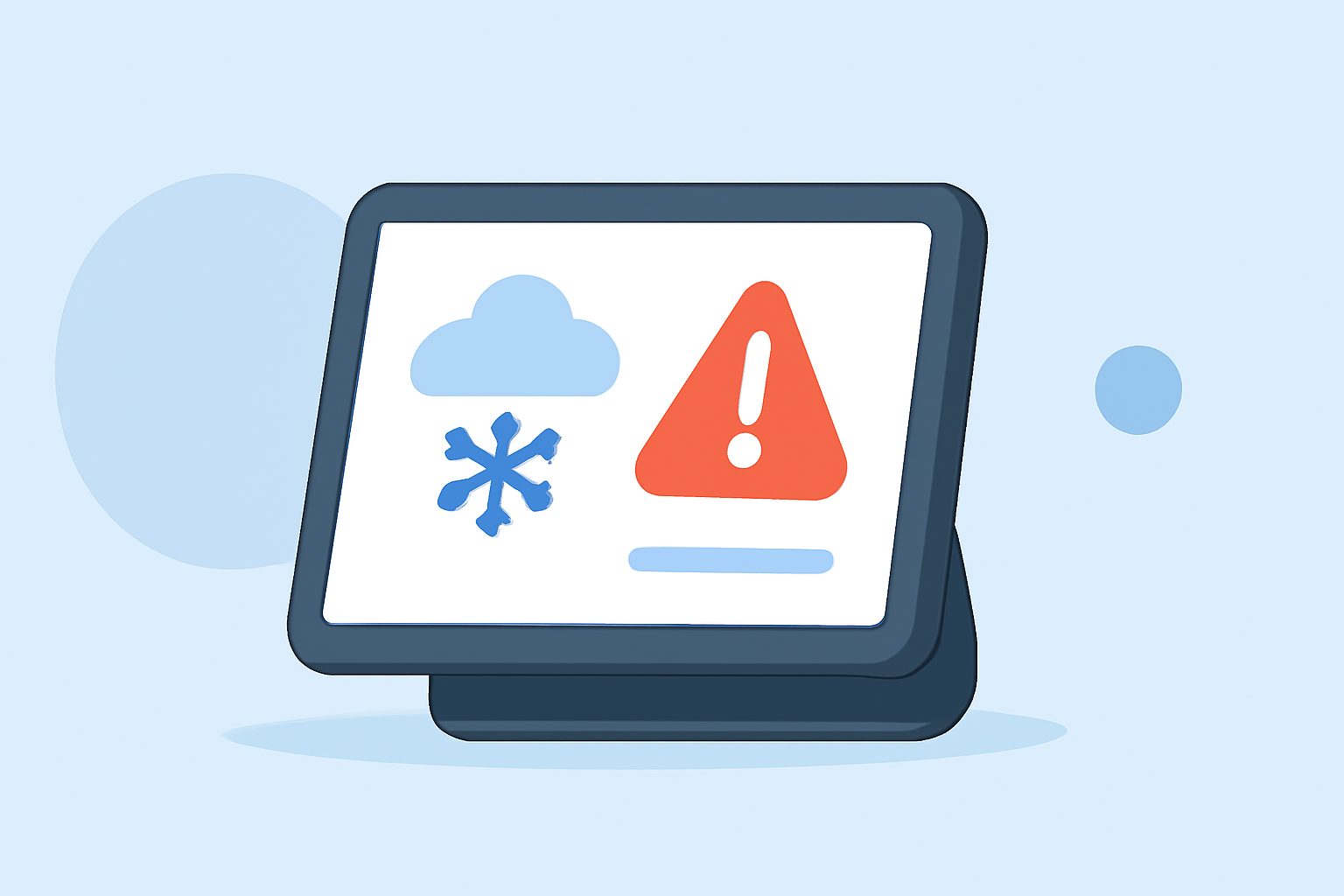
Winter storms can pose significant risks, including heavy snowfall, ice accumulation, and dangerously low temperatures. Staying informed about these conditions is crucial for safety. Smart displays, such as those powered by Clime, offer a convenient way to receive real-time winter storm alerts and weather updates.
What Are Winter Storm Alerts?
Winter storm alerts are notifications issued by the National Weather Service (NWS) to inform the public about impending severe winter weather conditions. These alerts include warnings, watches, and advisories for events like blizzards, ice storms, and heavy snowfall. Receiving timely alerts allows individuals to take necessary precautions to protect themselves and their property.
How Do Smart Displays Provide Winter Storm Alerts?
Smart displays integrate with weather services to deliver up-to-date information directly to your device. By enabling location-based notifications, these devices can provide personalized alerts for your area. For example, Clime's smart display can display current weather conditions, forecasts, and active winter storm warnings, ensuring you stay informed at a glance.
Benefits of Using Smart Displays for Weather Alerts
-
Real-Time Information: Smart displays provide immediate updates on weather conditions and alerts, helping you make informed decisions quickly.
-
Hands-Free Access: With voice-activated features, you can ask your smart display about the weather without needing to touch the device.
-
Visual Notifications: Clear, on-screen alerts ensure you don't miss important weather information, even if you're in another room.
-
Integration with Other Smart Devices: Smart displays can work in conjunction with other smart home devices, such as thermostats and lights, to help you prepare your home for severe weather.
Setting Up Winter Storm Alerts on Your Smart Display
To receive winter storm alerts on your smart display:
-
Enable Location Services: Ensure your device has access to your current location to provide accurate weather information.
-
Activate Weather Notifications: In your device's settings, enable weather notifications and select the types of alerts you wish to receive, including winter storm warnings.
-
Customize Alert Preferences: Adjust the frequency and method of notifications (e.g., visual alerts, voice announcements) to suit your preferences.
Staying Safe During Winter Storms
While smart displays are valuable tools for staying informed, it's essential to take additional precautions during winter storms:
-
Stay Indoors: Limit travel during severe weather conditions to reduce the risk of accidents.
-
Prepare Your Home: Ensure your heating system is functioning correctly, and stock up on essential supplies like food, water, and medications.
-
Monitor Updates: Regularly check your smart display for the latest weather updates and alerts.
By leveraging the capabilities of smart displays, you can receive timely winter storm alerts and take proactive steps to ensure your safety during severe weather events.