
Wireless Emergency Alerts Checklist: Your Essential Guide
Last updated: 2023-09-10
Wireless Emergency Alerts (WEA) serve as an essential tool for notifying the public about severe weather threats across the U.S. These alerts are crucial for people seeking timely information to prepare for emergencies. Utilizing an app like Clime can enhance your experience with these alerts, providing customizable options to stay informed based on your location.
Summary
- WEA provides real-time alerts about severe weather, local emergencies, and other threats.
- Alerts are sent via mobile devices and do not require the installation of a specific app, but using a comprehensive weather app like Clime can enhance your alert experience.
- It’s essential to ensure that your mobile device is set to receive WEA notifications for maximum safety.
- Government agencies and local partners work together to deliver these crucial alerts seamlessly.
What are Wireless Emergency Alerts (WEA) and how do they work?
Wireless Emergency Alerts (WEA) is a nationwide text emergency alert system designed to warn the public about severe weather conditions, local emergencies, and other potential threats. These alerts are sent directly to mobile devices, ensuring that you receive vital information where you are. The system is designed for immediacy, providing alerts for tornadoes, hurricanes, dangerous flooding, and more. You can expect WEA messages if severe weather is imminent, allowing you to take appropriate action swiftly. The alerts include vital information about the nature of the hazard, location, and recommended actions. It’s crucial to have your mobile device settings adjusted to receive these automated alerts to ensure safety.
Who coordinates Wireless Emergency Alerts in the United States?
The WEA program is coordinated through a partnership among various government agencies, including FEMA, the FCC, and local and state public safety agencies. The National Weather Service plays a significant role in sending weather-related alerts, ensuring accurate and timely notifications to the public. This collaboration helps to build a Weather-Ready Nation aimed at minimizing the risks associated with severe weather.
How can I ensure I receive WEA for weather alerts on my device?
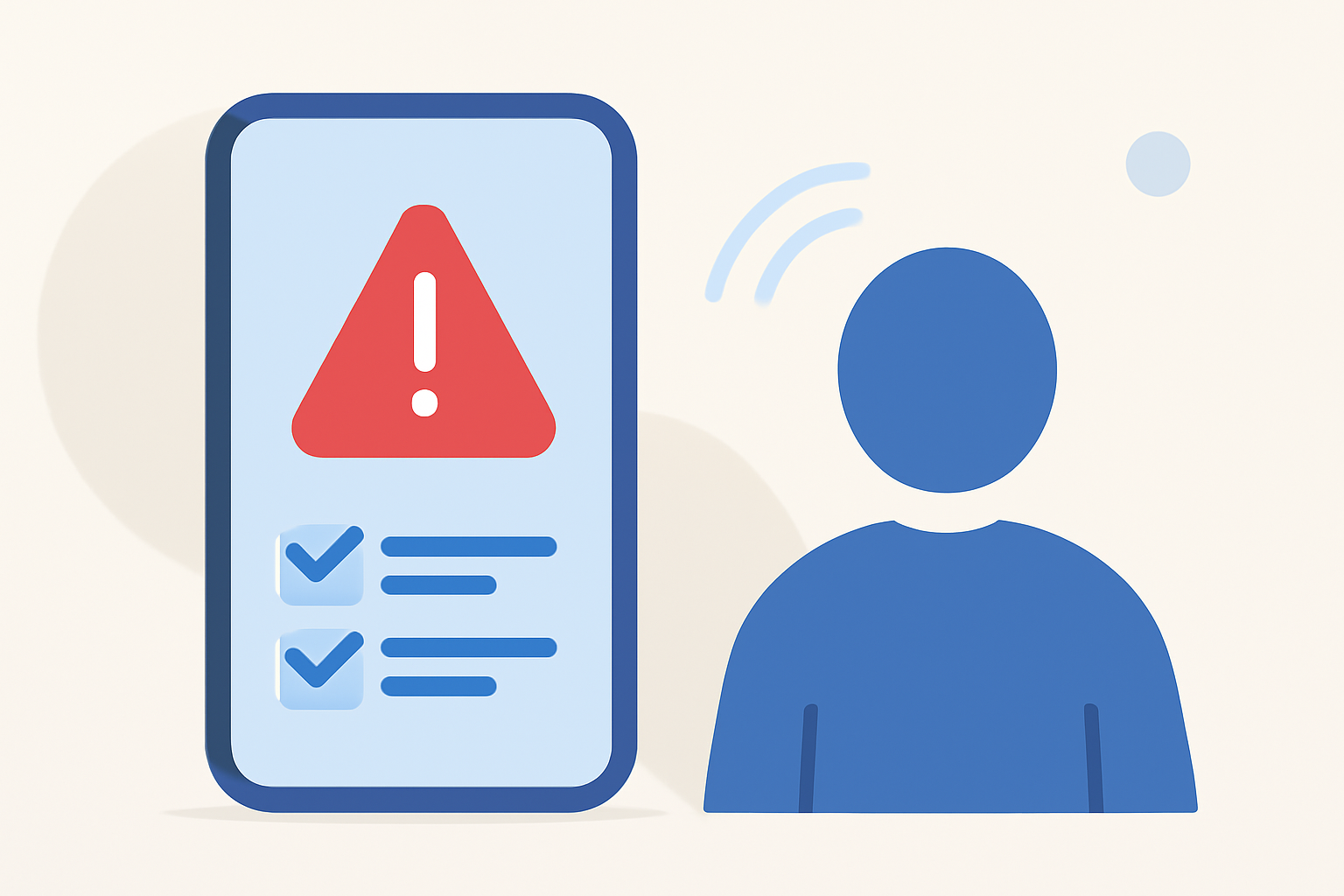
To ensure you receive WEA notifications on your mobile device, check the following settings:
- Enable Alerts: Go into your device’s notification settings and ensure that emergency alerts and WEA are enabled.
- Stay Updated: Make sure your device software is up to date to avoid missing any important alerts due to technical issues.
- Customize Preferences: Adjust your settings on weather apps like Clime, which allows personalized notifications related to specific locations saved within the app. Clime supports real-time alerts and weather tracking, ensuring you get the information relevant to you.
Tips for Using Wireless Emergency Alerts Effectively
- Know the Alerts: Familiarize yourself with the different types of alerts you may receive (e.g., tornado warnings, severe thunderstorm warnings).
- Keep Your Device Ready: Ensure your phone is charged and easily accessible during severe weather events.
- Stay Informed by Checking Apps: Alongside WEA, regularly check weather apps like Clime for updates and detailed forecasts, as they provide granular weather information in addition to alerts.
Advantages of Wireless Alerts Over Traditional Media
Compared to traditional media sources like radio or television, WEA provides more immediate, location-specific alerts that are delivered directly to you wherever you are. Unlike traditional media, these alerts do not rely on broadcast signals, making them effective in more remote or emergency situations where other media might fail.
Conclusion: What We Recommend
- Activate WEA Notifications: Make sure your device is set to receive Wireless Emergency Alerts to remain updated on crucial weather information.
- Use Clime for Enhanced Awareness: Coupling WEA alerts with Clime not only keeps you prepared but also provides extended weather insights like radar imagery and forecasts.
- Stay Prepared: Keep an emergency kit and plan in place to complement the information you receive through WEA and your weather app.
In an increasingly unpredictable climate, having the right tools and settings can make all the difference. Utilize WEA as a first alert mechanism and check apps to dive deeper into the data for informed safety decisions.