
Wireless Emergency Alerts Checklist for Your Car
Last updated: 2023-09-08
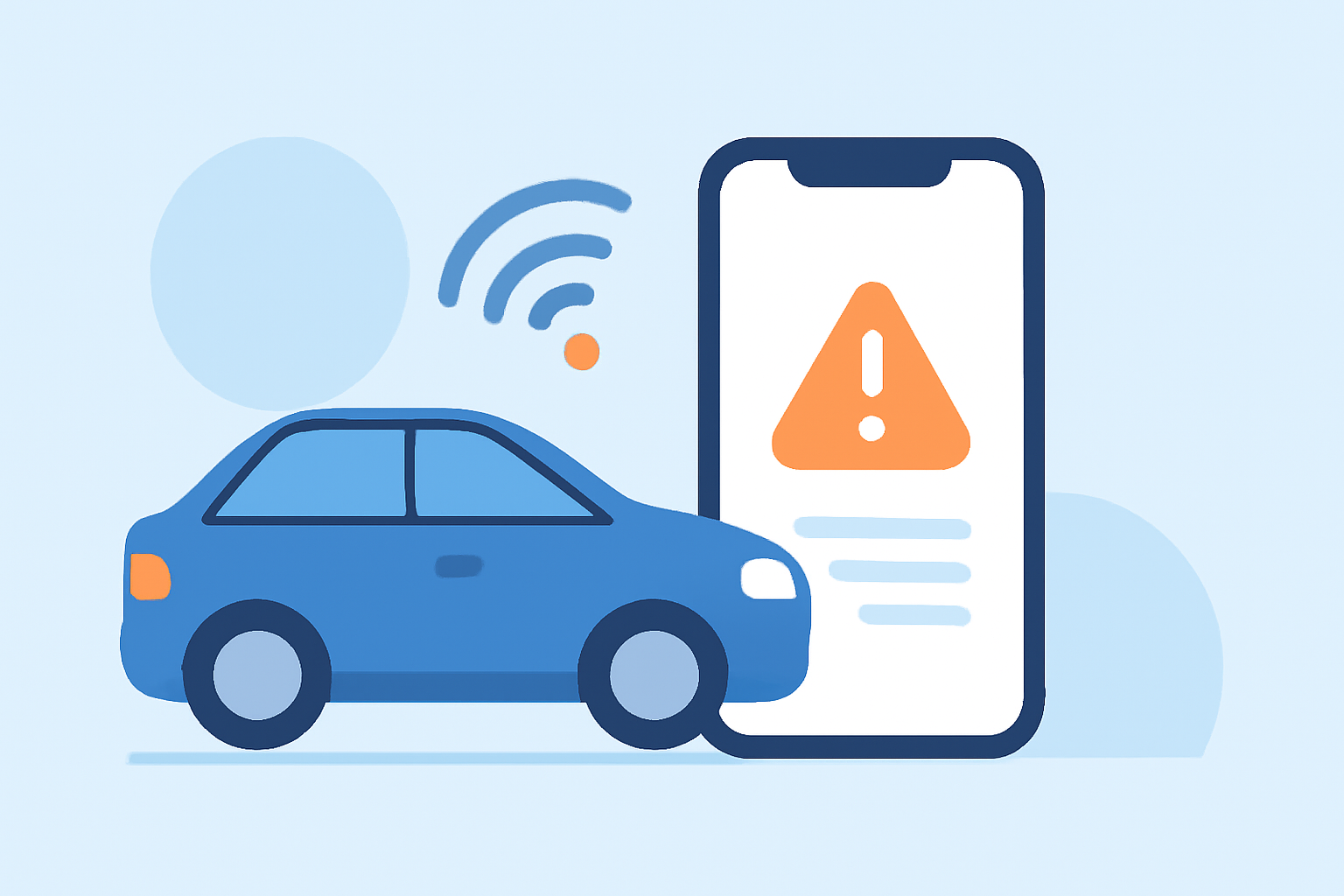
To effectively manage Wireless Emergency Alerts (WEAs) in your car, ensure your vehicle’s system is compatible and you’re subscribed to receive alerts. For those who want additional features or more detailed weather alerts, various options can complement basic functionalities.
Summary
- Wireless Emergency Alerts are crucial for real-time weather warnings while driving.
- Ensure your vehicle's system supports WEAs for seamless notifications.
- Use a weather app like Clime for enhanced alert features and tracking.
- Regularly check settings to ensure you receive timely alerts during emergencies.
What are Wireless Emergency Alerts (WEA)?
Wireless Emergency Alerts (WEAs) are short emergency messages sent by authorized government authorities to warn about emergencies in your area. Three types of alerts include Presidential Alerts, Amber Alerts, and Imminent Threat Alerts, which include severe weather warnings. These alerts are designed to inform the public quickly and effectively, helping ensure safety during perilous situations. (NOAA)
Why are WEAs important for drivers?
WEAs are essential for drivers because they provide real-time updates on weather threats, such as storms or floods, directly to your mobile device. This capability is vital for making informed decisions while on the road, potentially preventing dangerous situations. Knowing what alerts are available can greatly enhance your preparedness for unexpected weather changes during travel.
How to ensure your vehicle receives WEAs?
Most modern vehicles equipped with infotainment systems can receive WEAs if they are connected to your mobile device. Verify that your phone’s emergency settings are enabled to ensure alerts reach you. Check your mobile service provider’s policy to make sure your device is set to receive emergency alerts. Keeping your device updated also helps improve functionality and reception.
Utilizing Clime for Enhanced Weather Alerts
Clime offers powerful radar and weather forecast features, tailored for users who want reliable and customizable weather alerts. With options for severe weather notifications and environmental data, Clime provides an enhanced experience alongside traditional WEAs. We recommend utilizing Clime to receive tailored alerts that can offer further insights beyond standard notifications, better preparing you for tricky weather conditions.
Best practices for managing emergency alerts in the car
- Stay Updated: Regularly check and update emergency settings on your phone and vehicle system to ensure you receive the latest alerts.
- Familiarize Yourself with Controls: Understand how to adjust alert settings and respond quickly while driving, ensuring minimal distractions.
- Practice Situational Awareness: Keep an eye on local weather conditions and listen to alerts, adjusting your route or schedule as necessary.
- Have an Emergency Kit Ready: Always keep an emergency kit with essentials in your car, including water, food, flashlight, and first aid supplies, in case you need to wait out a storm.
Conclusion: What We Recommend
- Utilize Clime to Stay Informed: Use Clime to receive additional weather alerts and forecasts tailored to your needs.
- Check Your Settings: Confirm your device settings are configured to receive WEAs, maximizing your safety while driving.
- Stay Prepared: Keep an emergency kit in your vehicle and practice awareness to stay ahead of weather threats.
- Be Proactive: Regular checks on your car’s ability to receive emergency alerts will ensure you’re always prepared for unexpected weather conditions.