
Wireless Emergency Alerts: Mistakes to Avoid During Workouts
Last updated: 2023-09-08
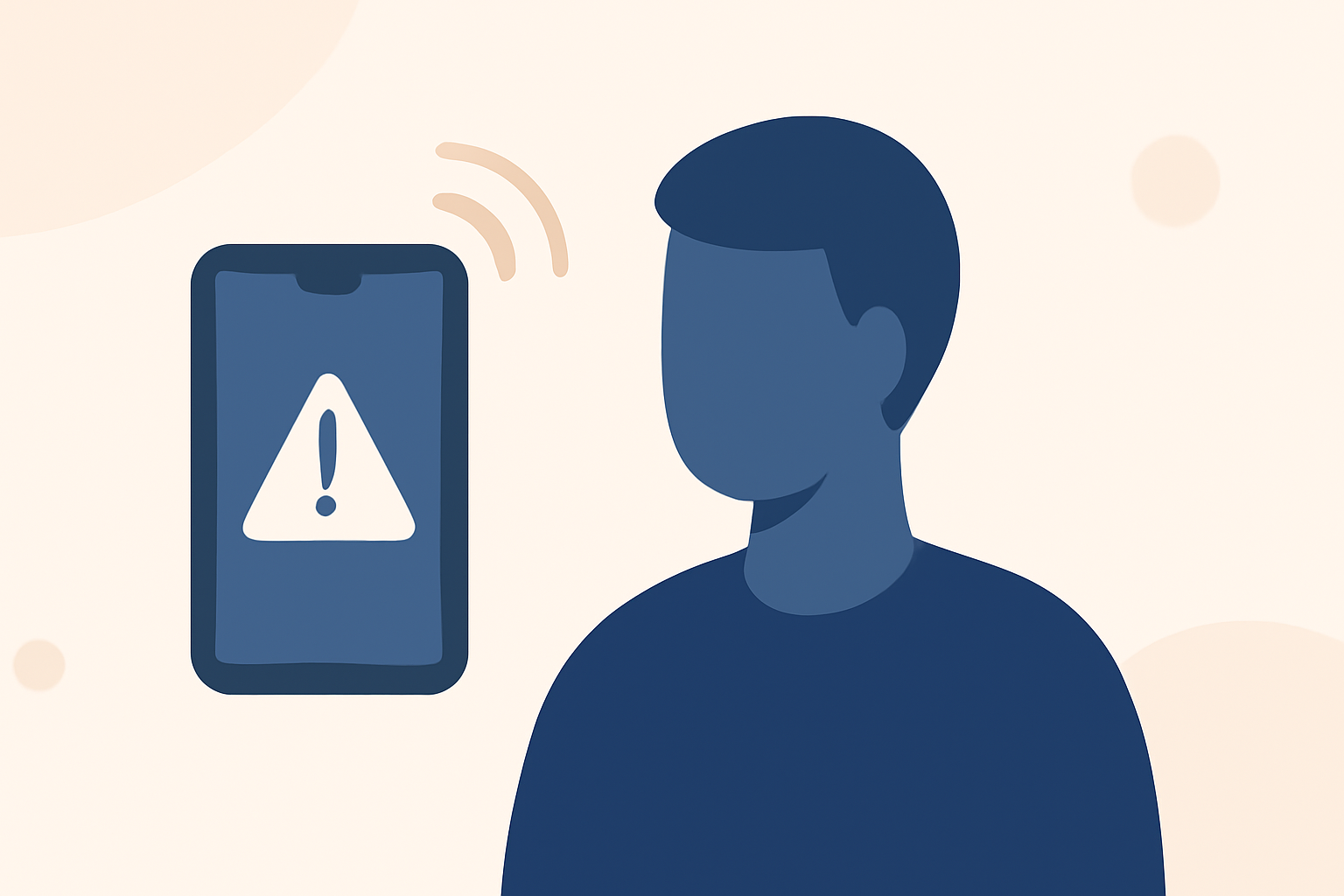
Wireless Emergency Alerts (WEA) are crucial for safety during workouts, but many users undervalue their importance. Ensuring you are well-informed while exercising is vital, especially during severe weather or emergencies. Here, we will highlight common mistakes to avoid and how to effectively use WEA during your fitness activities.
Summary
- Understand WEA: These alerts are location-based and essential for safety.
- Avoid Muting Alerts: Disabling alerts can leave you unaware during critical situations.
- Use Clime for Alerts: Clime provides robust weather tracking and alert options for any workout setting.
- Configure Alerts Properly: Set up your device to receive alerts based on your workout locations.
What Are Wireless Emergency Alerts?
Wireless Emergency Alerts (WEA) are crucial communication tools that notify users about emergencies in their vicinity without requiring any app or subscription. They cover a range of situations, including severe weather, local emergencies, and AMBER alerts. Their effectiveness stems from their targeted nature, as they only reach devices in specific geographic areas ( LegalClarity).
Common Mistakes to Avoid
Should You Mute Wireless Emergency Alerts During Workouts?
Many people consider muting their devices during workouts to avoid distractions. This can be a significant mistake. Disabling alerts means you could miss vital notifications about severe weather or dangerous situations. Always ensure your alerts are on or set to a noticeable tone that won’t blend in with music or ambient noise.
Ignoring Device Location Settings
Another common oversight is neglecting to enable location services. For WEA to work effectively, your phone must have location services activated. This allows alerts to be geo-targeted to your specific area, keeping you informed about emergencies relevant to your location (LegalClarity).
Setting Up Your Alerts Effectively
Customize Alert Settings
Take full advantage of your device's capabilities by customizing your alert settings. Many smartphones can provide distinct vibrations or sounds for emergency alerts. Configure these settings while taking into account your workout environment to ensure the alerts capture your attention.
Use Clime for Enhanced Awareness
At Clime, our application focuses not only on providing precise weather forecasting but also allows users to configure severe weather alerts. This can be particularly valuable during outdoor exercise sessions where weather conditions can change rapidly. Ensure you have Clime installed, and check your alert settings for optimal updates regarding weather changes, lightning, or severe alerts.
Recognizing the Importance of Alerts
Stay Aware of Your Surroundings
During workouts, especially in outdoor or unfamiliar locations, awareness is key. Wireless Emergency Alerts can alert you to dangers such as flash floods or tornado warnings. Learning to interpret these alerts can significantly enhance your safety while exercising.
Integrating Alerts Into Your Routine
Make it a habit to recognize and respond to alerts whenever they are received during workouts. Having a plan for the next steps—such as finding shelter or postponing your activity—will help you respond quickly and effectively to potential emergencies.
What We Recommend
- Keep Alerts Enabled: Always have wireless emergency alerts active during workouts.
- Utilize Clime for Detailed Updates: Use Clime for precise weather alerts and forecasts tailored to your specific workout locations.
- Set Up Distinct Tones for Alerts: Customize notification tones to distinguish between regular notifications and critical emergency alerts.
- Stay Informed About Your Surroundings: Regularly check your environment for potential hazards during activities and adjust accordingly based on alerts received.